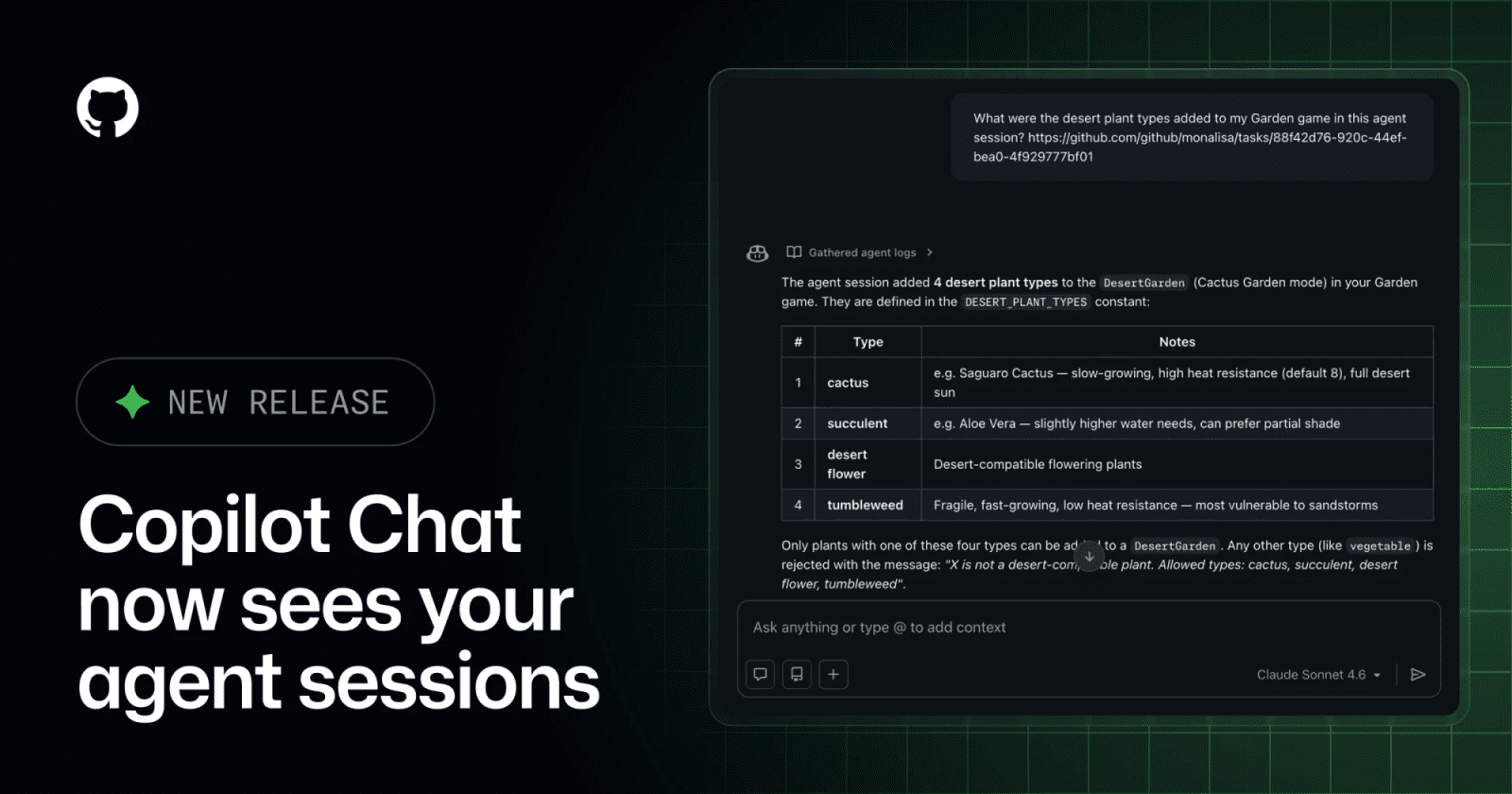
Copilot Chat can now query cloud agent session logs


GitHub Copilot Chat on the web can now show Copilot cloud agent session status, pull in agent logs, and search past sessions by topic, title, or recency.
GitHub Copilot Chat on the web can now use Copilot cloud agent session context directly inside chat. GitHub says chat can show the status of an in-progress agent session, answer follow-up questions after a session finishes, pull logs from an agent's pull-request work, and search older sessions by topic, title, or recency. The practical change is traceability: a developer can ask what the agent changed, what it validated, and why without leaving the chat handoff.
Key takeaways
- Copilot Chat now reflects the status of Copilot cloud agent sessions started from chat.
- The new "Get agent logs" tool brings session logs from agent pull-request work into the conversation.
- The new "Session search" tool can find and summarize past agent sessions by topic, title, or recency.
- GitHub frames the update as a handoff improvement between Copilot Chat and Copilot cloud agent on the web.
- Releasebot independently surfaced the GitHub changelog item in its GitHub release feed.
Practical LinkLoot angle
This matters for teams that use coding agents across more than one pull request at a time. Agent output is easier to trust when the review loop includes the session record: prompt, logs, validation notes, changed files, and follow-up questions. The feature is not a replacement for code review, but it can reduce the time wasted reconstructing what a cloud agent did after the fact.
| Workflow question | Best use | Limitation | Source |
|---|---|---|---|
| What did the agent change? | Ask Copilot Chat to use session logs after the agent completes work | Depends on what the session logs capture | GitHub |
| Which prior session touched this topic? | Search past sessions by topic, title, or recency | Useful only if sessions are named and scoped well | GitHub |
| Why was a validation step run? | Ask follow-up questions in the same chat flow | Still needs human review against the actual diff | GitHub |
| Should this replace PR notes? | Use it as supporting context | Keep final decisions in the pull request, issue, or release record | LinkLoot analysis |
For an internal agent workflow, pair this with a naming convention: task ID, repository, target branch, and expected validation. That makes session search useful later and gives reviewers a cleaner trail when several agents are working in parallel.
What to verify before you act
Check whether your Copilot plan and organization policy expose Copilot cloud agent on the web. Then test what the log tool actually includes for your repositories: command output, validation summaries, changed files, and any sensitive context. If logs include proprietary details, decide whether they belong in chat, pull-request comments, or only in your internal audit trail.
Also verify retention and access rules before treating session search as a knowledge base. A searchable archive of agent sessions is useful, but only if the right people can see it and old sessions do not become stale guidance for future work.
Source check
GitHub confirms the Copilot Chat handoff update, in-progress session status, follow-up questions, agent-log access, and session search. Releasebot independently lists and summarizes the same GitHub changelog item in its GitHub release feed.
Copilot Chat can now show agent session status, pull agent logs, and search past sessions on the web.
For broader setup choices, compare this with LinkLoot's guide to AI agent tools and keep agent-session context tied to reviewable repository artifacts.
Share your own knowledge as loot
Request access to the guided creator beta and get feedback on your first submission.