


🛠️

Tools & Apps

Apps, SaaS, useful web services

5
Drops
Price

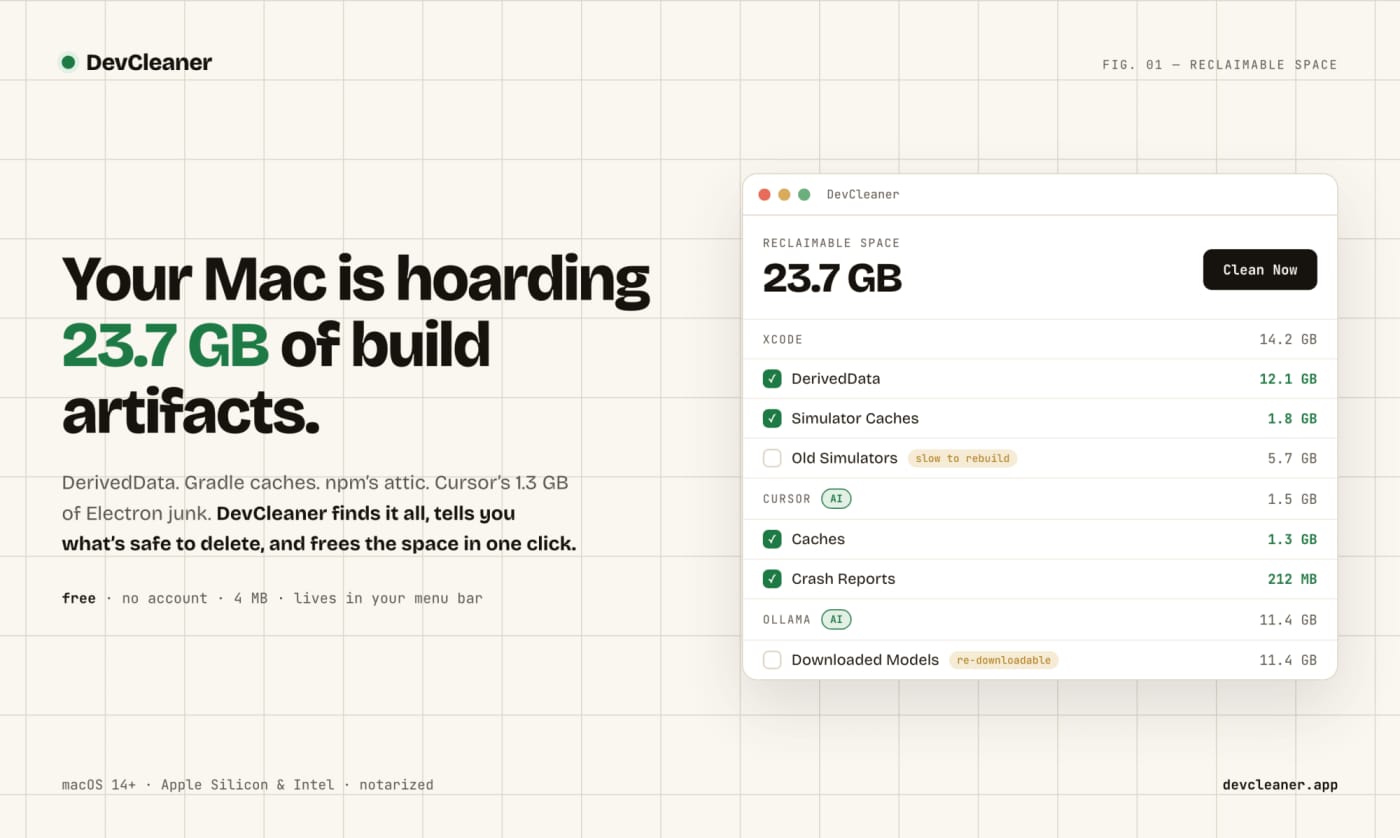
OmniGet is a surprisingly useful open-source desktop downloader for far more than YouTube

0
#OmniGet#Open Source#Downloader#Desktop App#yt-dlp#Developer Tools
OmniGet is an open-source desktop downloader that goes beyond YouTube and supports many common media sources. It is useful for users who want a practical local tool instead of relying on browser extensions or single-site downloaders. OmniGet is one of those tools that looks like a simple downloader at first — then turns out to be much broader. What makes it worth a look native desktop app for Windows, macOS, and Linux no ads, no account, no telemetry claims on the official site downloads from YouTube, TikTok, Reddit, X, Vimeo, Bilibili and more can also pull full online courses from platforms like Udemy and Hotmart bundles yt-dlp and FFmpeg so the setup is lighter than many DIY stacks What other sources reveal The GitHub repo and official site both point to a bigger pitch than the viral one: built-in previews and quality selection global hotkey workflow plugin ecosystem document/course reading and study features torrent and peer-to-peer transfer support
View
Free
User Avatar
@ZachasADMIN

DocuSeal is the open-source DocuSign alternative worth checking before you renew

0
#DocuSeal#DocuSign#Open Source#eSignature#Self-Hosting#PDF Tools
DocuSeal is an open-source e-signature option worth reviewing before renewing a commercial signing tool. It targets teams that want more control over document workflows, hosting, and long-term costs. If your team is paying DocuSign just to get PDFs signed, DocuSeal is one of the most practical open-source tools to evaluate before the next renewal cycle. DocuSign pricing and plan positioning Why DocuSeal is interesting open source and self-hostable fillable/signable PDFs with drag-and-drop fields multiple signers and signing order reminders, templates, API, webhooks, bulk send PDF signature verification and audit trail DocuSeal product preview What the sources suggest The strongest case for DocuSeal is not hype — it is the combination of: a mature GitHub repo with strong adoption real self-hosting support via Docker developer-first features like API, embedded signing, and webhooks user testimonials explicitly comparing it favorably to DocuSign and PandaDoc
View
Free
User Avatar
@ZachasADMIN

Microsoft’s VibeVoice is one of the most interesting free open voice AI stacks right now

0
#VibeVoice#Open Source#Voice AI#TTS#ASR#Microsoft
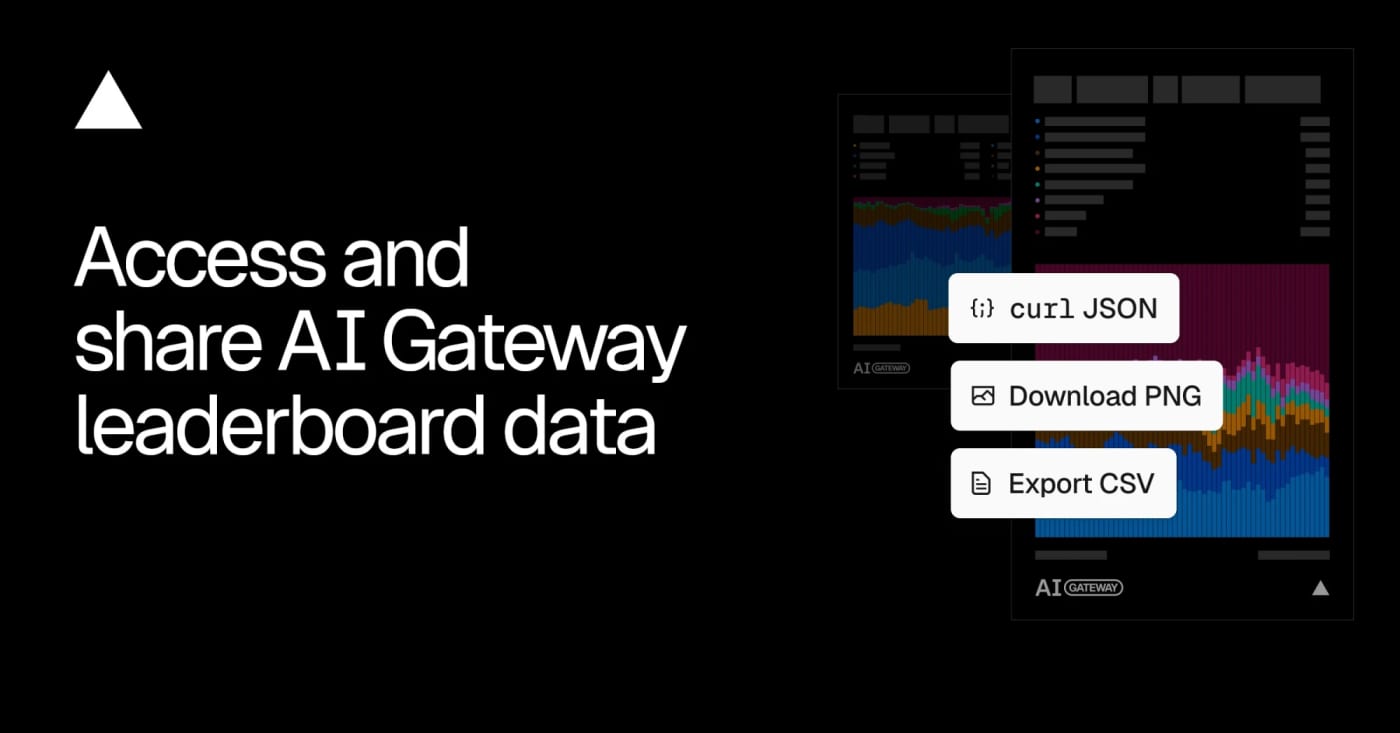
Microsoft's VibeVoice brings together open voice AI components for long-form TTS, realtime TTS, and ASR. Its appeal is the mix of local deployment paths, streaming focus, and ambitious long-form audio support. VibeVoice is not just “another free AI voice tool.” It is a serious open Microsoft voice stack with multiple tracks: long-form TTS, realtime TTS, and long-form ASR. What looks genuinely strong realtime TTS model with 300 ms first audible latency long-form TTS ambitions up to 90 minutes long-form ASR with 60-minute single-pass transcription 50+ languages on the ASR side open repo, papers, model cards, and demos What the repo and model cards reveal This is where it gets more interesting than the hype-post version: VibeVoice is a family, not one single tool the realtime model is lightweight and practical for streaming voice workflows the ASR side looks especially strong for long audio and structured transcription Microsoft explicitly warns that parts of the stack are research-oriented, not drop-in production defaults Useful takeaways from current sources Showcase 1: realtime streaming speech from incoming text Showcase 2: long-form multi-speaker conversational generation Showcase 3: long-audio ASR with speaker + timestamp structure Showcase 4: cross-lingual and multilingual exploration, though support differs by model The caveats that matter Microsoft notes misuse concerns and responsible-use limits some model cards explicitly say research use first, not blind production rollout language support is not equal across every model realtime and TTS variants have different constraints than ASR
View
Free
User Avatar
@ZachasADMIN

PopTox: Free Browser Calls to Real Phone Numbers — Pros, Cons, and What to Know

0
#poptox#voip#browser-calling#free-calls#tools#communication#web-app
PopTox is a browser-based calling tool that makes it easy to place quick calls to real phone numbers without installing an app. Here is where it creates value, where it falls short, and when it actually makes sense to use. PopTox: A Fast Way to Place Browser Calls Without Installing an App Why it matters PopTox is useful because it removes the usual setup friction from online calling. You do not need to install software, create a complicated workflow, or rely on the other person using the same app. If you want to place a quick call to a real phone number from a browser, that convenience is the core value. That makes PopTox interesting for people who want a lightweight calling tool for occasional outreach, quick personal calls, one-off international calls, or backup communication from a desktop browser. What the product does PopTox is a browser-based VoIP calling service designed to connect web users to real mobile and landline phone numbers. The basic flow is simple: Open the website. Choose the country. Enter the number. Allow microphone access. Start the call. The product pitch is straightforward: fewer steps, no download, and direct browser calling. Where PopTox is actually valuable The strongest part of PopTox is not novelty. It is speed and low friction. Instead of installing Skype-like software, creating an account first, or forcing both sides onto the same app ecosystem, PopTox aims to make the browser itself the calling interface. That is useful when: you need a fast one-time call you are on a desktop and do not want another app you want to test reachability of a number you need a lightweight international-calling option you want a backup tool when your primary workflow is unavailable For these use cases, the product can be genuinely practical. Core strengths 1) Very low setup friction This is the headline advantage. Open site, enter number, allow mic, call. 2) Calls real phone numbers That matters. Many communication tools only work app-to-app. PopTox is positioned around reaching actual landline and mobile endpoints. 3) Good fit for occasional use If you only need short calls from time to time, a browser-native tool is more convenient than a heavier calling stack. 4) No app dependency For users who dislike installing extra software, this is a meaningful product advantage. 5) Paid path exists if needed If free access is too restrictive, PopTox also offers a paid model for continued usage. Main drawbacks 1) “Free” does not appear to mean unlimited This is the biggest caveat. PopTox clearly mentions limits on free calling volume and duration. There are also prompts to sign up, pay, or move into a more permanent paid setup. So the real value proposition is better understood as easy browser calling with a limited free entry point, not unlimited free calling forever. 2) Product messaging is a bit mixed Some pages emphasize no signup and no payment, while other parts of the site highlight account funding, subscriptions, and paid calling. That does not kill the product, but it does mean users should treat the free offer as promotional and bounded. 3) Browser support matters Because the service depends on browser technology such as WebRTC, reliability may vary depending on browser support and local setup. 4) Web mic permission is required That is expected for calls, but some users will still see it as a trust barrier. 5) Not the best choice for high-trust communication Even if the service states that calls are encrypted and not recorded, many users will still prefer more established platforms for sensitive or business-critical conversations. Best fit PopTox looks strongest as: a convenience tool a lightweight browser dialer an occasional international-calling option a backup communication method a quick way to place short calls without app installation Less ideal fit It looks weaker as: a primary long-term calling platform a business-grade communication stack a privacy-first tool for sensitive calls a high-volume daily calling workflow Verdict PopTox is not most interesting because it is “free.” It is most interesting because it is fast, lightweight, and browser-native. That is the real product advantage. If your goal is to place quick calls from a browser to real phone numbers with minimal setup, PopTox is worth knowing. If your goal is unlimited, deeply reliable, business-critical communication, it makes more sense as a secondary utility than a core platform. Useful details to know The service says it works through the browser and uses WebRTC. It claims encrypted calls and says calls are not recorded. It publicly notes free-use limits and also promotes paid usage. Its FAQ mentions a shared caller ID number for abuse reporting, which is something users should understand before relying on it.
View
Free
User Avatar
@ZachasADMIN

This JS Agent Turns Any Website Into an AI Copilot

1
#AI Agent#Browser Automation#Web Automation#AI Copilot#JavaScript#DOM#SaaS#Accessibility#Open Source#Developer Tool
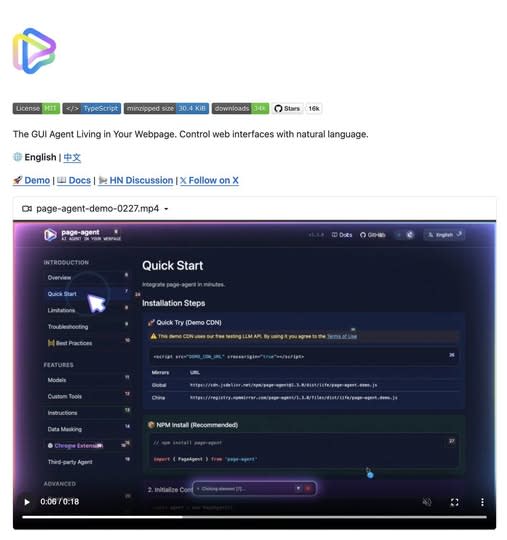
A lightweight in-page GUI agent that reads the DOM as text and executes natural-language commands inside your app. Great for copilots, form automation, and legacy UI workflows. What It Is Alibaba’s Page Agent takes a very different approach to browser automation. Instead of relying on screenshots, multimodal models, or brittle external browser control, it runs directly inside the webpage and reads the DOM as text. That means you can embed a natural-language GUI agent into your own product with a lightweight frontend integration. --- Why It Feels Different Most traditional browser automation stacks still depend on: screenshots selectors brittle scripting heavyweight orchestration Page Agent flips that model. It allows commands like: “fill out this form” “open settings” “change the billing plan” “submit the support request” And it does that inside the page context itself. --- Where It Gets Interesting The real value is not just automation. It is the ability to turn normal interfaces into natural-language workflows. That makes Page Agent especially interesting for: SaaS copilots internal tools admin dashboards form-heavy workflows support tooling accessibility layers for older web apps --- What Makes It Stand Out A lot of AI browser tools still feel like external bots driving a website from a distance. Page Agent feels closer to: an embedded UI assistant a natural-language task layer an AI control system for existing interfaces That difference matters. Because once the agent lives inside the interface, it becomes easier to imagine: product onboarding copilots guided admin actions internal ops assistants text-driven navigation for legacy tools --- Best Use Cases Use case Why it fits --- --- SaaS copilots Lets users control complex interfaces with natural language Internal tools Great for repetitive admin or ops workflows Form automation Especially useful where users need help completing multi-step UI flows Legacy software Adds a modern interaction layer without rebuilding the whole interface Accessibility Makes web apps easier to navigate through voice or text --- Why This Could Matter More Than It Looks A lot of people will see this and think: “Cool, another browser automation project.” That undersells it. What makes this interesting is that it points toward a broader shift: from external automation to embedded natural-language interaction If that model keeps improving, products will not just have dashboards anymore. They will have interfaces that users can talk to. --- Final Take Page Agent is one of the more interesting examples of where AI product interfaces are heading. Not because it is flashy. But because it suggests a practical future where: interfaces remain visual users stay inside the product and AI becomes a task layer sitting directly on top of the UI That is a much stronger idea than “just another browser bot.” Source GitHub: https://github.com/alibaba/page-agent
View
Free
User Avatar
@ZachasADMIN

Blog

Articles in Tools & Apps

View all
5/7/20265 min

The .de domain outage matters because one DNSSEC mistake can break a country-scale namespace

The recent .de disruption was not a normal website outage. It was a DNSSEC trust-chain failure at registry level, and that makes the lessons much bigger than one bad evening for German domains.

5/7/20264 min

Inkscape 1.4.4 is a bugfix-heavy bridge release that makes the path to 1.5 less messy

Inkscape’s latest stable release is not about a dramatic redesign. It is a maintenance-focused update with crash fixes, performance work, Windows on Arm installers, and a practical role as a bridge toward the upcoming 1.5 file format transition.

5/1/20266 min

Zed 1.0 may be the most interesting AI-native open-source editor right now

Zed 1.0 is not just another editor release. Its Rust foundation, GPU-accelerated UI, and agent-first architecture make it one of the most compelling alternatives to the usual AI-heavy editor stack.

4/30/20266 min

Linux Copy Fail root vulnerability: why CVE-2026-31431 is a real infrastructure risk

Copy Fail is not just another Linux local privilege-escalation bug. Its broad distro reach, tiny Python exploit, and shared-kernel implications make it especially relevant for containers, CI runners, and multi-tenant infrastructure.