Run Cursor agents from iPhone without leaving your laptop open


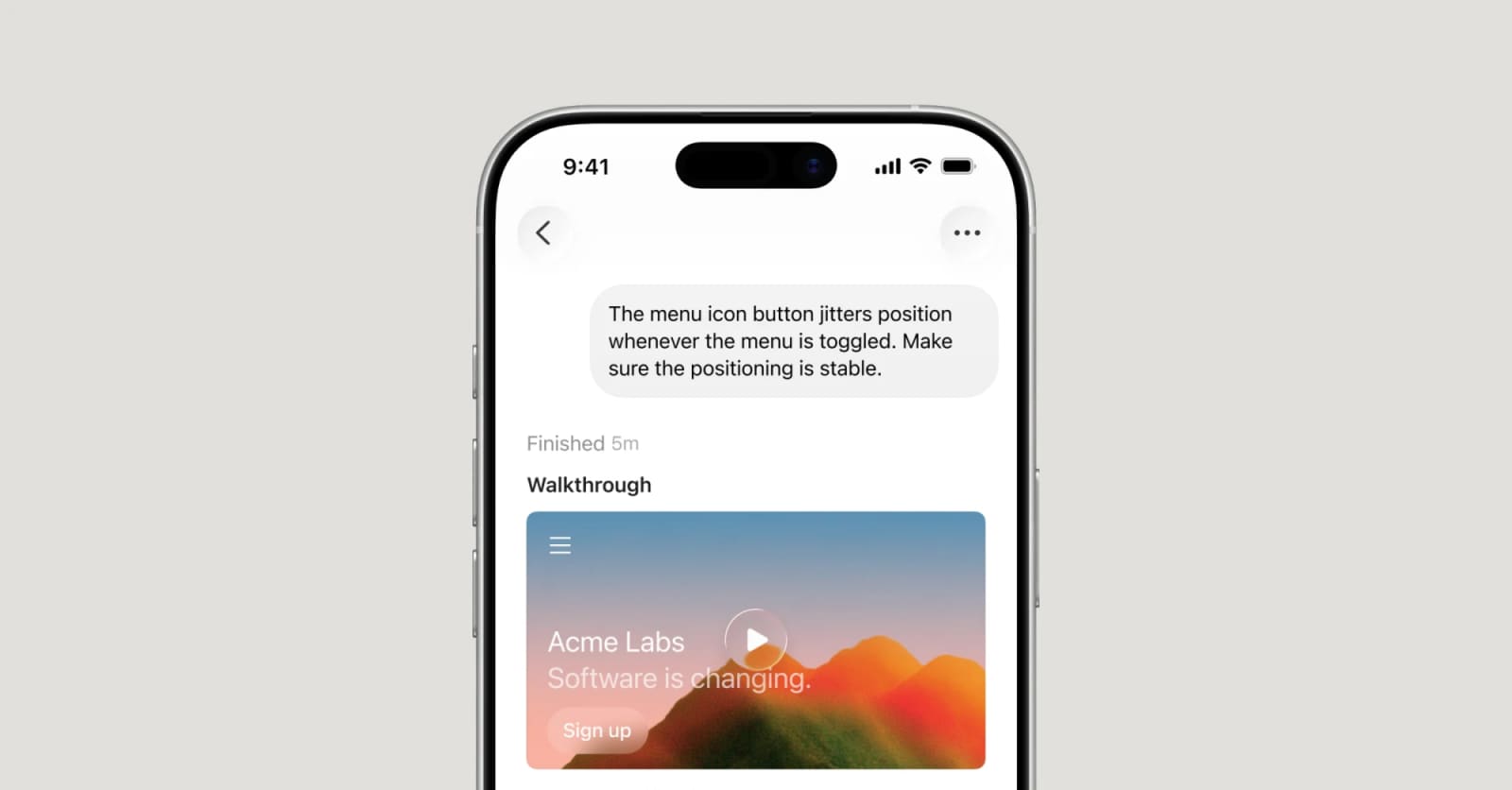
Cursor for iOS is now in public beta for paid plans, giving developers a mobile control surface for cloud agents, local Remote Control, reviews, logs, and PR handoff.
Cursor for iOS is confirmed and available in public beta for users on paid Cursor plans. Confidence level: confirmed for the public beta, mobile cloud-agent control, local Remote Control, and review workflow; pricing and regional availability should still be checked per account. The useful shift is not mobile code editing. It is mobile supervision for coding agents that can keep working while you are away from the desk.
What changed
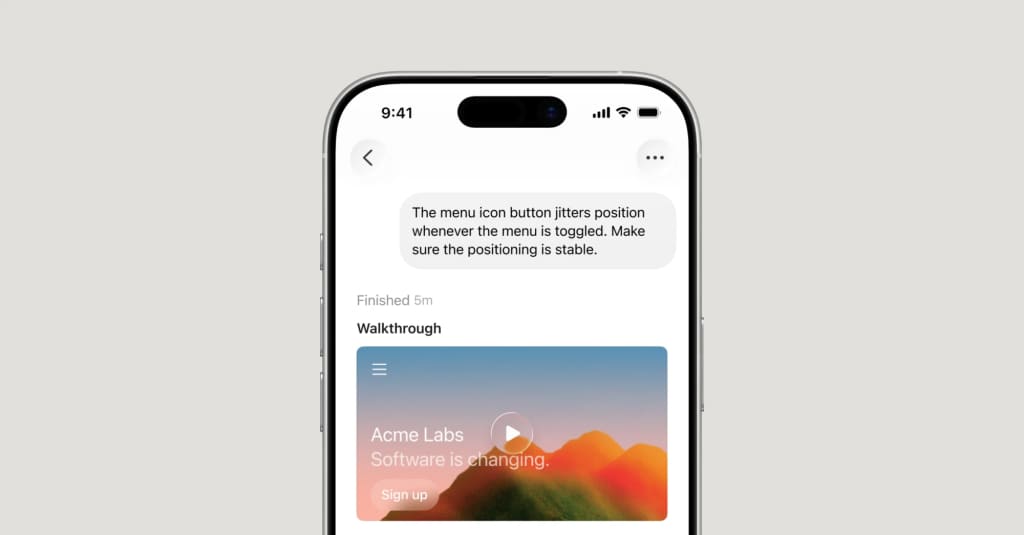
Cursor released a native iOS app that lets developers start and track cloud agents, continue local agents through Remote Control, receive Live Activities and push notifications, inspect generated artifacts, add follow-up instructions, and merge pull requests from the phone.
The app is tied to paid Cursor plans during the public beta. Cursor says cloud agents run in isolated virtual machines with full development environments, while local agent sessions can be moved to the cloud so work continues after a laptop is closed.
| Capability | Best fit | Access | Caveat |
|---|---|---|---|
| Cloud agents on iOS | Start repo-based coding tasks away from desktop | Public beta on paid plans | Still needs account and repo access |
| Remote Control | Continue agents running on your computer | Available in the mobile workflow | Team and Enterprise admins must enable it |
| Mobile review | Inspect diffs, logs, screenshots, demos, and PRs | In the iOS app | Complex reviews may still need desktop checks |
| Composer 2.5 promo | Lower-cost mobile runs during launch | Discount through July 5, 2026 | Temporary offer, not a baseline price |
Why this is early
Cursor published the product announcement and changelog first. TestingCatalog then surfaced the release for AI-agent watchers and added App Store-oriented context such as iOS requirements and the free download with paid-plan access.
This is early because it is a public beta, not a finished mobile IDE. Cursor is positioning the phone as a control layer for agents, cloud sessions, notifications, and review handoff. That makes it useful now, but the reliability of Remote Control, regional App Store access, and mobile review depth should be tested before teams depend on it.
Key takeaways
- Cursor for iOS is a native app in public beta for paid plans.
- Developers can launch cloud agents from a repo, use voice input, and guide work with slash commands.
- Remote Control lets users continue agents running on a local computer from the phone.
- Live Activities and push notifications report when an agent finishes, needs input, or is ready for review.
- Cursor says Team and Enterprise admins need to enable Remote Control in the dashboard.
Availability and access
Cursor says the iOS app is available now in public beta on all paid plans. The launch includes a temporary 75% discount on Composer 2.5 runs in the mobile app through July 5, 2026, so teams should treat that as a launch promo, not long-term pricing.
TestingCatalog reports App Store distribution for iPhone and iOS 26.0 or later. Check the App Store listing, your paid-plan status, workspace policy, region availability, and admin settings before promising mobile agent operations to a team.
Practical LinkLoot angle
Cursor for iOS is most useful when the task is bounded enough for an agent but urgent enough that waiting for a laptop wastes time. Good fits include investigating an incident, starting a small bug fix, converting mobile feedback screenshots into a UI task, or reviewing an already generated PR.
The risk is over-trusting mobile review. For production code, use the phone to start, steer, and triage. Keep final merges behind tests, branch protection, and human review rules. LinkLoot's AI agent tools guide is a good companion for checking agent permissions, cloud execution, audit trails, and rollback expectations.
What to verify before you act
- Confirm the iOS app is available in your region and works with your device and plan.
- Check whether Team or Enterprise admins have enabled Remote Control.
- Test cloud-agent handoff on a low-risk repository before using it on production systems.
- Verify model selection, Composer 2.5 promo timing, and any mobile-run billing rules.
- Keep branch protection, CI, code review, and secret-scanning controls active for mobile-initiated work.
Source check
Confirmed by: Cursor's announcement and changelog confirm the iOS public beta, paid-plan availability, cloud agents, Remote Control, Live Activities, push notifications, generated artifacts, diffs, follow-up instructions, and PR merge workflow.
Early signal / context: TestingCatalog corroborates the release and adds mobile-distribution context. LinkLoot did not use social posts as primary evidence.
No. Cursor frames it as a way to launch, control, track, review, and hand off agent work from a phone.
Try the related loot
Rowan: evidence-led security scanning for AI applications