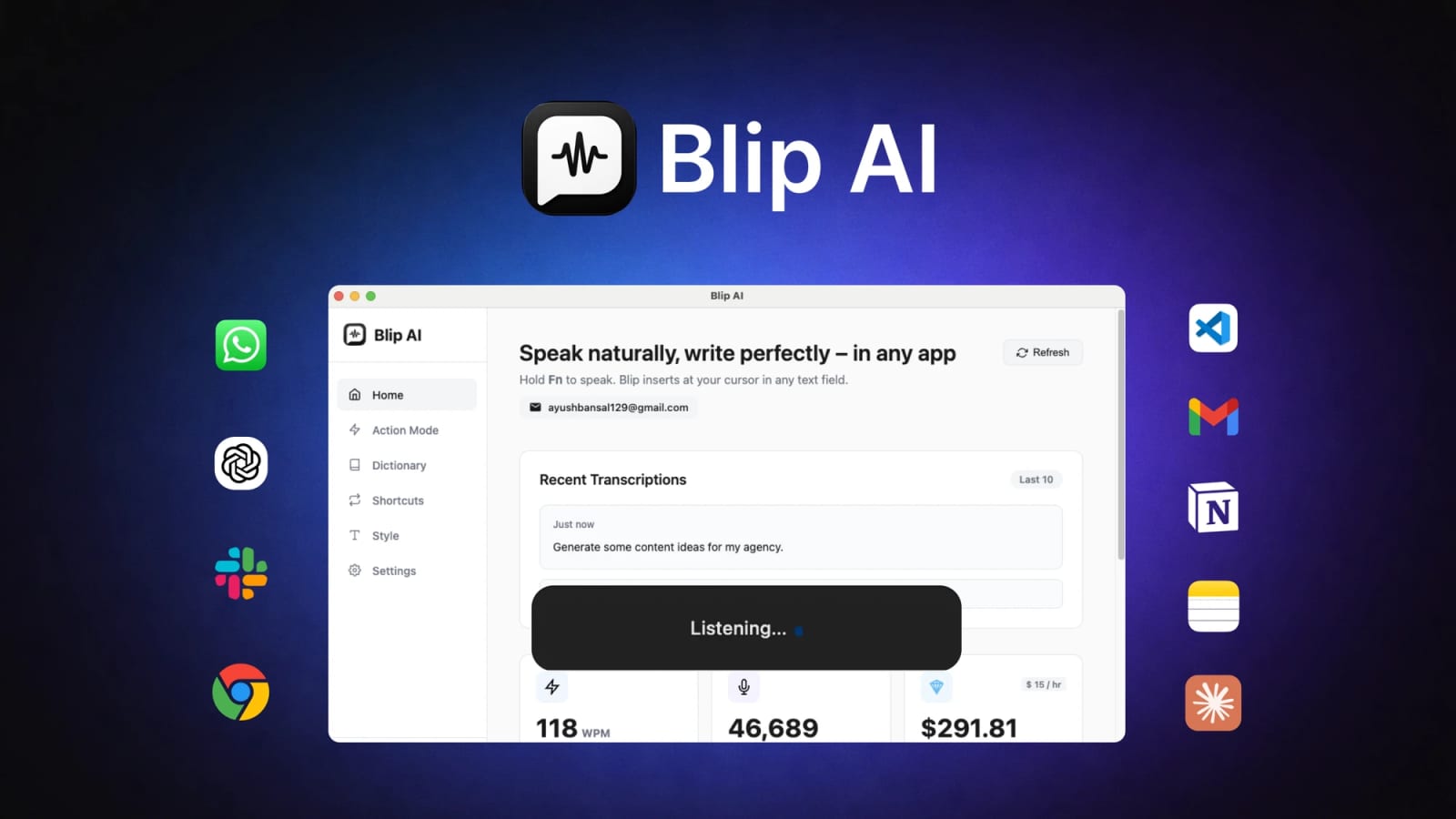
Blip AI’s AppSumo deal is a voice-to-text shortcut worth checking before another typing tool


Blip AI is on AppSumo with a lifetime deal for AI dictation, smart formatting, voice commands, and cross-app text insertion.
Blip AI is an AI dictation tool that turns spoken input into polished text inside everyday apps, and its AppSumo page currently lists a $59 lifetime offer. The AppSumo page describes smart formatting, filler-word removal, custom words, voice commands, and support for 99+ languages; the official Blip AI site independently describes the same core workflow for email, ChatGPT, Cursor, VS Code, and other apps. The deal is most relevant if your bottleneck is drafting prompts, replies, notes, or short-form messages faster—not if you need a full meeting transcription suite.
Key takeaways
- AppSumo lists Blip AI at $59 lifetime, with a 4.68-star aggregate rating from 141 reviews in the page metadata captured during this scan.
- The product turns speech into formatted text at the active cursor, with filler-word cleanup and smart punctuation.
- The official site highlights "Fn" or custom-shortcut activation, plus use cases for emails, ChatGPT, Cursor, VS Code, and other apps.
- AppSumo lists macOS, Windows, and Android compatibility; the official homepage emphasizes Mac and Windows, so device support should be verified before purchase.
- The strongest use case is fast composed text—prompts, Slack updates, client emails, notes, and coding-agent instructions.
| Buyer question | Why it matters | Blip AI signal from sources |
|---|---|---|
| Do I dictate often enough? | A lifetime deal only pays off if typing is a real bottleneck | Both sources focus on cross-app speech-to-text speed |
| Does it work in my apps? | Dictation value depends on active-cursor insertion | Sources mention Gmail, Slack, ChatGPT, Cursor, VS Code, and general desktop apps |
| Is platform support clear? | AppSumo and official wording differ on Android emphasis | Verify the current download page before buying |
| Is privacy acceptable? | Voice tools can touch sensitive messages and prompts | Review the vendor’s terms, processing model, and data controls |
Practical LinkLoot angle
Blip AI is not just a "write faster" utility if you use it deliberately. A useful workflow is to speak rough intent into ChatGPT, Cursor, Claude Code, or Copilot, then let the assistant do the structured work: "draft three subject lines," "turn this bug into reproduction steps," or "write the Slack update with next actions." The value comes from reducing the friction between thinking and giving your AI tool enough context.
For creators, the deal is most compelling when voice becomes a capture layer: script ideas, caption drafts, sponsor-email replies, and content outlines can start as spoken thoughts and land as cleaner text. For developers, the pitch is different: long agent prompts, code-review notes, and implementation instructions are often faster to speak than type. The limitation is that AI dictation still needs review, especially for names, code symbols, product terms, and anything legally or financially sensitive.
What to verify before you act
First, confirm platform fit. The AppSumo page mentions Mac, Windows, and Android, while the official homepage scanned here emphasizes Mac and Windows downloads, so Android availability or parity should be checked directly before buying. Second, test whether Blip AI can insert text reliably in the apps you actually use, because a dictation tool that only works in half your workflow becomes another tab to manage.
Also review privacy expectations. If you plan to dictate client messages, code prompts, medical notes, or financial text, read the vendor’s terms and any processing claims before routing sensitive speech through it. Finally, compare it with built-in OS dictation and alternatives such as Wispr Flow-style tools; Blip AI’s deal is attractive only if the formatting, custom words, voice commands, or cross-app behavior beat what you already have.
Blip AI turns spoken input into polished text for emails, prompts, chat messages, notes, and coding-tool instructions.
For more practical tool-screening ideas, see LinkLoot’s guide to lifetime software deals.
Try the related loot
Scrape Changing Websites with Anansi Self-Healing Selectors and MCP