Cursor cloud agents now follow PRs, Slack threads, and long-lived goals


Cursor's August 19 release lets cloud agents wake on events, pursue goals across sessions, and run subagents in isolated virtual machines.
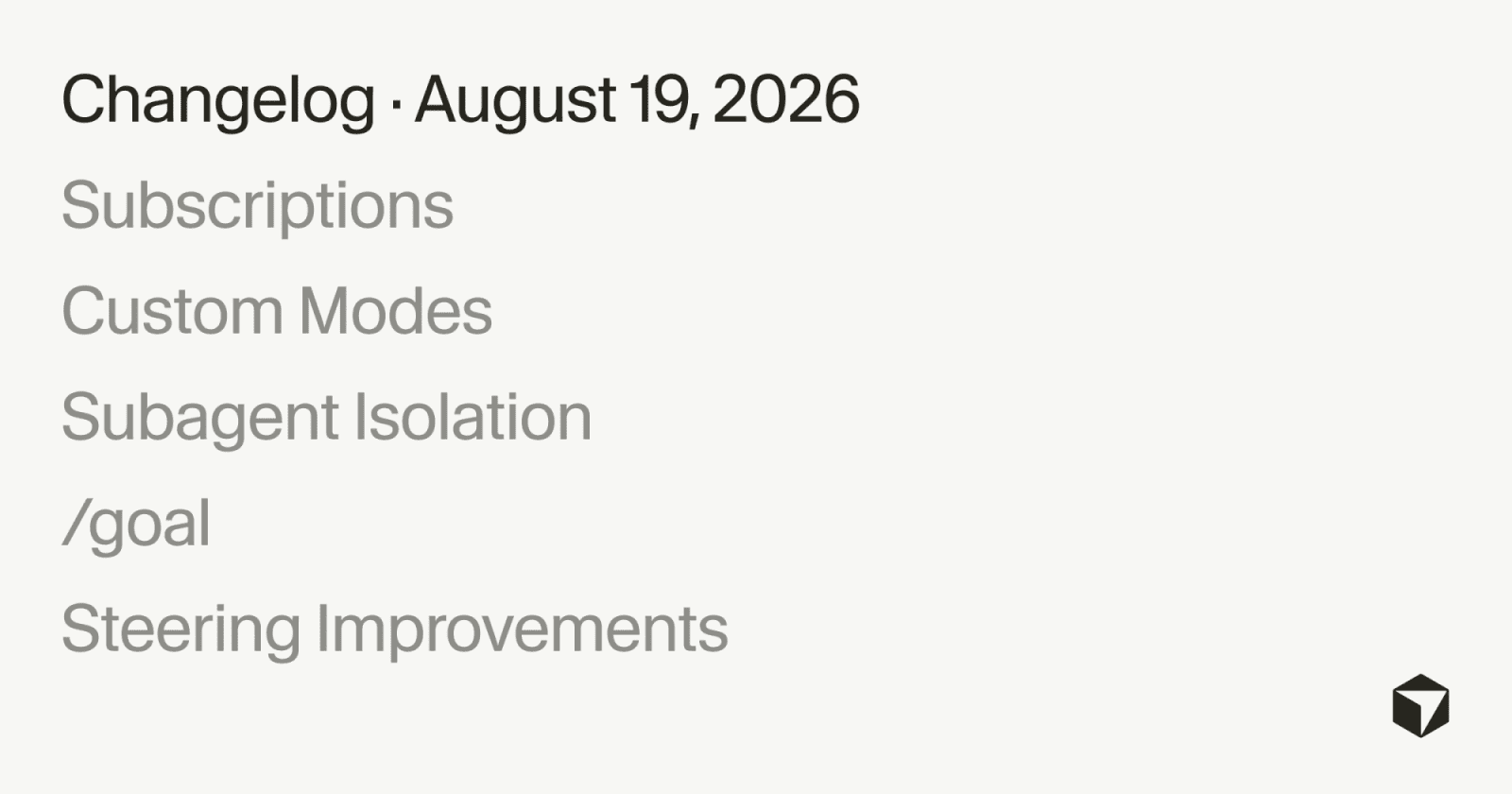
Cursor's August 19 cloud-agent release changes the unit of work from a single prompt to an ongoing objective. Cloud agents can now watch pull requests and Slack threads, run scheduled tasks, continue toward a /goal, and use isolated virtual machines for parallel subagents. Cursor still describes these as cloud-agent capabilities; the changelog does not claim a new plan tier or published concurrency limit.
Cursor cloud agents wake on events
The release adds subscriptions for cloud agents. A Cursor agent can monitor a pull request it created, watch a Slack thread, or run on a schedule. When the subscribed event changes, the agent wakes and resumes work. For a pull request, Cursor says the agent can address CI failures and bot comments as it drives the change toward completion.
That is a meaningful workflow change for teams that currently use an agent, wait for its output, and manually start the next loop. The new behavior is closer to a background worker: the trigger can be a review comment, a failing check, a message, or a clock rather than another user prompt.
Long-lived goals and isolated subagents
The /goal command lets users give an agent an objective to pursue until it is complete. Cursor's example is to keep working on flaky tests until CI is green. Custom modes can keep a skill pinned to the conversation, while subagents can run on their own virtual machines with isolated project copies and clean context.
The isolation matters when several agents need to test or modify the same project in parallel. It reduces workspace collisions, but it does not remove the need to define repository permissions, secrets, network access, and review rules. Cursor's cloud-agent documentation says these environments can include secrets and network access, so teams should treat a persistent agent as an active production integration rather than a passive chat session.
What the release does not settle
Cursor's changelog does not publish adoption figures, uptime data, concurrency caps, or a separate price for subscriptions and scheduled work. It also limits subscriptions to cloud agents for now. Those omissions matter for teams considering unattended CI or Slack-driven automation: the technical trigger is documented, while operational ceilings and cost behavior still need to be checked in the account and workspace.
Independent analysis from Digital Applied places Cursor's release alongside Codex Cloud's same-day GitLab beta and identifies the common shift toward coding agents that persist after the initiating session ends. That comparison supports the workflow direction, but it does not add vendor performance or pricing data.
Practical checks for a first deployment
Start with a non-production repository and a narrowly scoped goal. Confirm which account admin connects source control, what the cloud environment can read or write, how scheduled runs are billed, and who reviews an agent-generated merge request. For a broader survey of agent tooling, see LinkLoot's AI agent tools guide.
Cursor has made persistent execution available as a product capability. The next practical question is no longer whether an agent can continue after a prompt, but how much authority a team is willing to grant it while it does.
Try the related loot
Catch AI-generated code that looks correct but breaks its contract