Use GitHub Copilot as a Native Agent Inside JetBrains IDEs


Copilot agent support in JetBrains AI Assistant: what is available, how teams can test it, and which review controls matter before adoption.
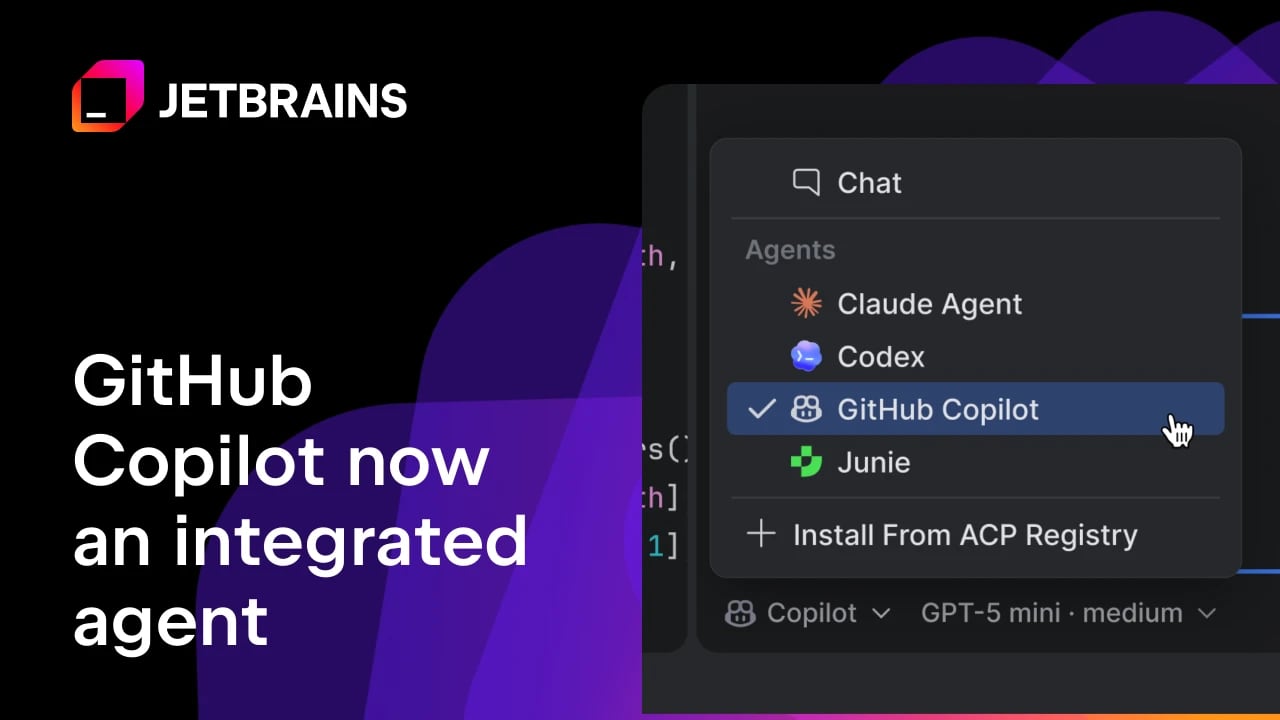
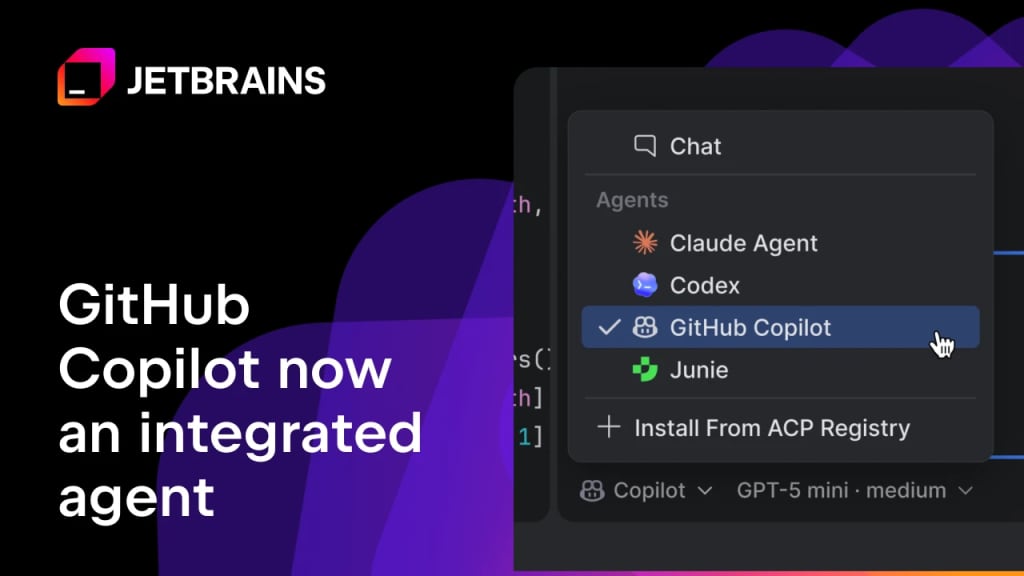
GitHub Copilot is now available as a native agent option inside JetBrains AI Assistant. Confidence level: confirmed. GitHub and JetBrains both describe a deeper integration that puts Copilot in the JetBrains agent picker, with OAuth login, model selection, reasoning controls, and multistep coding tasks available from the IDE chat surface.
What changed
GitHub's June 30, 2026 changelog says Copilot Agent is now available in JetBrains AI Assistant. The practical change is that Copilot becomes a first-class choice in the AI Assistant agent picker, instead of only being reachable through earlier ACP-based routes or a separate Copilot plugin workflow.
JetBrains says the integration is available by default inside supported JetBrains IDEs once users update and open AI chat. Copilot authenticates through GitHub OAuth, and JetBrains notes that users need an active GitHub Copilot subscription. Copilot CLI slash commands such as /remote and /chronicle are also available directly in AI chat.
Why this is early
This is a same-day platform rollout from two official sources. GitHub provides the Copilot-side product details, while JetBrains confirms the IDE-side workflow, authentication path, and setup steps.
The remaining uncertainty is account-level rollout. JetBrains says users need to update their IDE, and GitHub describes supported Copilot model choices and reasoning-depth controls. Teams should verify which IDE versions, Copilot plans, enterprise policies, and model settings are active for their organization before standardizing on it.
Key takeaways
- Copilot can now be selected as an agent in JetBrains AI Assistant.
- Users authenticate through GitHub OAuth and need an active Copilot subscription.
- The integration supports model picking and reasoning-depth controls in AI chat.
- Copilot can handle multistep coding tasks, propose changes, run commands, and iterate with the developer.
- JetBrains and GitHub say more orchestration work is planned, including Next Edit Suggestions and skills.
| Workflow | What changes | Access | Cost/status | Caveat |
|---|---|---|---|---|
| JetBrains AI chat | Copilot appears in the agent picker | Updated JetBrains IDE + AI Assistant | Requires GitHub Copilot subscription | Account rollout may vary |
| Model choice | Supported Copilot models selectable in chat | Copilot plan and policy dependent | Usage-based billing applies where configured | Admin model policies can restrict choices |
| Agent tasks | Copilot can plan, edit, run commands, and iterate | IDE project context | Billed through Copilot usage model | Review diffs and commands before merge |
| CLI-style flows | /remote and /chronicle can be used in AI chat | Copilot CLI feature availability | Depends on Copilot access | Verify enterprise settings |
Availability and access
To try it, update your JetBrains IDE, open AI chat, choose GitHub Copilot from the agent picker, and complete the GitHub OAuth flow. New AI Assistant users can start from the JetBrains AI widget and install the AI Assistant plugin if needed.
JetBrains says the integration is not included with a JetBrains AI subscription. Copilot access remains tied to a GitHub Copilot subscription. For Business and Enterprise accounts, administrators should check model policies, usage-based billing controls, and any restrictions on agentic features before rolling this out broadly.
Practical LinkLoot angle
This matters for teams that prefer JetBrains IDEs but still want Copilot's agent workflows. The useful test is simple: take one routine issue, run it through Copilot in JetBrains AI Assistant, and compare setup time, code review quality, command transparency, and cost visibility against your existing JetBrains AI, Codex, Claude, or Cursor workflow.
If your team already documents agent workflows, add this route to your internal comparison list. LinkLoot's AI agent tools guide is a useful place to track which coding-agent surface fits each kind of engineering task.
What to verify before you act
- Confirm the minimum JetBrains IDE and AI Assistant version for your team.
- Check whether the GitHub Copilot agent option appears for your account and plan.
- Review Copilot model policies, reasoning controls, and enterprise restrictions.
- Verify usage-based billing, AI credit budgets, and cost-center controls before assigning long-running tasks.
- Test commands and file changes in a sandbox branch before using it on production work.
Source check
Confirmed by: GitHub's changelog confirms Copilot Agent availability in JetBrains AI Assistant, native agent-picker use, model selection, reasoning controls, and multistep coding-task support. JetBrains confirms the IDE workflow, OAuth authentication, subscription requirement, CLI slash-command availability, and getting-started steps.
Context: Billing and enterprise policies can still affect real rollout inside organizations, so teams should verify current Copilot settings in their own admin console. LinkLoot will treat broader rollout notes, plan changes, or JetBrains version requirements as update triggers.
Yes. GitHub and JetBrains say Copilot is now a first-class agent option in the JetBrains AI Assistant agent picker.
Try the related loot
This JS Agent Turns Any Website Into an AI Copilot