UI-TARS Desktop is a serious local computer-use agent — if you lock down the setup
ByteDance’s UI-TARS Desktop is one of the most interesting open-source computer-use agents right now: it sees your screen, clicks, types, and works across desktop and browser tasks. The important nuance is security: the app can feel local-...
What you get from it
ByteDance’s UI-TARS Desktop is one of the most interesting open-source computer-use agents right now: it sees your screen, clicks, types, and works across desktop and browser tasks. The important nuance is security: the app can feel local-first, but privacy depends on how you host the model and whether you disable optional telemetry and report upload flows.
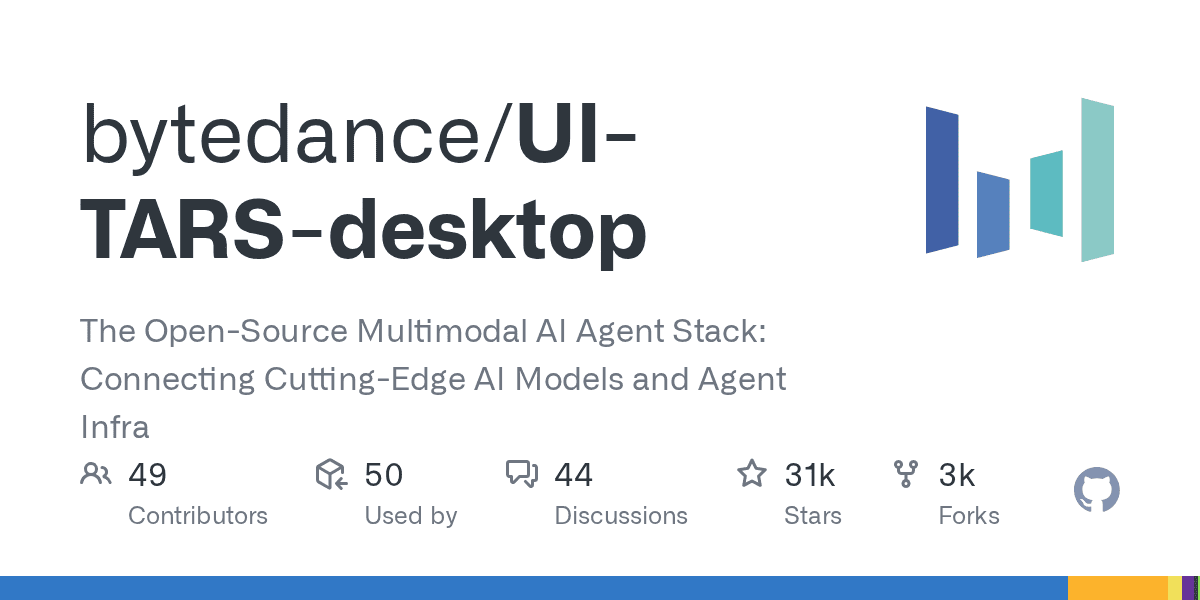
UI-TARS Desktop is not just another agent demo. It is a real open-source desktop automation app that can watch the screen, move the mouse, type, and complete GUI tasks through natural-language instructions. At the time of writing, the repo sits at 30.7k+ GitHub stars, which explains why it is suddenly everywhere.
What it actually offers
- local computer operator for desktop tasks
- browser operator mode for web workflows
- natural-language control powered by a vision-language model
- screenshot understanding plus mouse and keyboard execution
- official quick-start docs, settings docs, and public showcase clips
- Apache-2.0 licensed repo with the UI-TARS research paper behind it
Security reality check
The viral pitch says “runs 100% locally,” but the practical answer is more nuanced. The official docs show the desktop app connecting to external or self-hosted OpenAI-compatible model endpoints such as Hugging Face or VolcEngine. So the GUI control can be local, but privacy depends on where your model inference happens.
Here is the more useful security read:
- good: the app itself is open source and the main operator runs on your own machine
- good: the project has a public security policy and a formal vulnerability-report path
- good: official docs surface permission requirements clearly, especially screen recording and accessibility on macOS
- watch out: optional report upload docs explicitly note there is currently no authentication designed for the report storage server
- watch out: the UTIO event endpoint can receive app launch, instruction, and share-report events if you configure it
- watch out: if you point the app at hosted inference endpoints, your screenshots and task context may leave the machine depending on that backend
- watch out: the current docs also note single-monitor assumptions and remote-operator history, so this is not a zero-risk “install and forget” tool
Best practices before you trust it with real work
Where it looks genuinely useful
- repetitive desktop QA flows
- browser-side task automation without building a custom script for every site
- controlled internal demos of computer-use agents
- research and evaluation against GUI benchmarks
- experimentation with open-source alternatives to expensive proprietary computer-use stacks
Official showcase and app screens
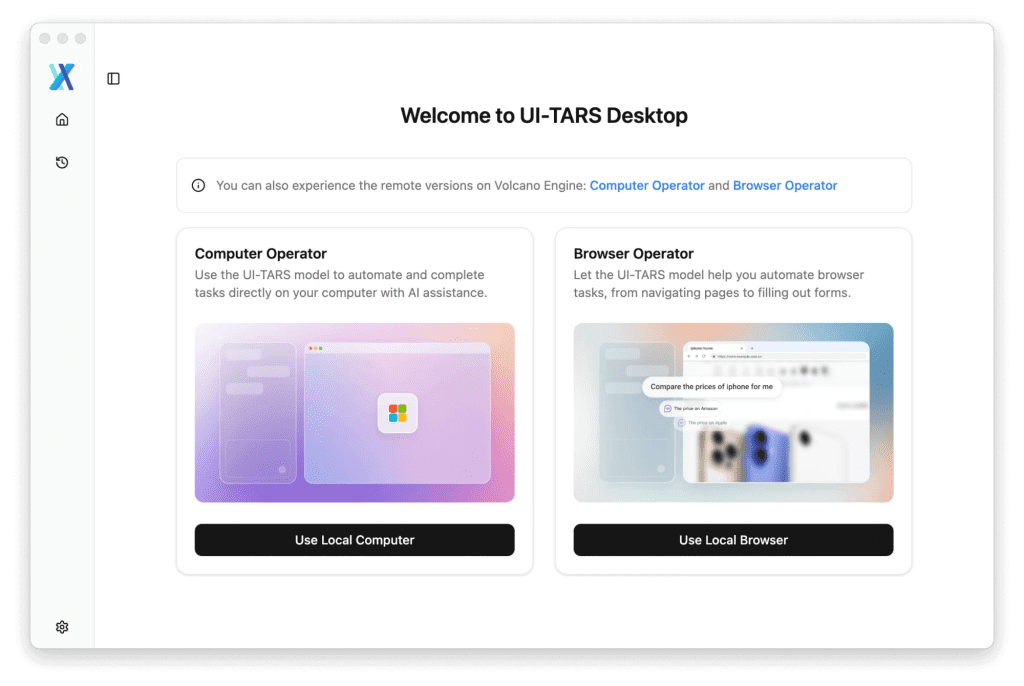
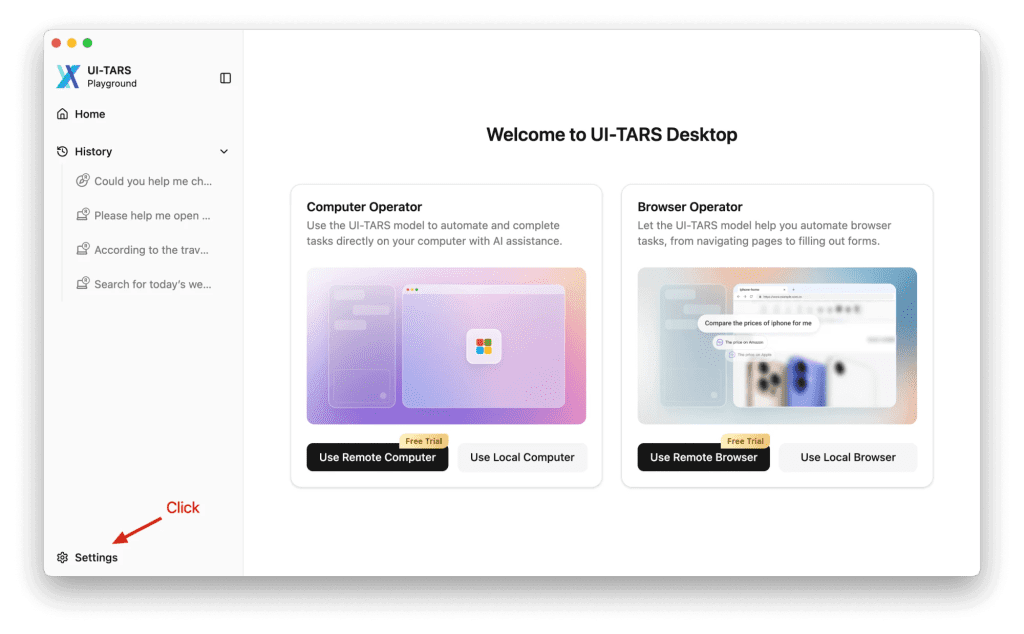
The official README also links showcase clips for:
- changing VS Code autosave settings with the local operator
- checking the latest GitHub issue with the agent
- remote operator demos for desktop and browser workflows
Why this repo matters
The underlying UI-TARS paper claims state-of-the-art benchmark performance across GUI-agent tasks, including stronger numbers than several well-known closed-model baselines in parts of OSWorld and AndroidWorld. That does not automatically mean better production reliability, but it does make the repo more than just hype.
My bottom line
UI-TARS Desktop is one of the best open-source computer-use projects to watch right now because it combines a real app, public docs, showcase examples, and a research-backed model story. Just do not repeat the lazy “100% local” claim without the important qualifier: it is only as private as the endpoint and integrations you configure.
Discussion
Share practical experience, questions, or warnings with the community.
Sign in to join the discussion and vote on comments.
Sign in