Topic
#Privacy
Loot, blog posts and adjacent themes connected to this topic. Follow the tag to keep it in your orbit.
Loot
More from this topic
#AI Agents#Desktop Automation#Computer Use#Open Source#GUI Agent#Privacy#Security
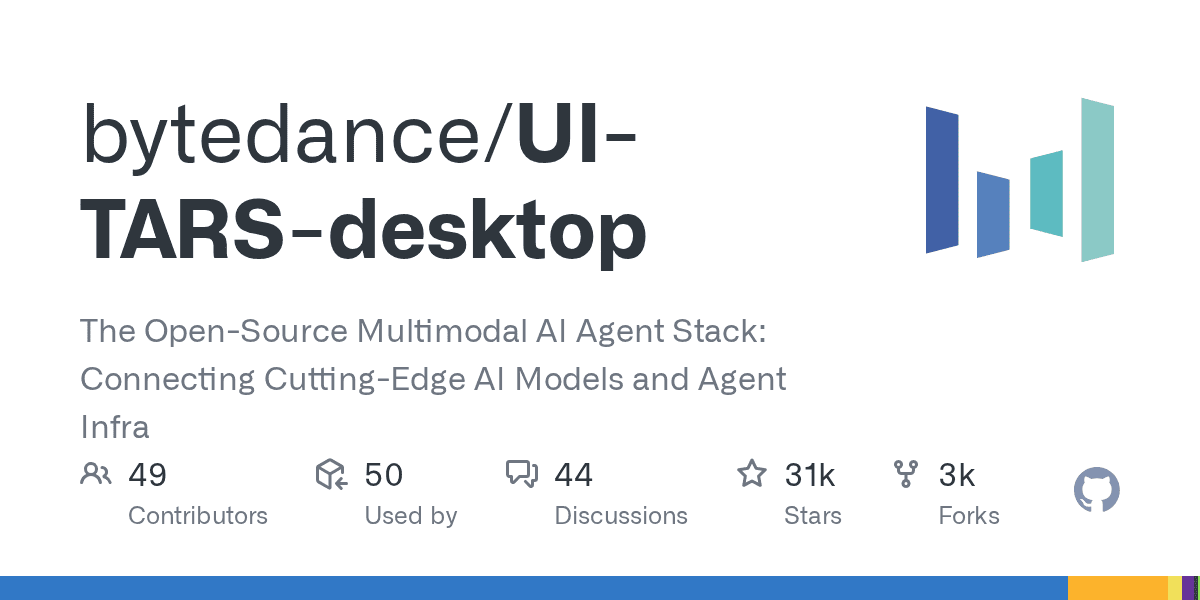
ByteDance’s UI-TARS Desktop is one of the most interesting open-source computer-use agents right now: it sees your screen, clicks, types, and works across desktop and browser tasks. The important nuance is security: the app can feel local-first, but privacy depends on how you host the model and whether you disable optional telemetry and report upload flows. UI-TARS Desktop is not just another agent demo. It is a real open-source desktop automation app that can watch the screen, move the mouse, type, and complete GUI tasks through natural-language instructions. At the time of writing, the repo sits at 30.7k+ GitHub stars, which explains why it is suddenly everywhere. What it actually offers local computer operator for desktop tasks browser operator mode for web workflows natural-language control powered by a vision-language model screenshot understanding plus mouse and keyboard execution official quick-start docs, settings docs, and public showcase clips Apache-2.0 licensed repo with the UI-TARS research paper behind it Security reality check The viral pitch says “runs 100% locally,” but the practical answer is more nuanced. The official docs show the desktop app connecting to external or self-hosted OpenAI-compatible model endpoints such as Hugging Face or VolcEngine. So the GUI control can be local, but privacy depends on where your model inference happens. Here is the more useful security read: good: the app itself is open source and the main operator runs on your own machine good: the project has a public security policy and a formal vulnerability-report path good: official docs surface permission requirements clearly, especially screen recording and accessibility on macOS watch out: optional report upload docs explicitly note there is currently no authentication designed for the report storage server watch out: the UTIO event endpoint can receive app launch, instruction, and share-report events if you configure it watch out: if you point the app at hosted inference endpoints, your screenshots and task context may leave the machine depending on that backend watch out: the current docs also note single-monitor assumptions and remote-operator history, so this is not a zero-risk “install and forget” tool Best practices before you trust it with real work Where it looks genuinely useful repetitive desktop QA flows browser-side task automation without building a custom script for every site controlled internal demos of computer-use agents research and evaluation against GUI benchmarks experimentation with open-source alternatives to expensive proprietary computer-use stacks Official showcase and app screens UI-TARS Desktop app screen UI-TARS Desktop settings screen The official README also links showcase clips for: changing VS Code autosave settings with the local operator checking the latest GitHub issue with the agent remote operator demos for desktop and browser workflows Why this repo matters The underlying UI-TARS paper claims state-of-the-art benchmark performance across GUI-agent tasks, including stronger numbers than several well-known closed-model baselines in parts of OSWorld and AndroidWorld. That does not automatically mean better production reliability, but it does make the repo more than just hype. My bottom line UI-TARS Desktop is one of the best open-source computer-use projects to watch right now because it combines a real app, public docs, showcase examples, and a research-backed model story. Just do not repeat the lazy “100% local” claim without the important qualifier: it is only as private as the endpoint and integrations you configure.
#tailscale#docker#self-hosting#homelab#privacy#security#resource
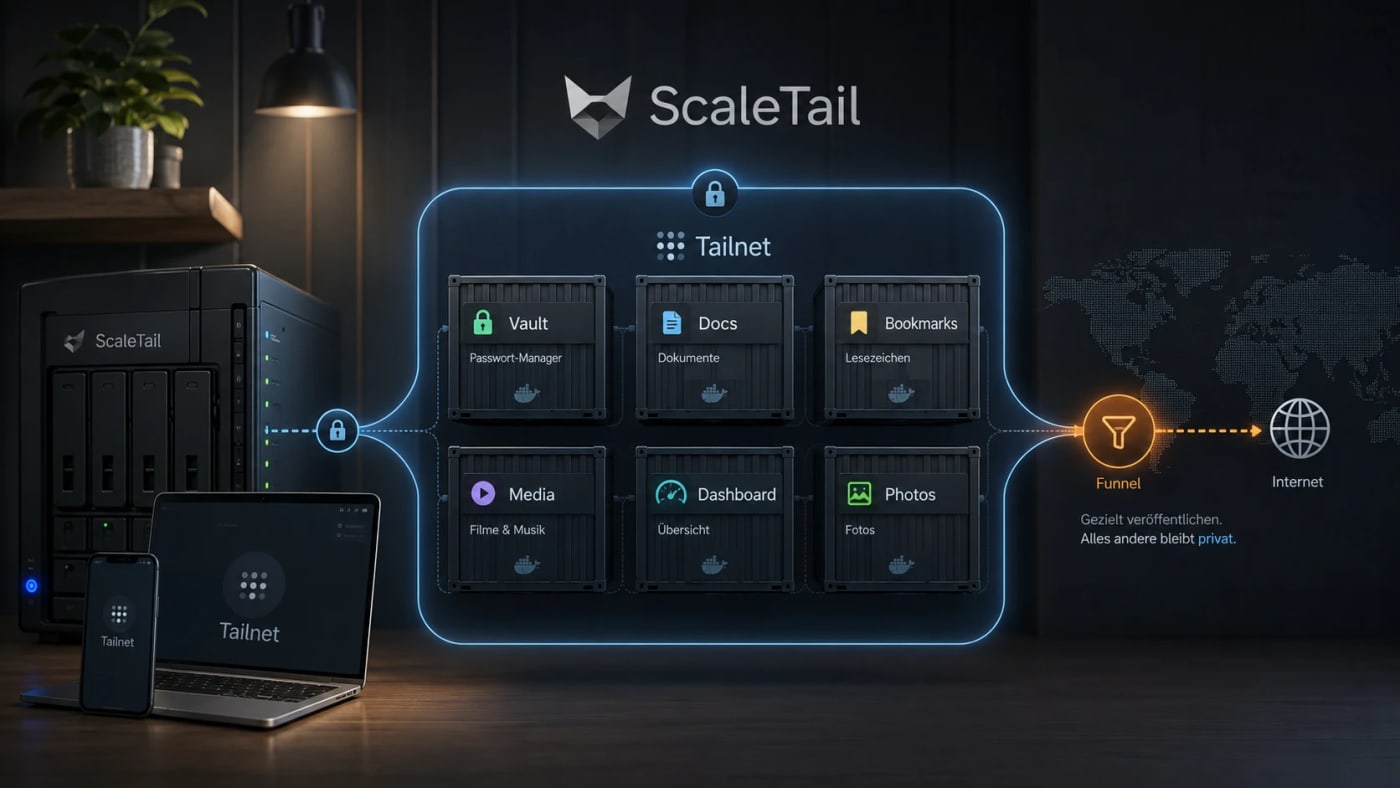
A practical self-hosting resource for exposing Docker apps inside a private Tailnet instead of opening router ports, reverse proxies, and public subdomains by default. What this is ScaleTail is a collection of ready-to-run Docker Compose stacks that attach common self-hosted apps to a Tailscale tailnet through a sidecar container. The useful idea is simple: make private tools reachable from your own devices without turning every dashboard, password vault, document archive, or admin panel into a public web service. Best use case Use this when you run services such as Vaultwarden, Paperless-ngx, Jellyfin, Immich, Pi-hole, AdGuard Home, Home Assistant, Open WebUI, Portainer, or Uptime Kuma and want remote access without a new router port, reverse-proxy rule, or public DNS entry for every app. Workflow Create a reusable Tailscale auth key in the Tailscale admin console. Pick the ScaleTail template matching your service. Review the Docker Compose file before running it, especially volumes, environment variables, and exposed ports. Bind the app container to the Tailscale sidecar network stack with the template's networkmode: service: pattern. Start the stack with Docker Compose and confirm the service appears in your Tailnet. Use Tailscale Serve for private Tailnet access. Only use Funnel when the service is intentionally public. Security notes ScaleTail reduces accidental public exposure, but it does not replace Docker hardening, backups, patching, or least-privilege access controls. Treat every template as code: inspect the image source, tags, volume mounts, environment variables, and update policy before production use. Keep admin panels, password managers, document stores, and local AI interfaces private unless you have a strong reason to expose them publicly. Do not confuse Tailscale Serve with Funnel: Serve is private to the Tailnet, while Funnel publishes a service to the public internet. Quick decision table Need Use ScaleTail? Caveat --- --- --- Private remote access to homelab apps Yes Requires Tailscale and Docker Compose Public webhook endpoint Maybe Funnel can be public; harden it carefully Full site publishing No Use a normal deployment and security model Multi-service homelab on one host Yes Still plan backups, updates, and separation Source check The Tarnkappe article explains the privacy angle, the Serve/Funnel distinction, and why ScaleTail fits self-hosted Docker services that should not be exposed publicly by default. The ScaleTail GitHub repository confirms that the project provides Docker Compose sidecar configurations for connecting self-hosted apps to a Tailnet. Tailscale's own Docker documentation provides the official baseline for running Tailscale with containers.
Blog
Related reads
Wissen & Lernen
MosaicLeaks shows how research-agent search queries can leak private data
MosaicLeaks is a new benchmark for deep-research agents that shows how external web queries can expose private enterprise facts through the …
Tools & Apps
PII GUI Redacts Local Files Before They Reach AI Tools
PII GUI is an open-source desktop app for reviewing and redacting personal data in PDFs, Markdown, and text files before sending content int…
AI & Automation
OpenAI Privacy Filter brings on-device PII masking to Hugging Face workflows
OpenAI Privacy Filter is a Hugging Face model card for bidirectional token classification that detects and masks PII, giving teams a local o…