Topic

#Computer Use

Loot, blog posts and adjacent themes connected to this topic. Follow the tag to keep it in your orbit.

#Computer Use
2Shown loot
5Shown articles
8Linked neighbor tags
Topic paths

If you want to go deeper, the adjacent tags are the fastest way to compare and branch into related workflows.

Loot

More from this topic

Explore all loot

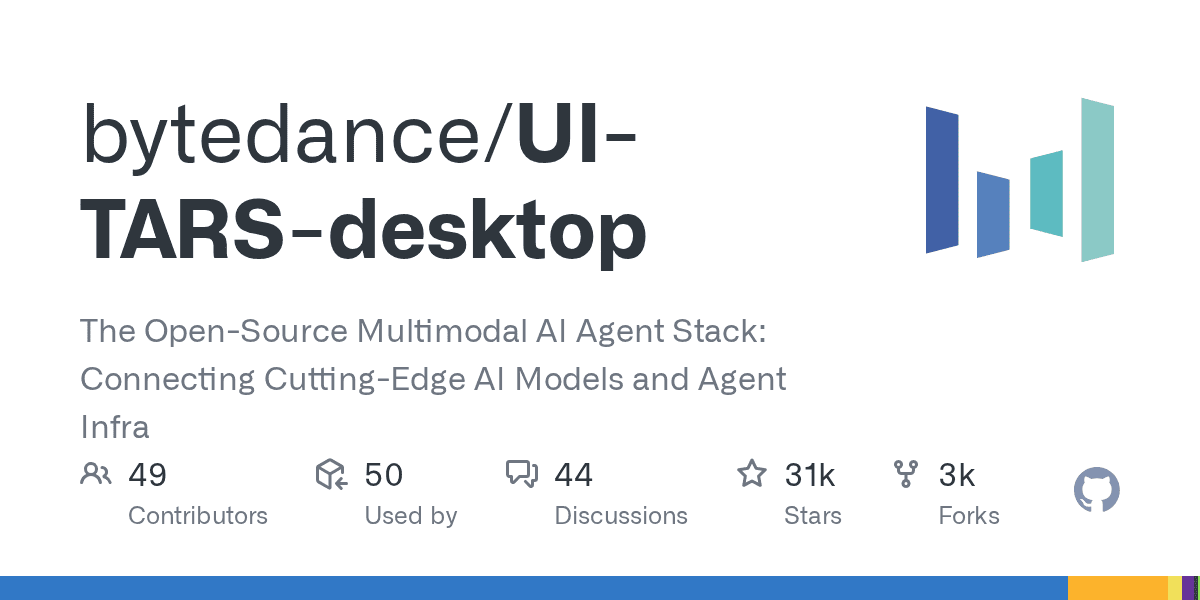
UI-TARS Desktop is a serious local computer-use agent — if you lock down the setup

1
ByteDance’s UI-TARS Desktop is one of the most interesting open-source computer-use agents right now: it sees your screen, clicks, types, and works across desktop and browser tasks. The important nuance is security: the app can feel local-first, but privacy depends on how you host the model and whether you disable optional telemetry and report upload flows. UI-TARS Desktop is not just another agent demo. It is a real open-source desktop automation app that can watch the screen, move the mouse, type, and complete GUI tasks through natural-language instructions. At the time of writing, the repo sits at 30.7k+ GitHub stars, which explains why it is suddenly everywhere. What it actually offers local computer operator for desktop tasks browser operator mode for web workflows natural-language control powered by a vision-language model screenshot understanding plus mouse and keyboard execution official quick-start docs, settings docs, and public showcase clips Apache-2.0 licensed repo with the UI-TARS research paper behind it Security reality check The viral pitch says “runs 100% locally,” but the practical answer is more nuanced. The official docs show the desktop app connecting to external or self-hosted OpenAI-compatible model endpoints such as Hugging Face or VolcEngine. So the GUI control can be local, but privacy depends on where your model inference happens. Here is the more useful security read: good: the app itself is open source and the main operator runs on your own machine good: the project has a public security policy and a formal vulnerability-report path good: official docs surface permission requirements clearly, especially screen recording and accessibility on macOS watch out: optional report upload docs explicitly note there is currently no authentication designed for the report storage server watch out: the UTIO event endpoint can receive app launch, instruction, and share-report events if you configure it watch out: if you point the app at hosted inference endpoints, your screenshots and task context may leave the machine depending on that backend watch out: the current docs also note single-monitor assumptions and remote-operator history, so this is not a zero-risk “install and forget” tool Best practices before you trust it with real work Where it looks genuinely useful repetitive desktop QA flows browser-side task automation without building a custom script for every site controlled internal demos of computer-use agents research and evaluation against GUI benchmarks experimentation with open-source alternatives to expensive proprietary computer-use stacks Official showcase and app screens UI-TARS Desktop app screen UI-TARS Desktop settings screen The official README also links showcase clips for: changing VS Code autosave settings with the local operator checking the latest GitHub issue with the agent remote operator demos for desktop and browser workflows Why this repo matters The underlying UI-TARS paper claims state-of-the-art benchmark performance across GUI-agent tasks, including stronger numbers than several well-known closed-model baselines in parts of OSWorld and AndroidWorld. That does not automatically mean better production reliability, but it does make the repo more than just hype. My bottom line UI-TARS Desktop is one of the best open-source computer-use projects to watch right now because it combines a real app, public docs, showcase examples, and a research-backed model story. Just do not repeat the lazy “100% local” claim without the important qualifier: it is only as private as the endpoint and integrations you configure.
Free
Review open
0

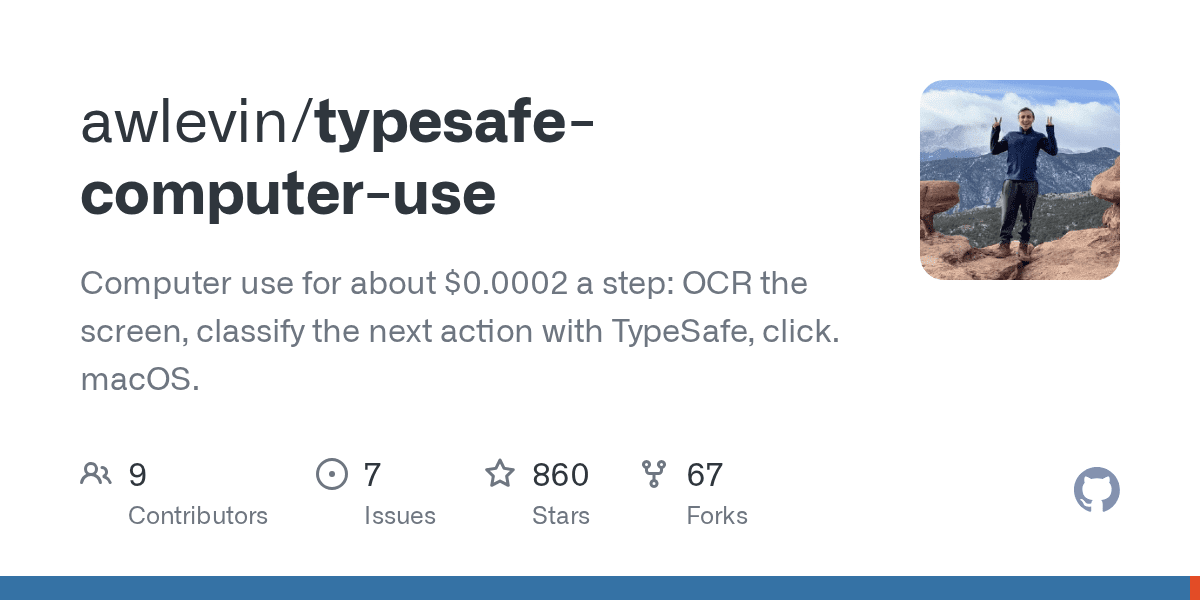
Run Low-Cost, Deterministic Computer Use with TypeSafe

0
Text: AI-generated
AI-generated · Automatically published by LinkLoot. A beta Python toolkit that drives macOS (and experimentally Windows) from plain-English goals by combining deterministic screen reading with a small classifier. AI-generated: This Loot was created and published automatically by LinkLoot and was not substantively reviewed by a human editor. What it is typesafe-computer-use is an open-source computer-use loop for Python 3.12+. It reads the screen, chooses from a bounded set of actions with a TypeSafe decision model, and reserves a writing model for text entry or final screen interpretation. Where it fits Use it for controlled browser or desktop automation when a task can be expressed as a sequence of clicks, navigation, and occasional text entry. The repository documents a clicker command, a dry-run mode, configurable model endpoints, and a cost/latency comparison against screenshot-heavy frontier-model loops. Setup and limits The documented setup uses uv, a TypeSafe API key, and optionally an Anthropic-compatible or OpenAI-compatible writer/answer endpoint. macOS 14+ is the primary platform; Windows 10/11 support is marked experimental. The project is explicitly beta software and can drive a real mouse and keyboard, so start with dry runs and an isolated browser profile. Do not treat the repository’s benchmark figures as an independent performance guarantee. The code is MIT-licensed. Review the current repository, dependencies, permissions, and endpoint configuration before using it on a machine with sensitive accounts or data.
Free
Review open
0
Blog

Related reads

Browse blog