GitHub Copilot Sandboxes Put Agent Command Execution Behind Local and Cloud Isolation


GitHub Copilot's new public-preview sandboxes give Copilot CLI local and cloud isolation for agent-run shell commands, with policy controls, cross-device cloud sessions, and usage-based cloud billing.
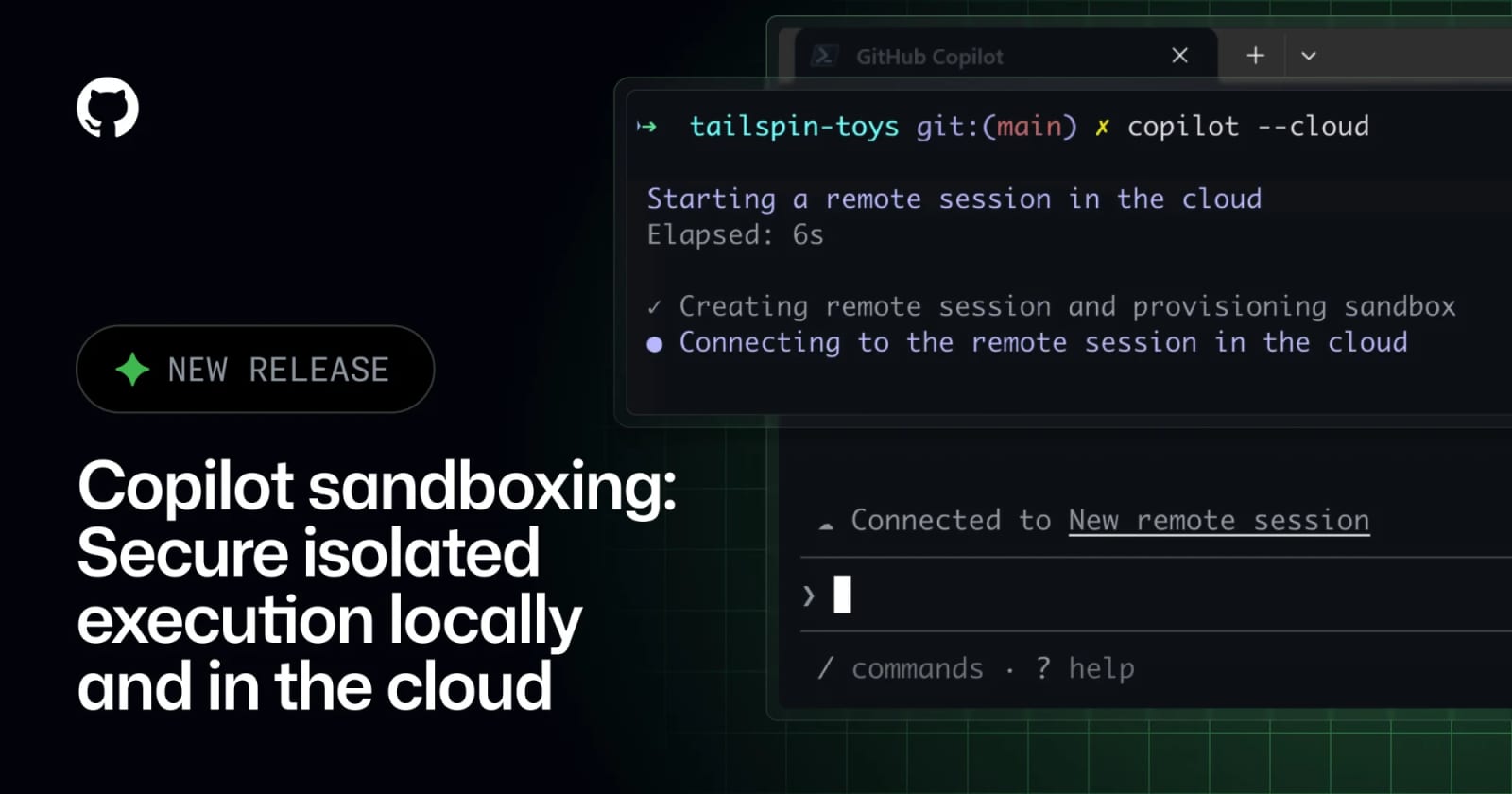
GitHub Copilot sandboxes are now in public preview for Copilot CLI, giving agent-run shell commands isolated local or cloud execution environments. Local sandboxing is enabled inside a Copilot CLI session with /sandbox enable; cloud sandboxing starts an ephemeral GitHub-hosted Linux environment with copilot --cloud. The feature matters because Copilot is moving from suggestions toward command execution, file changes, and parallel agent work that needs clearer security boundaries.
Key takeaways
- Local sandboxes restrict Copilot-initiated shell command execution on the developer's machine, including filesystem, network, and system capability access.
- Cloud sandboxes run Copilot CLI work in isolated, ephemeral Linux environments hosted by GitHub.
- GitHub says local sandboxing is included in the standard Copilot seat, while cloud sandboxing is usage-billed.
- Organization or enterprise owners must enable the Cloud Sandbox access policy before members can use cloud sandboxes.
- GitHub Docs list cloud billing meters for compute seconds, memory GiB seconds, and snapshot storage.
Practical LinkLoot angle
This is the type of agent feature teams should test before they expand autonomy. Sandboxing does not make an agent harmless, but it changes the default question from "can this agent touch my machine?" to "what did we explicitly allow this agent to touch?" That is a better starting point for terminal agents, especially when they run generated code, inspect dependencies, or work across multiple repositories.
| Sandbox mode | Best use | Limitation | Source |
|---|---|---|---|
| Local sandbox | Testing agent-run commands with restricted local access | Public preview; currently focused on Copilot-initiated shell execution | GitHub Changelog, GitHub Docs |
| Cloud sandbox | Parallel tasks, cross-device continuation, compute offload | Usage-billed and requires org policy access | GitHub Docs |
| Enterprise policy | Central control over local sandbox settings | Requires admin configuration through supported management tooling | GitHub Changelog |
| Ephemeral cloud Linux | Isolated work away from local secrets and machine state | Snapshots can preserve state, so lifecycle rules still matter | GitHub Docs |
For small teams, the first useful workflow is read-heavy: clone or mount the repo context, let the agent run tests or analysis in a sandbox, and review the diff before anything reaches a real branch. For larger teams, the policy question comes first: define which repositories, users, and command classes may run in local versus cloud sandboxes.
What to verify before you act
Confirm plan and organization eligibility before promising cloud sandbox access. Check the cloud billing meters against your expected workload: long-running sessions, parallel tasks, and preserved snapshots can create costs even when the developer's laptop stays idle. For local sandboxing, verify filesystem and network restrictions in a non-critical repository before using it around secrets, deployment scripts, or production credentials.
Source check
GitHub's changelog confirms the June 2 public preview and the basic local and cloud sandbox behavior. GitHub Docs add operating details, including /sandbox enable, copilot --cloud, cloud session lifecycle states, access policy requirements, and billing meters. gihyo.jp independently reports the same GitHub Copilot update set, including local and cloud sandboxes, as part of the Microsoft Build 2026 Copilot announcements.
For adjacent implementation patterns, see LinkLoot's AI agent tools guide and AI workflow automation guide.
They are isolated local or cloud environments for GitHub Copilot CLI command execution and agent work.
Try the related loot
UI-TARS Desktop is a serious local computer-use agent — if you lock down the setup