GitHub Enterprise adds self-service credential revocation for incident response


A practical GitHub Enterprise credential revocation checklist for incident response, audit trails, access review and recovery.
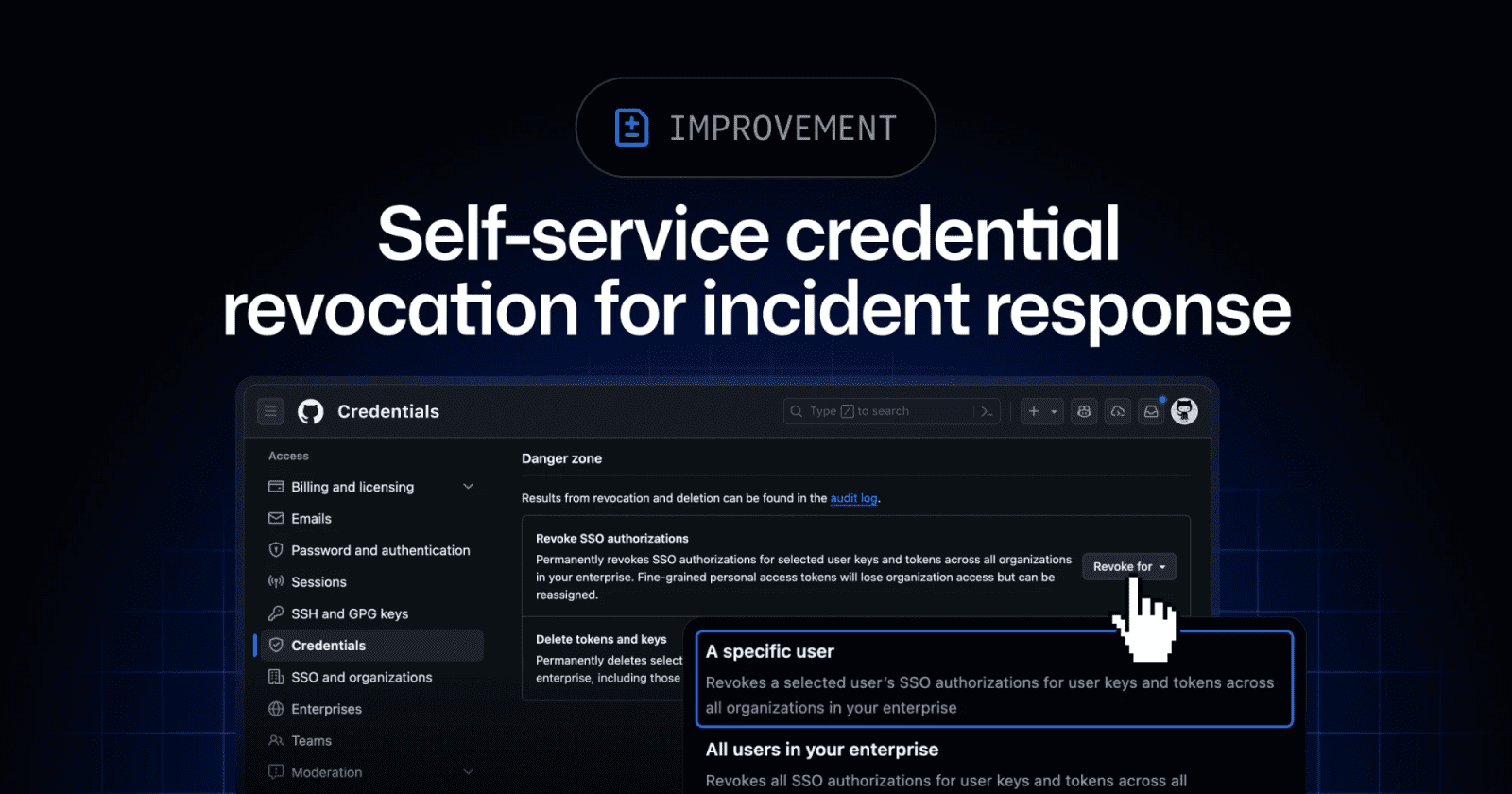
GitHub has added new self-service and enterprise-level credential revocation capabilities for incident response. Enterprise owners and members with the Manage enterprise credentials permission can revoke SSO authorizations across an enterprise, delete user tokens and SSH keys for enterprise managed users, and use org-level REST APIs for organization-specific SSO authorization actions. Individual enterprise members also get a Settings -> Credentials view for reviewing and revoking their own credentials.
Key takeaways
- The update targets compromised accounts, stolen credentials, and fast containment during enterprise incidents.
- Enterprise-level actions cover SSO authorizations for personal access tokens, SSH keys, and OAuth tokens.
- Token and SSH key deletion is available for enterprise managed user accounts under the conditions GitHub documents.
- GitHub says affected users and enterprise owners can review audit logs and email notifications for the new actions.
- The feature is operationally useful only if permissions, runbooks, and audit review are prepared before an incident.
Practical LinkLoot angle
This belongs in the same checklist as token rotation, secret scanning alerts, and emergency access review. The useful move is to decide who can use break-glass revocation before a real compromise, then test the communication path with security, platform, and developer leads.
| Control | Best use | Limitation | Source |
|---|---|---|---|
| Enterprise SSO authorization revocation | Fast containment for compromised user credentials | Requires the right enterprise permission | GitHub Changelog |
| EMU token and SSH key deletion | Removing credentials tied to managed users | GitHub limits this action to EMU accounts | GitHub Changelog |
| Org-level SSO authorization APIs | Programmatic response for a specific organization | Supported through org-level REST APIs | GitHub Changelog |
| Member self-service Credentials view | Letting affected users revoke their own access quickly | Users still need clear incident instructions | GitHub Changelog |
For teams building automation around these controls, pair the runbook with least-privilege API access and a human approval step. LinkLoot's /guides/ai-workflow-automation is a useful reference for turning sensitive operations into reviewed workflows instead of ad hoc scripts.
What to verify before you act
Confirm whether your enterprise uses enterprise managed users, because token and SSH key deletion is not described as a universal action for every account type. Check who has Manage enterprise credentials, where audit logs are monitored, and how affected users will be notified. If you plan to automate org-level revocation, test against the documented REST APIs with a non-production scenario and keep the scope limited to the organization that needs action.
The primary source is GitHub's June 24 changelog. GitHub's Enterprise Cloud docs provide the incident-response reference and the user-facing credential revocation reference that teams should map into their own runbooks.
GitHub added break-glass credential revocation actions for enterprise owners and eligible members, plus a member self-service credentials view.
Try the related loot
UI-TARS Desktop is a serious local computer-use agent — if you lock down the setup