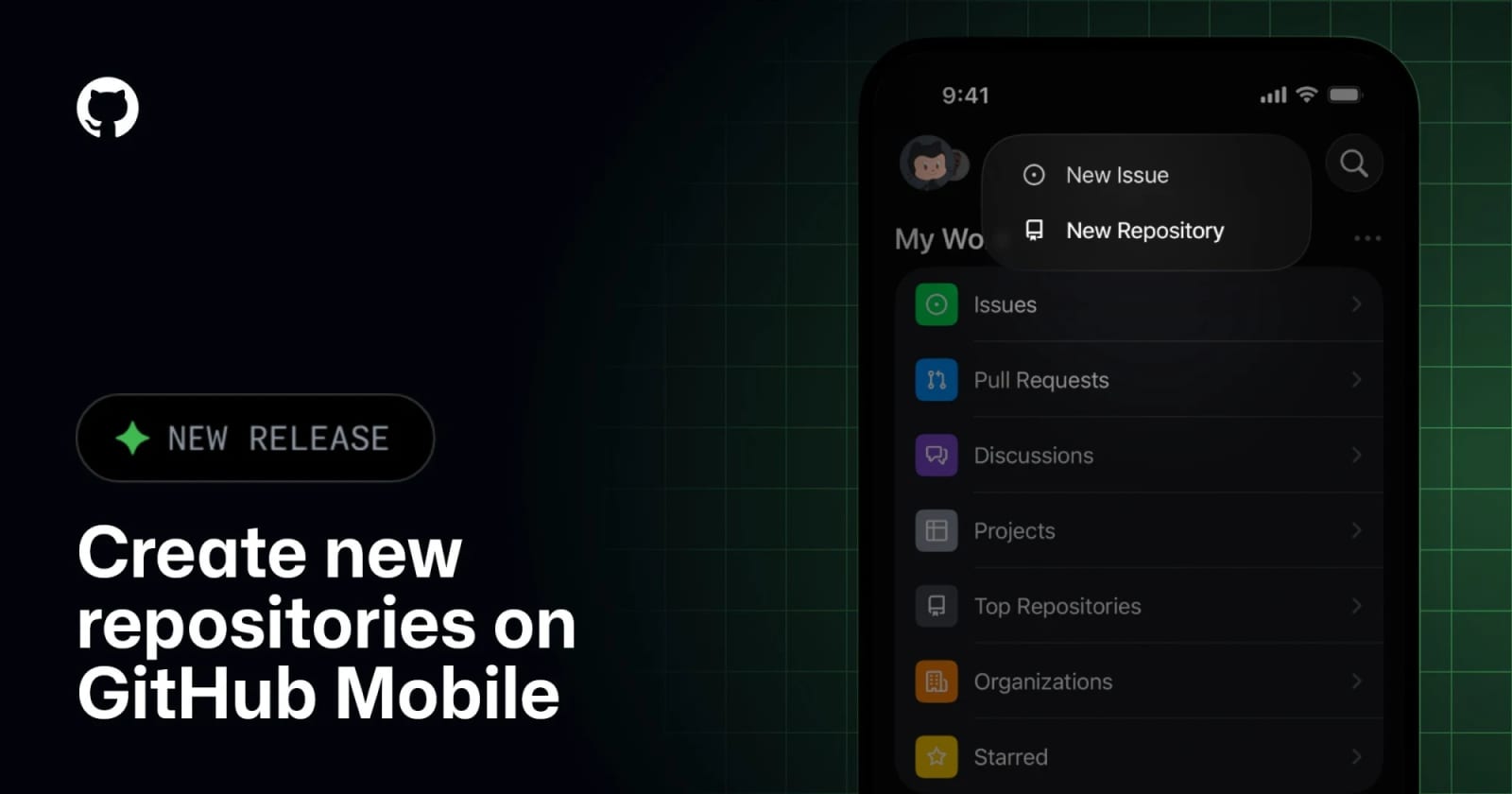
GitHub Mobile can now create repositories directly from your phone


GitHub has added mobile repository creation, letting users start new repos from the iOS or Android app instead of waiting to get back to desktop.
GitHub Mobile now lets users create new repositories directly from the iOS and Android app. GitHub’s changelog says you can choose visibility, optionally initialize with a README, .gitignore, or license, and create from a template with branch options. GitHub’s mobile documentation also confirms the app is meant for high-impact work on the go, including repository interaction, notifications, code search, and Copilot-related workflows.
Key takeaways
- Repository creation is now available inside GitHub Mobile on both iOS and Android.
- Users can choose visibility and basic initialization options without going back to desktop.
- Template-based creation is supported with a lighter option set.
- This update makes GitHub Mobile more useful for capture-and-start workflows, not just triage.
Why it matters
This is a small feature, but it closes a surprisingly common gap. Plenty of ideas start away from the desk: a repo for a quick prototype, a scratch space for notes and code, or a clean place to save work triggered by a conversation, commute, or meeting.
Before this, GitHub Mobile was strong for notifications and lightweight review, but weaker for starting something new. Repository creation shifts it a bit closer to a real “capture and act” tool for developers, operators, and creators who move between devices all day.
The practical gain is speed. If the repo can be created immediately, the next step becomes a push from mobile-adjacent tooling, a Codespaces session later, or a handoff link sent to a teammate. That is more valuable than it sounds when your backlog is full of ideas that vanish before you reopen the laptop.
| Workflow stage | Before this update | After this update |
|---|---|---|
| Capture a new idea | Wait for desktop or mobile browser workarounds | Create the repo directly in the app |
| Basic project setup | Start later from laptop | Set visibility and starter files immediately |
| Share or hand off | Delayed until the repo exists | Send the repo link as soon as it is created |
What to verify before you act
Test whether the setup flow matches how you actually create projects. If you rely heavily on organization-level defaults, branch protections, or more complex templates, the mobile flow may still be only the first step.
Also verify whether the account and enterprise context you need is supported cleanly. GitHub’s mobile docs note that some enterprise setups can involve limitations, especially around VPN requirements and environment-specific support.
If you plan to use this for fast prototyping, confirm what still needs desktop follow-up immediately after creation, such as secrets, actions setup, Codespaces config, or repo rulesets.
Practical LinkLoot angle
The best use case here is not “full mobile development.” It is fast project capture. Create the repo as soon as the idea appears, give it the right visibility and starter files, then plug it into the rest of your workflow when you are back at a larger screen.
That is especially useful for solo builders, consultants, or content-driven devs who brainstorm in motion and want less friction between idea and repository. It also pairs nicely with automation habits such as template repos, structured READMEs, and agent-ready starter files.
If you are building lightweight systems around faster shipping, this guide is a good next step: /guides/ai-workflow-automation.
Create a repository, choose visibility, and optionally add a README, .gitignore, license, or template-based setup.
Share your own knowledge as loot
Request access to the guided creator beta and get feedback on your first submission.