Use Vercel AI Gateway routing rules before model outages force code changes


Vercel AI Gateway now has beta routing rules that let teams rewrite or deny model requests at the gateway level instead of changing application code during outages, retirements, or cost-control reviews.
Vercel AI Gateway now supports routing rules in beta. Confidence level: confirmed for the Vercel product release and documentation, with beta caveats still applying. The practical change is that a team can rewrite or deny model requests at the gateway level instead of pushing an application update when a model is unavailable, retired, too expensive, or not approved.
What changed
Vercel published AI Gateway routing rules on July 2, 2026. The feature adds two team-level controls: rewrite, which serves requests for one model with another model, and deny, which blocks requests for a model and returns a 403.
The rule lives in AI Gateway, not in each app. That matters when a coding agent, support assistant, internal tool, or batch workflow has hard-coded a model name that suddenly needs to change. A platform owner can add one rule while the app keeps requesting the original model.
| Rule type | What it does | Best fit | Main caveat |
|---|---|---|---|
| Rewrite | Serves one requested model with another model | Outages, retirements, cost routing, standardization | Provider-specific options are not translated across providers |
| Deny | Blocks requests for a matched model | Approval controls, risky models, budget discipline | Apps must handle the 403 response clearly |
| Disabled rule | Keeps the rule in config without applying it | Staged rollout or rollback | Rule propagation can take a short time |
Why this is early
This is early because Vercel labels routing rules as beta in both the changelog and documentation. The feature is official and documented, but Vercel warns that it may change before general availability and says teams should avoid relying on it in production without care.
The signal is stronger than a community leak. Vercel provides the changelog announcement, the conceptual routing rules page, and the CLI reference for managing rules. That is enough for a practical workflow note, but not a reason to skip fallback testing.
Key takeaways
- AI Gateway routing rules apply to every request made with a team's Gateway credentials.
rewriterules can move traffic from one model to another without an app deploy.denyrules can block unapproved models and return a clear forbidden response.- Rules are managed with
vercel ai-gateway rulesand support JSON output for scripting. - The feature is beta, so production use needs rollback and request-behavior checks.
Availability and access
Routing rules are available through Vercel AI Gateway and are managed per team. Vercel says Owners and Members can create, edit, and remove rules, while Developers can view them.
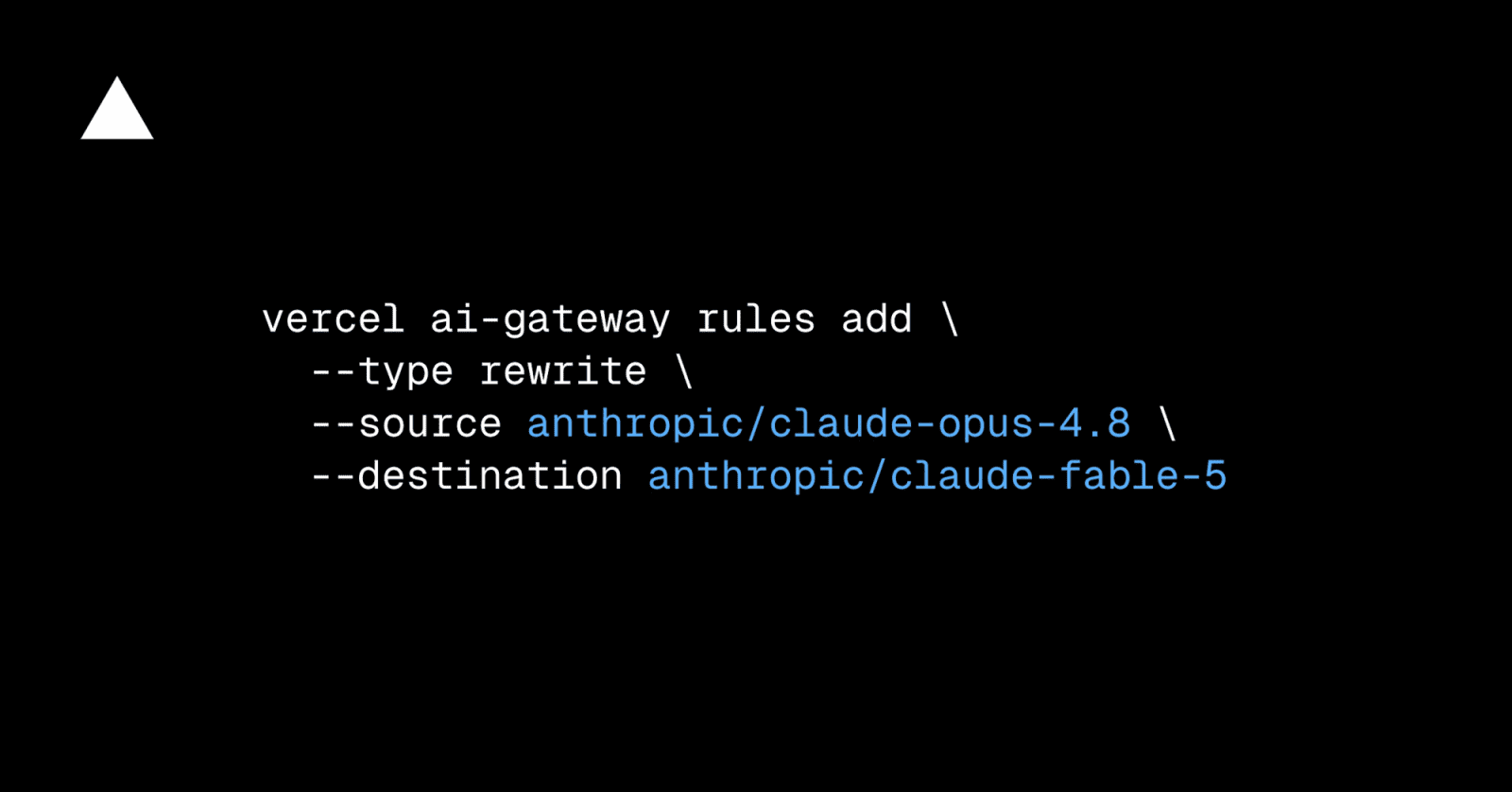
The CLI path is explicit: use vercel ai-gateway rules add --type rewrite --source <model> --destination <model> for a rewrite, or vercel ai-gateway rules add --type deny --source <model> for a block. Vercel notes that rule changes can take a short time to propagate and that in-flight requests finish under the previous configuration.
Practical LinkLoot angle
This is useful for teams running agentic workloads where model choice is part of operational risk. If a model is rate-limited, retired, temporarily unsafe for a task, or suddenly too expensive, a gateway rule gives platform owners a faster control point than editing every application.
Start with a small policy set: one deny rule for models your team has not approved, one rewrite rule for a known outage fallback, and one documented rollback path. Keep the rule reason specific so developers can understand whether the request was blocked for cost, compliance, reliability, or migration.
For broader agent architecture, pair this with LinkLoot's AI workflow automation guide. Gateway rules help with routing, but they do not replace evaluation, prompt testing, logging, or human review on high-risk workflows.
What to verify before you act
- Confirm whether your app uses Vercel AI Gateway credentials or calls providers directly.
- Test how your app handles a denied model and the returned
403. - Check provider-specific
providerOptionsbefore rewriting across providers. - Verify team roles so only intended users can change routing rules.
- Keep model fallback tests separate from routing-rule tests so you know which layer changed behavior.
Source check
Confirmed by: Vercel's July 2 changelog confirms the release, rewrite and deny rule types, CLI management, beta status, and interaction with AI Gateway settings such as BYOK, model fallbacks, provider options, Zero Data Retention, and provider allowlists.
Checked in Vercel documentation: the routing rules docs explain team-wide scope, propagation behavior, permissions, disabled rules, and the provider-options caveat. The Vercel CLI reference confirms the vercel ai-gateway rules commands and options for add, list, edit, and remove.
Context: This is not a general model launch. It is a control-plane update for teams already routing AI requests through Vercel AI Gateway.
They are team-wide rules that rewrite requests from one model to another or deny requests for a matched model.
Try the related loot
This JS Agent Turns Any Website Into an AI Copilot