AgentTerm: Visual Workspace for AI Coding CLI Sessions
Turn AI coding CLI sessions into separate visual workspaces for plans, reviews and multitasking. Open source (MIT); requires Node.js and setup from a Git clone, not a downloadable release. macOS and Windows via WSL.
- LinkLoot access
- Free
- Provider costs
- Unknown

What you get from it
Practical testing not documented.
LinkLoot assessment · not a user rating.
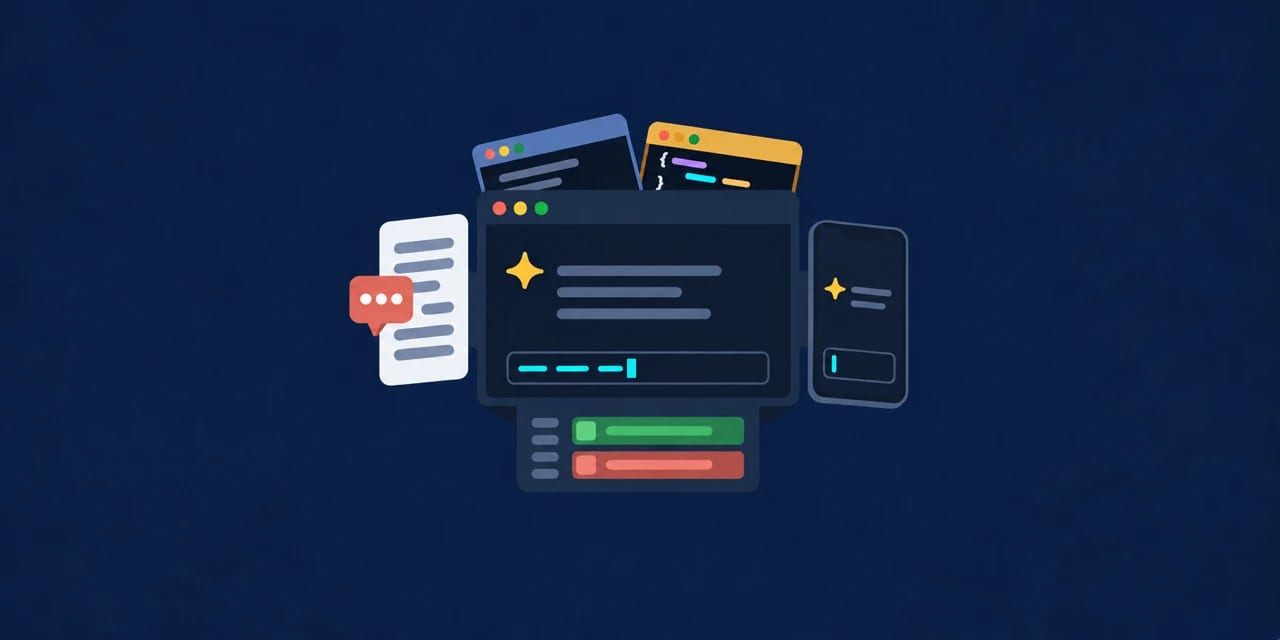
AgentTerm expands terminal-based AI coding sessions into individual desktop windows with richer views for plans, reviews and session management. It is designed to work with existing AI CLIs rather than replacing them.
Setup: Install Node.js, clone the repository, run npm ci, then launch with npm --prefix ~/agent-term run start. Windows users run it through WSL. The optional local component suite and phone/IDE integrations require additional setup. There is no installer or downloadable release; you run from the source clone.
Licensed under MIT. This listing is based on the project’s README and setup guide; it is not a hands-on test.
Discussion
Share practical experience, questions, or warnings with the community.
Sign in to join the discussion and vote on comments.
Sign in