Run local AI tools on PhotoCraft layers without leaving the canvas
PhotoCraft Companion adds GPU-accelerated neural tools and an overlay palette to the Rust-based PhotoCraft editor, bypassing its WebAssembly sandbox.
- LinkLoot access
- Free
- Provider costs
- Unknown
What you get from it
What it does
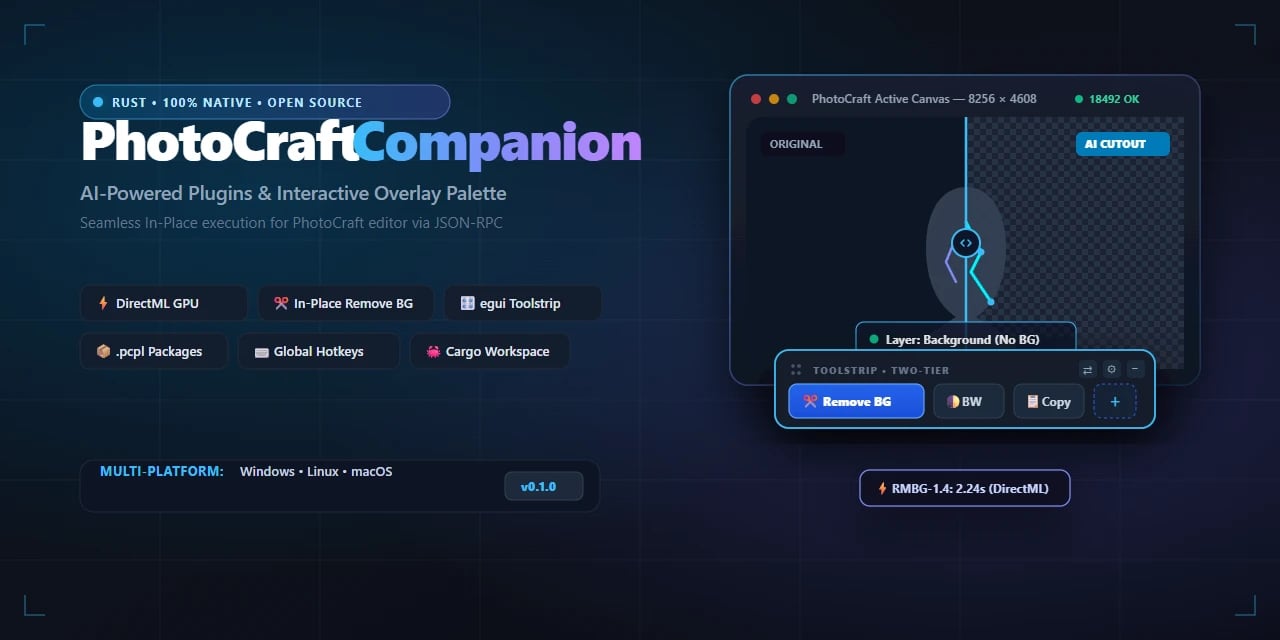
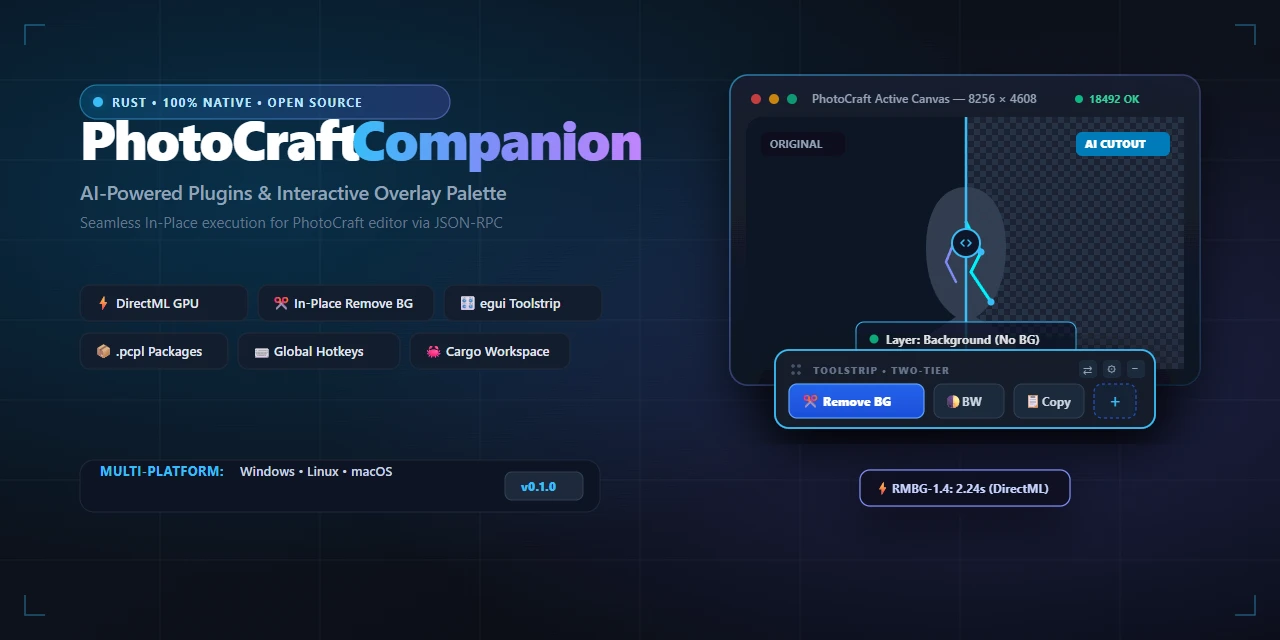
PhotoCraft Companion extends the open-source PhotoCraft graphics editor with native, hardware-accelerated AI tools that run directly on your active canvas layer. Instead of exporting files or navigating dialog boxes, you trigger background removal, color filters, and custom macros in-place via a JSON-RPC socket (port 18492) and the system clipboard.
The companion uses DirectML for local GPU inference, meaning models run on your own hardware without cloud dependencies. It also introduces .pcpl packages for sharing plugins and a floating egui toolstrip for quick access during editing sessions.
Who it helps
This targets PhotoCraft users who find the built-in WebAssembly plugin system too restrictive for heavy AI workflows. Because Wasm sandboxes block direct GPU access and filesystem permissions, tasks like real-time neural background removal become impractical natively. The companion removes those barriers while keeping execution local and responsive.
It also benefits developers building custom tools for PhotoCraft, offering a clearer path to integrate machine learning features without wrestling with sandbox limitations.
Getting started
Download installers from the official GitHub repository releases page. After launching, the companion connects to PhotoCraft automatically through the defined RPC port. First-launch guides cover basic setup, including how to load .pcpl packages from the community marketplace.
For developers, quick-start documentation outlines workspace architecture and package format specifics. A Discord server provides direct support for plugin questions and development assistance.
Limits and costs
The software is MIT-licensed, so source code is free to use, modify, and distribute. However, this license does not imply free hosting or third-party services; all AI processing occurs locally on your machine using your existing GPU resources.
DirectML support requires compatible Windows hardware. Users on other operating systems may need to verify backend compatibility separately. No subscription fees are documented, but performance depends entirely on local GPU capabilities.
Source links
Discussion
Share practical experience, questions, or warnings with the community.
Sign in to join the discussion and vote on comments.
Sign in