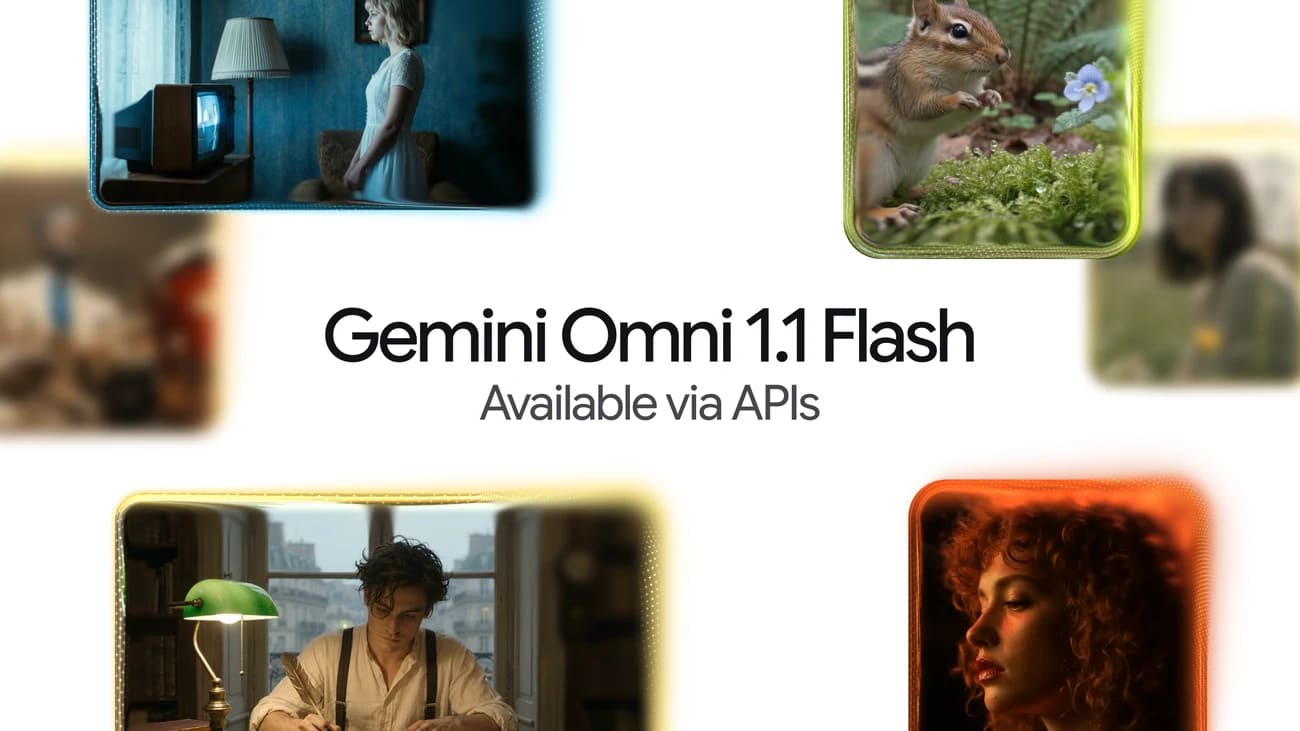
Gemini Omni 1.1 Flash reaches GA with 40-second video extension


Google's production release adds longer scene extension, endpoint-frame control, draft rendering, and upscaled 4K output to Gemini's video API.
Google has made Gemini Omni 1.1 Flash generally available to developers on the paid Gemini API. The video-generation and editing model can extend scenes to a cumulative 40 seconds, interpolate between specified opening and closing frames, and produce upscaled 1080p and 4K output.
The stable API identifier is gemini-omni-1.1-flash. Developers using gemini-omni-flash-preview face a September 30, 2026 deprecation deadline.
Key takeaways
- Gemini Omni 1.1 Flash is generally available on the paid Gemini API.
- Individual generations produce three-to-ten-second clips; chained extensions can reach 40 seconds.
- New controls include first-and-last-frame interpolation and 360p, 720p, 1080p, and 4K resolution choices.
- Google says the 1080p and 4K options use upscaling rather than native high-resolution generation.
- The preview endpoint is scheduled for retirement on September 30.
Gemini Omni 1.1 Flash moves into production
Google describes Omni as a conversational video model that accepts text, images, audio, or video and returns video with native audio. Through the Interactions API, developers can continue a prior generation or provide existing media and request an edit in natural language.
The GA release makes the model available through Google AI Studio and the Gemini API. Google has also rolled the controls into Flow, while scene extension is available through eligible Google AI consumer plans. Access and supported operations still vary by product and region.
For API users, the lifecycle change is important. Applications should replace the preview identifier with gemini-omni-1.1-flash, rerun output-quality and safety evaluations, and complete the migration ahead of September 30.
Longer scenes still rely on chained extensions
The headline 40-second duration is a cumulative ceiling, not the length of one generation. Omni produces or appends between three and ten seconds at a time. When extending a scene, it examines up to the final ten seconds of preceding footage to preserve motion, subjects, audio, and visual continuity.
Developers can also submit opening and closing images and ask the model to generate the transition between them. This is useful for planned camera moves and scene changes where a text prompt alone provides insufficient control.
The API supports 360p drafts for cheaper iteration, 720p as the default, and upscaled 1080p or 4K delivery. Google's release notes explicitly identify the higher resolutions as upscales, so teams should evaluate detail and artifact handling rather than treating the setting as native 4K generation.
Access, cost, and operating limits
The stable model is on the paid API tier with no free production tier. Google's standard rate card lists video output at $17.50 per million tokens, equivalent to approximately $0.10 per second for 720p output. Input media and text are billed separately.
Uploaded videos used for extension generally must be ten seconds or shorter, although multi-turn generations can be extended through their prior interaction identifiers. Extension only appends to the end of a clip; it cannot insert material into the middle or prepend a new opening.
Google also documents regional restrictions for extending uploaded videos in the EEA, Switzerland, and the United Kingdom. Voice editing, audio-reference uploads, and provisioned throughput are not supported in the current API version.
The practical change is greater control over short-form production, not unlimited timeline editing. Teams should budget for repeated drafts, test continuity at each extension boundary, and plan the preview-endpoint migration separately from creative evaluation.
Source check
- Google's Gemini Omni 1.1 Flash announcement confirms the production release and creative controls.
- Gemini API release notes confirm GA status, the stable model identifier, upscaled resolution options, and the September 30 preview deprecation.
- Gemini Omni API documentation defines extension behavior and current operating limits.
- Impress Watch's independent coverage independently reports the model launch and availability in Flow.
Try the related loot
Stable SVG avatars from any string, no image storage needed