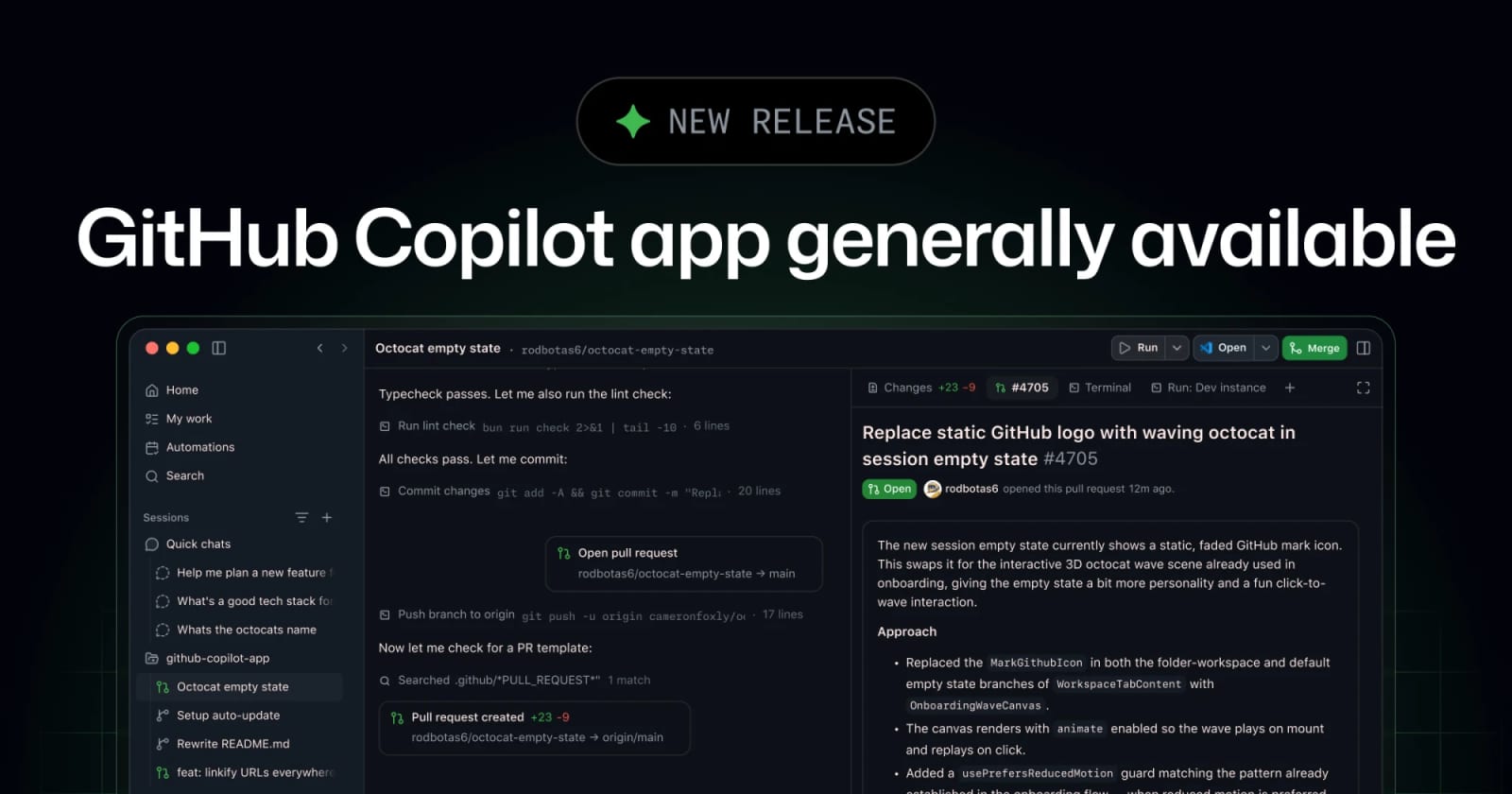
GitHub Copilot App Is Generally Available for Agent-Driven Desktop Coding


GitHub has moved the Copilot app to general availability on macOS, Windows, and Linux, turning agent sessions, worktrees, pull requests, terminal checks, browser previews, canvases, and cloud automations into one desktop workflow.
GitHub has made the Copilot app generally available for macOS, Windows, and Linux. The app is a desktop control center for agent-driven software work: start from an issue, pull request, or prompt; run sessions in isolated branches and worktrees; inspect diffs; validate changes in a terminal or browser; and open pull requests through normal GitHub checks. The GA release also adds canvases, cloud automations, and bring-your-own model and MCP tool connections.
Key takeaways
- The Copilot app is now generally available on macOS, Windows, and Linux.
- GitHub positions it as a desktop hub for starting, steering, validating, and landing coding-agent sessions.
- Local sessions run in isolated Git worktrees, while cloud sessions run in isolated GitHub-hosted environments.
- Since the technical preview, GitHub says it added canvases, scheduled cloud automations, and support for choosing models and connecting tools through MCP servers.
- Business and Enterprise access still depends on admin policy: GitHub says the Copilot CLI must be enabled for those plans.
Practical LinkLoot angle
The useful decision is whether your team needs a full agent workspace or only chat inside an IDE. The Copilot app makes more sense when work starts from GitHub issues or pull requests, when multiple agent sessions need to run in parallel, or when developers need to inspect generated changes before they become pull requests. It is less compelling for teams that already have tight VS Code workflows and do not want another desktop surface.
| Option | Best use | Limitation | Source |
|---|---|---|---|
| GitHub Copilot app | Running agent sessions from GitHub work items and landing PRs | Requires a paid Copilot subscription; org access can depend on admin settings | GitHub Changelog, GitHub repo |
| IDE Copilot Chat | Inline help while editing code | Less suited to parallel issue-to-PR agent work | GitHub product context |
| Existing CLI or local agents | Custom local workflows and provider choice | More setup and policy work falls on the team | Team implementation |
For workflow design, pair this with LinkLoot's guide to AI workflow automation. The app is most valuable when a team defines which tasks agents may start, which checks they must pass, and which actions require human approval.
What to verify before you act
Check plan access first. GitHub lists paid Copilot plans as required, and Business or Enterprise organizations may need an admin to enable the Copilot CLI policy before the desktop app works.
Review isolation and data handling. The repository says local sessions use isolated Git worktrees and cloud sessions run in GitHub-hosted environments, but teams should still inspect logs, repository permissions, MCP server access, and any generated debug bundles before rolling this into production work.
Test one low-risk repository before broad rollout. A good trial is a small issue that needs a code change, a test update, and a pull request. Measure whether the app reduces handoff friction or just shifts review work into a new UI.
Yes. GitHub announced general availability for macOS, Windows, and Linux on June 17, 2026.
Source check
The GitHub Changelog confirms the June 17, 2026 general availability release, supported platforms, issue/PR/prompt session starts, parallel worktrees, canvases, cloud automations, BYO model/tool support, and the Business/Enterprise admin-policy note. The public GitHub repository corroborates the app's purpose, paid Copilot subscription requirement, local and cloud session model, debug-log caution, and issue/reporting channel.
Try the related loot
This JS Agent Turns Any Website Into an AI Copilot