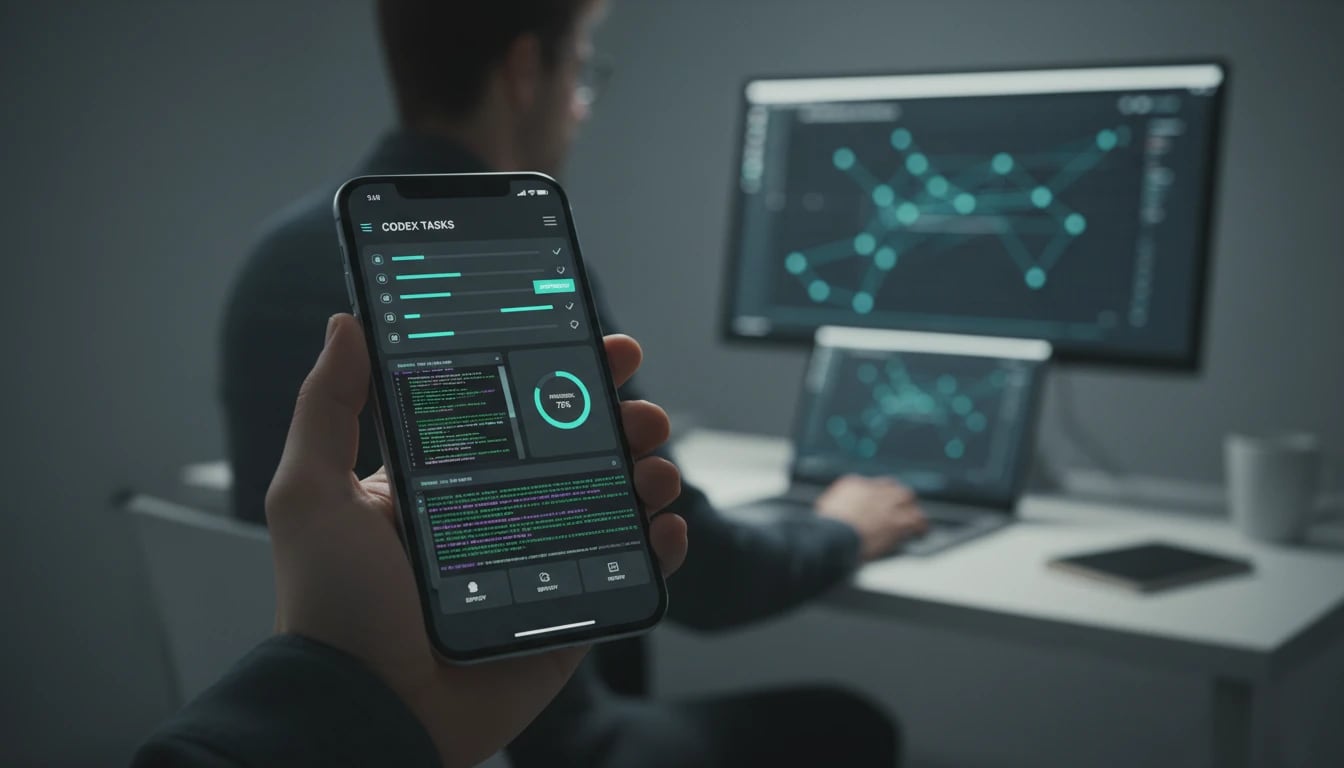
OpenAI brings Codex to the ChatGPT mobile app for approvals, threads, and remote SSH follow-up


OpenAI has started rolling out Codex in the ChatGPT mobile app, turning an iPhone or Android device into a live control point for coding threads, approvals, and remote SSH sessions.
OpenAI has started rolling out Codex in the ChatGPT mobile app, so users can review active coding threads, approve commands, change models, and start new work from a phone while execution stays on their connected machine. The company says the preview is coming to iOS and Android across all plans, including Free and Go, with Remote SSH and Hooks available on all plans and Windows phone connectivity still marked as coming soon. That makes this less of a mobile coding IDE and more of a real-time control layer for long-running Codex work.
Key takeaways
- Codex in ChatGPT mobile is positioned as a live companion for existing desktop or remote sessions, not a standalone local runner.
- OpenAI says files, credentials, permissions, and local setup remain on the connected machine while screenshots, terminal output, diffs, and approvals sync back to the phone.
- The release also highlights Remote SSH as generally available, which matters if your team already works inside managed remote environments.
- Hooks are now generally available on all plans, while programmatic access tokens are reserved for Enterprise and Business plans.
- Windows support for the phone-connected Codex app is not here yet, so mixed-device teams should treat that as a rollout dependency.
Why it matters
If your bottleneck is not coding itself but waiting to unblock an agent, this release is practical. A developer can kick off a bug investigation from a laptop, approve the next shell step during a commute, and return to a diff that kept moving instead of stalling at the first permission prompt.
A simple workflow looks like this:
- Start a Codex task from a laptop or managed remote environment.
- Keep the thread open in ChatGPT mobile for approvals, direction changes, and quick follow-up prompts.
- Use Remote SSH when the real codebase lives in a secured dev box instead of a local machine.
- Add Hooks if you want prompt scanning, validation, or repository-specific guardrails before the agent continues.
| Workflow moment | What mobile Codex helps with | What you still need to confirm |
|---|---|---|
| Long-running bug fix | Approve commands and review progress from a phone | Whether your environment requires desktop-only auth steps |
| Remote dev box work | Follow live output from Remote SSH sessions | Which plans and hosts your team has enabled |
| Team guardrails | Pair mobile approvals with Hooks-based checks | Whether your validators are already wired into Codex |
What to verify before you act
Check whether your exact device mix is supported today, especially if your team depends on Windows endpoints. Confirm how your org wants approvals handled on mobile, because convenience can also increase the chance of rubber-stamping commands too quickly. If you plan to use Remote SSH in regulated or locked-down environments, verify host discovery, access policy, and whether Enterprise-only features like programmatic tokens are actually required for your rollout.
Bottom line for LinkLoot readers
This is a useful release if you already trust Codex with multi-step work and the real pain is idle time between prompts, reviews, and approvals. It is less compelling if your workflow still depends on heavy local IDE editing or if your security model does not yet allow mobile approval loops.
For teams mapping this into day-to-day execution, the closest internal follow-up is our guide to /guides/ai-workflow-automation.
No. OpenAI describes the phone app as a control surface for work running on connected machines or remote environments.
Try the related loot
OpenClaw Codex Harness Launch Kit: Subscription Auth, Runtime Setup, Tool Search, and Migration Checklist