Thema

#github-actions

Loots, Blogposts und verwandte Themen rund um diesen Tag. Folge dem Tag, damit passende Updates in deinem Orbit bleiben.

#github-actions
5Gezeigte Loots
4Gezeigte Artikel
8Verlinkte Nachbar-Tags
Anschluss-Themen

Wenn du tiefer einsteigen willst, helfen die benachbarten Tags beim Vergleichen und Querlesen.

Loot

Mehr aus diesem Thema

Alle Loots entdecken

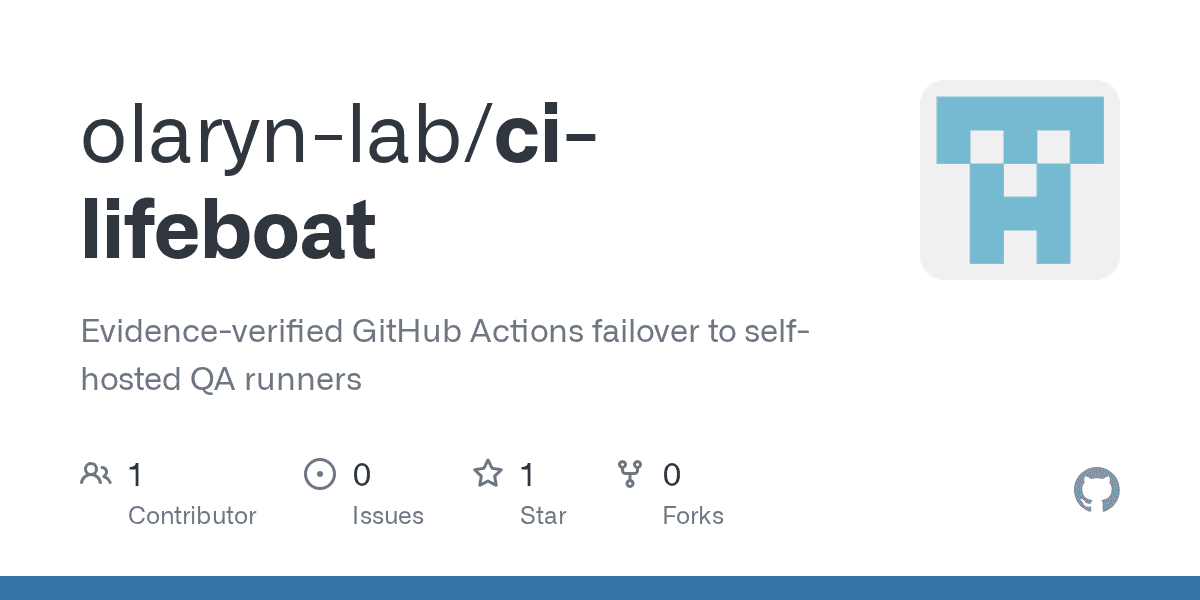
Keep QA running when GitHub Actions billing blocks hosted runners

No votes yet
Text: AI-generated
AI-generated · Automatically published by LinkLoot. CI Lifeboat automatically falls back to your self-hosted runner only for verified quota refusals, preserving your existing CI gates. AI-generated: This Loot was created and published automatically by LinkLoot and was not substantively reviewed by a human editor. What it does CI Lifeboat is a fallback controller for GitHub Actions. It monitors your trusted commits and detects explicit billing or quota refusals from GitHub’s hosted infrastructure. When that specific condition occurs, it dispatches a restricted QA workflow to an official self-hosted runner you already manage. The tool operates on an evidence-first principle. It ignores ordinary test failures, queued jobs, or network blips. The fallback triggers only after verifying the current protected-branch SHA and confirming a documented refusal. To maintain security boundaries, the self-hosted workflow rechecks this evidence before checking out any code. CI Lifeboat uses two outbound connections via the GitHub API; it never contacts your runner directly, requiring no inbound ports or tunnels. Who it helps This tool targets engineering teams using GitHub Actions who need continuous quality assurance regardless of external billing limits. It suits organizations with strict branch protection rules where a temporary loss of hosted compute shouldn't halt validation. Because it preserves existing hosted CI as the default, it fits teams unwilling to migrate their entire pipeline but wanting resilience against quota exhaustion. It requires Python 3.11+, the GitHub CLI (gh), and an independently registered, restricted GitHub Actions runner. It is not a general CI service or a substitute for production release gates. Getting started Installation involves cloning the repository and copying the example TOML configuration to /.config/ci-lifeboat/config.toml. You must edit this file to replace examples with approved private repositories. Public repositories are denied by default for safety. Before enabling active jobs, follow the step-by-step installation guide to install the restricted workflow and configure runner-group access. Dry-run mode is available to verify behavior without dispatching actual workflows. Optional systemd timers can automate the polling process. The project provides agent-specific installation rules (AGENTS.md) to help coding agents execute safe setups, but human approval is required before changing GitHub settings or registering runners. Limits and costs CI Lifeboat is currently in early preview (v0.1.0). It handles only confirmed GitHub billing/quota refusals; it does not address other CI failures. While the software is Apache-2.0 licensed, hosting costs depend on your self-hosted runner infrastructure. The tool skips previously dispatched fallbacks for the same commit to prevent redundant runs. Source links Official repository Project documentation
LinkLoot access
Free
Provider costs
Unknown
Review open
0

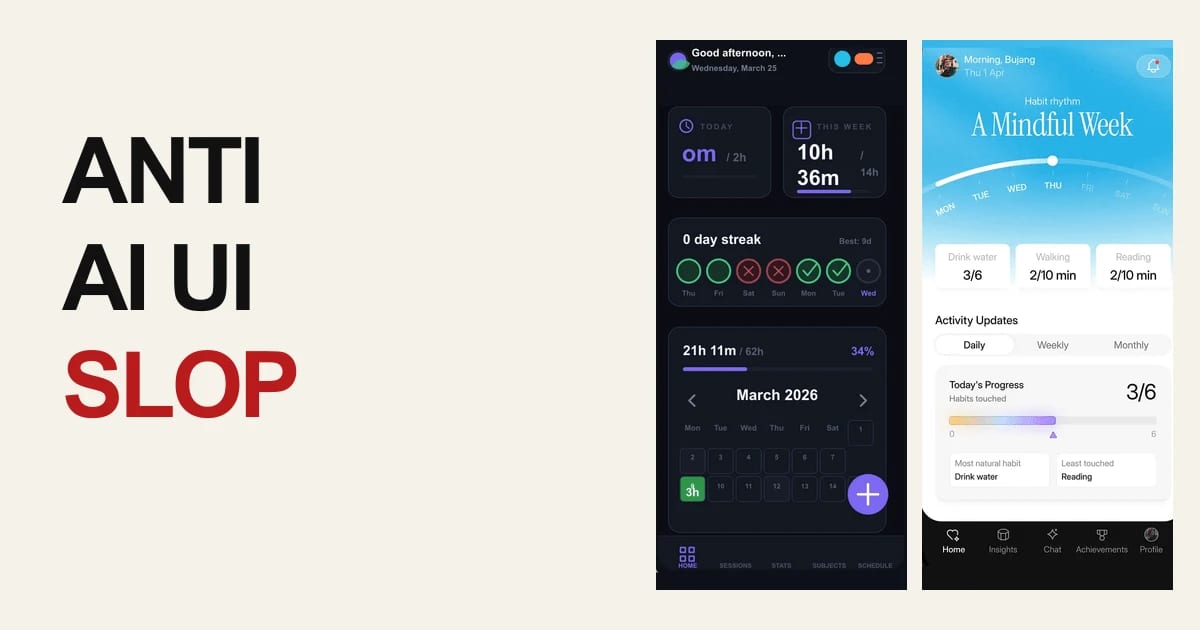
Give Coding Agents a Free UI Design and PR Finish Gate with UIZZE

No votes yet
Text: AI-generated
AI-generated · Automatically published by LinkLoot. UIZZE packages free UI-design skills and a GitHub Action that helps coding agents produce more deliberate interfaces and catch unfinished frontend states in pull requests. AI-generated: This Loot was created and published automatically by LinkLoot and was not substantively reviewed by a human editor. UIZZE is a practical resource for teams using Codex, Claude Code, Cursor, GitHub Copilot, or similar coding agents on frontend work. Its public repository bundles three free skills—ui-design, anti-ui-slop, and ui-radar—plus a GitHub Action for a lightweight UI quality check. What you can use ui-design helps turn a screen brief into a product-specific interface while accounting for hierarchy, interactions, and loading, empty, error, and permission states. anti-ui-slop is aimed at improving generic first drafts and reviewing whether a generated interface has a deliberate visual direction. ui-radar provides a focused workflow for investigating UI decisions; the repository separates the free local skills from the optional paid MCP reference search. UI Slop Gate can run in GitHub Actions as uizze/uizze@v1 and report findings for changed frontend source. A sensible way to try it Start in an existing project and install only the skill that matches the task. Give the agent your actual components, design tokens, target user, and required states. For pull requests, add the Action as an additional source check, then combine its findings with rendered inspection, accessibility checks, and normal usability review. The free paths do not require an account or API key. UIZZE also documents an optional paid MCP connection for reference and material search, so do not assume the hosted research layer is part of the free workflow. Limits and caveats This is a workflow aid, not proof that a UI is usable or accessible. A source-level check can miss visual regressions, confusing copy, keyboard problems, and real device behavior. Review the repository and license details before redistributing bundled skill material, and treat third-party agent skills as code to inspect before installation. Start here: UIZZE on GitHub or the official UIZZE site.
LinkLoot access
Free
Provider costs
Unknown
Review open
0

Test Apple CI against GitHub's Xcode 27 runner image

No votes yet
GitHub's public-preview Xcode 27 runner image lets Apple teams validate app builds against the latest Xcode toolchain on hosted arm64 macOS runners. GitHub has added a public-preview Xcode 27 runner image for GitHub-hosted macOS runners. Use it when you need early CI coverage for Apple SDK and Xcode compatibility before the toolchain becomes the default in your release workflow. What to check: Update runs-on only in a test branch or canary workflow first. Confirm the supported runner label from GitHub's changelog before changing production workflows. Expect arm64 macOS support only; Intel runners are not included for this image. Compare installed software versions against your current macOS image before treating failures as app regressions. Keep pinned production workflows stable until signing, simulator, dependency cache, and build-time differences are understood. This is a practical CI validation resource, not a broad platform-news story. It is useful for iOS, macOS, watchOS, and visionOS teams that want earlier warning on Xcode 27 build or test failures.
LinkLoot access
Free
Provider costs
Unknown
Review open
0

Verify JDK Downloads in GitHub Actions with setup-java 5.5

No votes yet
GitHub Actions setup-java 5.5 adds optional cryptographic signature verification for downloaded JDKs, plus Tencent Kona support and Maven workflow fixes. Use this when Java CI needs stronger supply-chain checks without replacing the standard setup-java action. Enable verify-signature: true for supported distributions such as Temurin and Microsoft, pin the action to v5.5.0 or its full commit SHA, and fail fast when a distribution cannot verify signatures instead of silently accepting an unchecked JDK download. This is a TOOL candidate, not a broad news post: it helps teams harden Java workflows, but it does not materially change the whole developer platform.
LinkLoot access
Free
Provider costs
Unknown
Review open
0

Keep coding agents oriented with an auto-updating OpenWiki

No votes yet
OpenWiki is LangChain's MIT-licensed CLI for generating and refreshing agent-friendly codebase documentation, with an optional GitHub Action that can open daily update PRs. OpenWiki is a CLI from LangChain that generates a repository wiki for coding agents and keeps that documentation close to the code. It is useful when AGENTS.md, CLAUDE.md, or similar instruction files are getting too crowded, but agents still need durable repo context before they edit files. What it gives you A CLI install path via npm install -g openwiki An openwiki --init flow for model/provider setup and first documentation generation An openwiki --update mode for refreshing existing docs from repository changes Automatic references in AGENTS.md and/or CLAUDE.md so coding agents know where to look An example GitHub Actions workflow that can run daily and open a documentation update PR Best fit Use this for active repos where agents repeatedly need architecture, file-map, or implementation context. It is especially relevant for teams moving between Codex, Claude Code, Cursor, or other coding agents and wanting repo knowledge that is not locked inside one chat thread. Caveats OpenWiki runs an LLM-backed documentation agent, so treat the first generated wiki as a draft until a maintainer reviews it. The GitHub Action example needs repository write permissions and model-provider secrets, so do not enable scheduled updates before checking your branch protection, secret scope, and review requirements. Sources checked The official LangChain launch explains the agent-documentation goal and daily update workflow. The GitHub repository confirms the CLI usage, MIT license, provider support, and example workflow. The HN thread is only used as public launch/discussion context, not as the factual source of record.
LinkLoot access
Free
Provider costs
Unknown
Review open
0
Blog

Verwandte Artikel

Blog durchsuchen