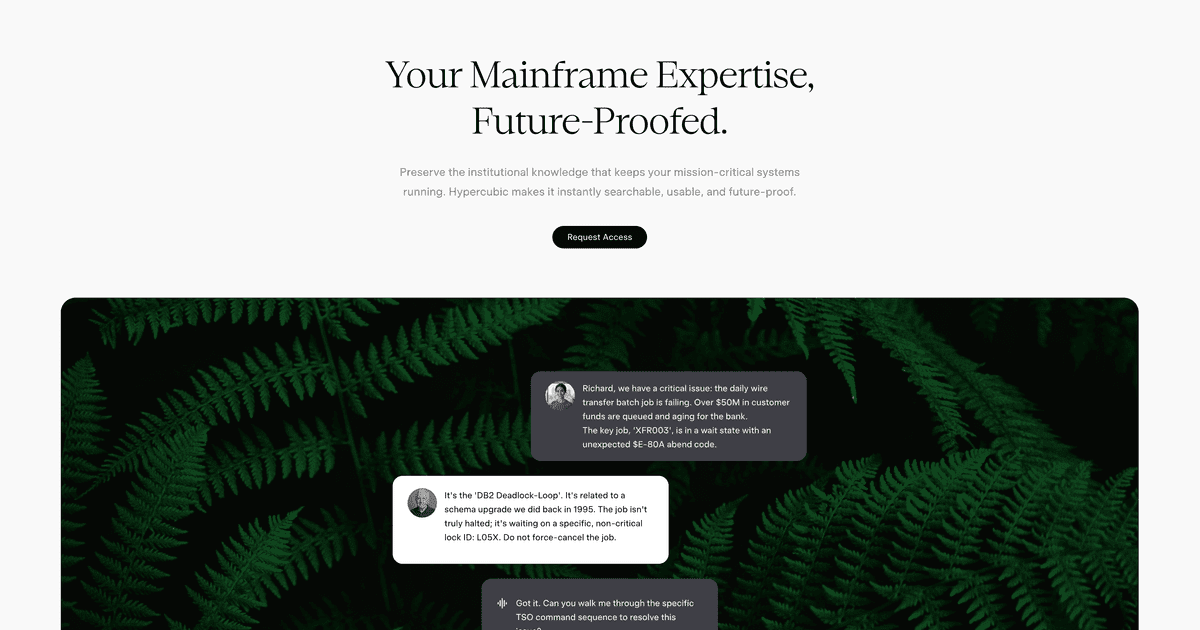
Hopper launches as an agentic mainframe environment for TN3270, JCL, and z/OS workflows


Hypercubic has launched Hopper, a mainframe-focused agentic environment that can navigate TN3270, inspect datasets, write JCL, and help debug z/OS workflows.
Hypercubic has launched Hopper as what it calls an agentic development environment for the mainframe. The product page says Hopper can navigate TN3270 sessions, inspect datasets, write JCL, query VSAM, and help operators work inside z/OS from a modern interface, while the launch thread on Hacker News frames it as a tool for repetitive mainframe workflows that are hard to automate with generic AI chat layers.
Key takeaways
- Hopper is not pitched as a general coding assistant; it is built specifically for mainframe operations and development workflows.
- Hypercubic says the product can drive TN3270, work with ISPF-style flows, and handle artifacts like datasets, job output, and JCL.
- The product page lists a free hobby tier plus an enterprise tier with SSO, model controls, privacy controls, and MCP server access.
- Hypercubic says sensitive operations pause for approval, which matters more here than in a typical IDE copilot workflow.
- The launch positions Hopper as a bridge between shrinking mainframe expertise and the operational complexity of z/OS estates.
| Capability | Claimed by Hypercubic | Why it matters |
|---|---|---|
| TN3270 interaction | Real terminal support with PF, PA, and attention keys | Mainframe work often breaks when tools abstract too much away |
| Job debugging | Reads JES output and failing steps | Saves operators from slow manual triage in SDSF-like flows |
| JCL and datasets | Can write JCL and inspect members and datasets | Targets a real operational bottleneck, not just code generation |
| Enterprise controls | SSO, privacy controls, on-prem or VPC options on enterprise tier | Security and data locality are non-negotiable in many mainframe shops |
Practical LinkLoot angle
Hopper matters if your organization still depends on legacy systems but cannot staff every workflow with senior mainframe specialists. The strongest use case is not “let the AI run everything.” It is giving teams a tool that understands the operational grammar of the environment well enough to reduce slow, repetitive work like locating the right job output, tracing a failing step, or preparing a constrained change request.
For LinkLoot readers, this fits the broader shift toward vertical AI tools that understand a system’s real interfaces instead of sitting beside them as chat wrappers. If you evaluate agent platforms, compare Hopper with your current runbook automation, terminal tooling, and internal approval flow before assuming a generic agent stack can do the same job. Related guide: /guides/ai-agent-tools.
What to verify before you act
Verify whether Hopper can operate in a sandboxed environment that matches your real terminal, RACF, dataset, and job-control policies. Ask what the approval model actually covers, whether prompts and outputs are retained for model training, and how much setup is required to connect your own LPAR or isolated test system. If you are in a regulated environment, demand clarity on audit logs, network boundaries, and data residency before expanding beyond a pilot.
Limits buyers should keep in mind
- Mainframe success depends on environment fidelity, not just model quality.
- A free trial is useful, but enterprise rollout lives or dies on access controls and observability.
- Teams still need human operators who understand the systems and can validate outputs.
It is built around mainframe interfaces like TN3270, datasets, JCL, and z/OS operations rather than generic source editing alone.
Try the related loot
This JS Agent Turns Any Website Into an AI Copilot