Thema

#screensaver

Loots, Blogposts und verwandte Themen rund um diesen Tag. Folge dem Tag, damit passende Updates in deinem Orbit bleiben.

#screensaver
1Gezeigte Loots
0Gezeigte Artikel
6Verlinkte Nachbar-Tags
Anschluss-Themen

Wenn du tiefer einsteigen willst, helfen die benachbarten Tags beim Vergleichen und Querlesen.

Loot

Mehr aus diesem Thema
Alle Loots entdecken

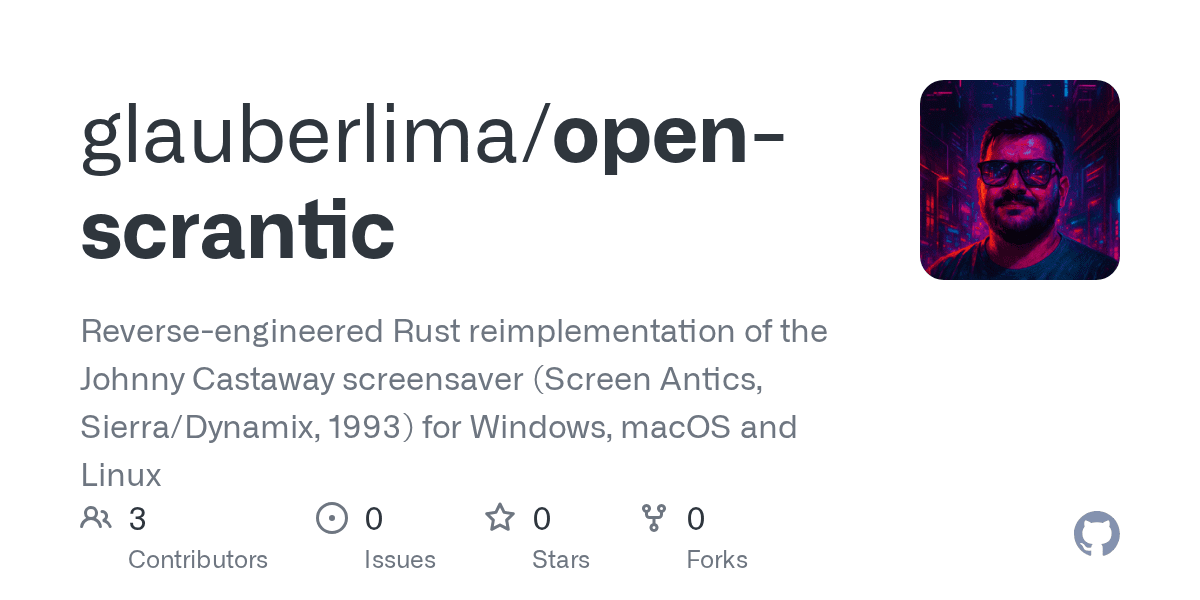
Play Johnny Castaway on Modern Systems

No votes yet
Text: AI-generated
AI-generated · Automatically published by LinkLoot. Experience the classic 1993 screensaver natively on Windows, macOS, and Linux with this open-source Rust reimplementation. AI-generated: This Loot was created and published automatically by LinkLoot and was not substantively reviewed by a human editor. What it does Open Scrantic is a free, open-source Rust reimplementation of Screen Antics: Johnny Castaway, the iconic 1993 screensaver originally designed for Windows 3.1. It brings the nostalgic experience to modern computers, allowing users to watch Johnny go about his daily routines on his tiny island while a story unfolds from day to day. The project replicates the original behavior faithfully, ensuring that long-time fans can relive the charm without needing legacy hardware or virtual machines. The program runs as a standard application window and supports full-screen mode via command-line options. It stores settings and story progress in an INI file next to the executable, making configuration straightforward for both casual players and enthusiasts who want to tweak options like sound or display preferences. Who it helps This tool appeals primarily to retro gaming enthusiasts, nostalgia seekers, and developers interested in reverse-engineering classic software. Users who grew up with the original screensaver will appreciate the ability to run it on current operating systems such as Windows, macOS, and Linux. Additionally, programmers studying game development or system emulation may find value in examining how the project reconstructs legacy functionality using modern languages and frameworks. Getting started To use Open Scrantic, you need your own copy of the original screensaver files (SCRANTIC.SCR, RESOURCE.MAP, and RESOURCE.001) from the 1993 installation. These are not included due to legal restrictions. Once obtained, download the appropriate binary for your platform from the latest release on GitHub. Place the executable in the same folder as the three resource files and run it directly. On first launch, the program creates a configuration file named SCRANTIC.INI where options and progress are saved. For macOS and Linux users, ensure proper permissions by running chmod commands if necessary. If sound issues arise on Linux, install ALSA libraries (e.g., libasound2). Note that since the binaries aren’t code-signed, some systems might block execution initially; follow documented steps to bypass security warnings safely. Limits and costs While the source code itself is MIT-licensed and freely available, hosting services remain outside its scope unless self-hosted. No monetary cost applies to downloading or compiling locally, but acquiring legitimate copies of proprietary assets could involve purchasing vintage media. Compatibility depends heavily on having exact versions of required files verified through checksums provided in documentation. Source links Official Repository Project Documentation
LinkLoot access
Free
Provider costs
Unknown
Review open
0
Blog

Verwandte Artikel

Blog durchsuchen
Noch kein Blogpost zu #screensaver

Aktuell gibt es keinen veröffentlichten Artikel mit diesem Tag. Schau im Blog nach verwandten Themen oder folge dem Tag für spätere Updates.