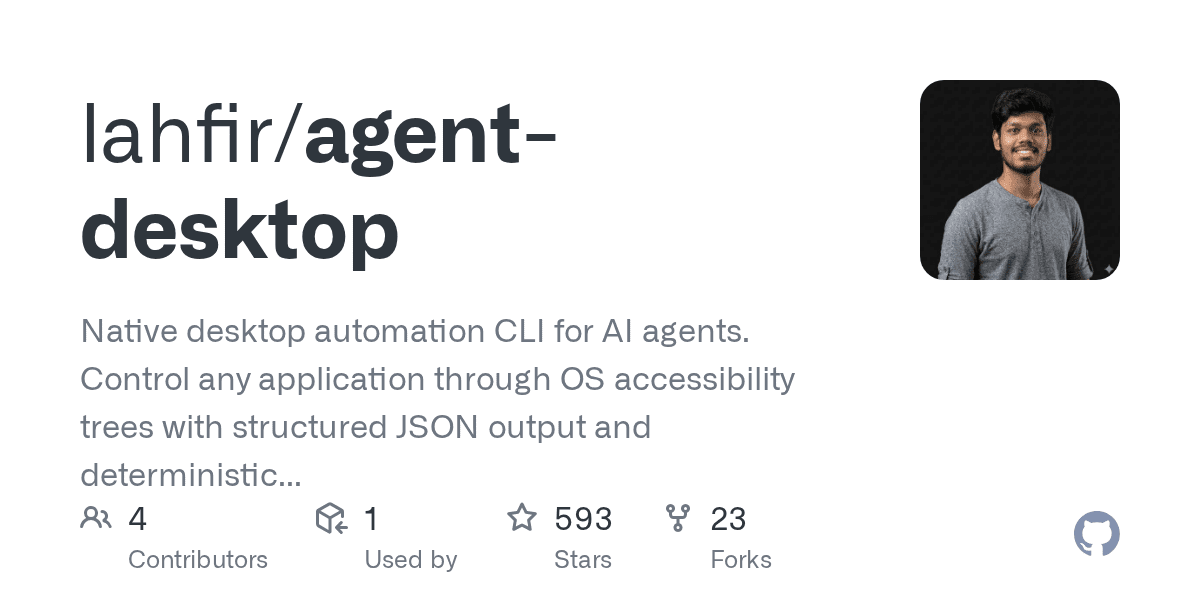
Agent-desktop turns accessibility trees into a native automation layer for AI agents


A new Show HN project packages desktop control as a Rust CLI with structured JSON, deterministic element references, and no screenshot-first browser workflow.
Agent-desktop is an open-source Rust CLI for desktop automation that targets AI agents instead of traditional macro tools. The repository describes it as a native accessibility-first layer that returns structured JSON, deterministic element references, and app state snapshots without relying on screenshot matching. Its Show HN launch reached 98 points, which makes it one of the more visible recent experiments in agent-friendly desktop control.
Key takeaways
- Agent-desktop uses operating-system accessibility trees rather than browser-only automation or pixel matching.
- The repo describes 54 commands covering observation, interaction, keyboard, mouse, notifications, clipboard, and window management.
- It exposes both a CLI and a C-ABI library so other runtimes can load it without shelling out for every call.
- The current published requirements in the repo point to macOS 13+ and Accessibility permission for the controlling app.
| Capability | What the repo says | Practical implication |
|---|---|---|
| Interaction model | Accessibility-tree first | Better structure than screenshot-only automation on supported apps |
| Output format | Structured JSON with deterministic refs | Easier for agents to plan multi-step actions repeatably |
| Packaging | Rust CLI plus C-ABI library | Lower integration overhead for tool builders |
| Scope | 54 commands across input, windows, clipboard, and more | Broad enough for serious desktop workflows, not just demos |
Why it matters
There is a growing gap between what coding agents can do in terminals and what they can do in normal desktop software. Agent-desktop is interesting because it tries to bridge that gap with a structured control layer instead of pretending the desktop is just a visual canvas.
That design matters if you want agents to work inside Finder, Safari, Slack, System Settings, or other apps that expose accessibility trees but not stable APIs. A structured accessibility route can be more deterministic than image matching, while still staying more general than app-specific scripting.
The tradeoff is obvious too: this is not “universal automation solved.” Accessibility coverage varies by app, permissions are required, and the current repo text explicitly targets macOS 13+ rather than cross-platform parity. Teams evaluating this should treat it as a serious building block, not a finished control plane.
What to verify before you act
Check whether the apps you care about expose clean accessibility trees and whether your security posture allows Accessibility permission on managed devices. Verify how the deterministic refs behave after app state changes, and test failure recovery before wiring the tool into unattended agent loops. If you need Linux or Windows support today, confirm the roadmap first instead of assuming the current implementation will port cleanly.
No. It is positioned as native desktop automation via accessibility APIs, not a browser-only stack.
If you are comparing agent-control approaches, pair this with LinkLoot’s broader workflow references on /guides/ai-agent-tools and /guides/ai-workflow-automation.
The click-through value here is in the implementation details: agent-desktop is less about a flashy consumer app and more about whether structured desktop control can become a reliable primitive for the next generation of AI operators.
Try the related loot
This JS Agent Turns Any Website Into an AI Copilot