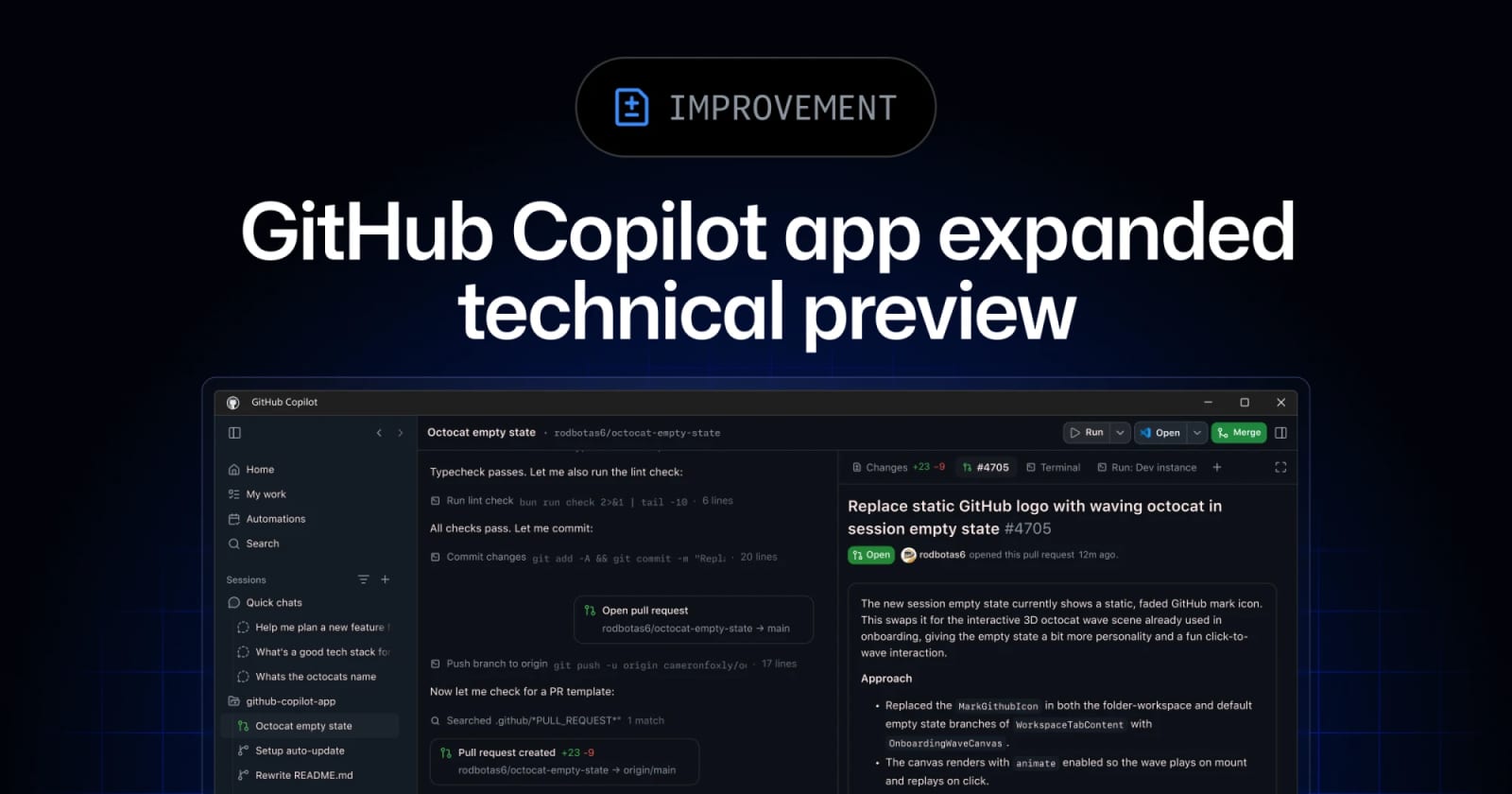
GitHub Copilot app opens wider as Copilot CLI adds scheduled prompts


GitHub widened the Copilot app technical preview to existing paid Copilot customers and updated Copilot CLI with experimental scheduled prompts, voice input, rubber duck review, and a redesigned terminal UI.
GitHub expanded the Copilot app technical preview on June 2, 2026 to existing Copilot Pro, Pro+, Business, and Enterprise customers. The app is becoming a desktop workspace for agent-native development, while Copilot CLI is adding scheduled prompts, local voice input, rubber duck review, and a redesigned experimental terminal interface. For teams already using Copilot agents, the practical shift is from single chat sessions toward visible work surfaces, reusable skills, cloud runs, and recurring automation.
Key takeaways
- The Copilot app preview is now open to existing paid Copilot customers across Pro, Pro+, Business, and Enterprise plans.
- GitHub describes canvases as bidirectional work surfaces where people can inspect, edit, approve, or redirect agent work.
- Copilot CLI now has generally available rubber duck review and local voice input.
- Prompt scheduling with
/everyand/afteris available in the CLI's experimental mode, based on GitHub's June 3 editor note. - The app and CLI are converging around shared sessions, cloud runs, skills, and agent work that can be reviewed outside a raw chat transcript.
Practical LinkLoot angle
This is useful if your development workflow already involves issue triage, release notes, dependency cleanup, UI checks, or routine repository maintenance. The Copilot app gives those tasks a desktop surface with plans, diffs, terminal output, browser verification, and pull request flow in one place. Copilot CLI adds the smaller building blocks: scheduled checks inside a session, a critic agent for plans or tests, and hands-free prompt entry where audio stays local.
| Capability | Best use | Limitation | Source |
|---|---|---|---|
| Copilot app canvases | Inspecting and steering agent work on plans, pull requests, browser sessions, or workflow state | Technical preview; Free users and non-customers waitlist | GitHub Changelog |
| Cloud sessions and cloud automations | Recurring agent work that should not depend on a local machine staying awake | Requires Copilot access and plan eligibility | GitHub Changelog |
| Copilot CLI scheduling | Repeating a prompt or skill inside a current CLI session | Experimental mode, not generally available | GitHub Changelog |
| Rubber duck review | Getting a second agent opinion on a plan, implementation, or tests | Still needs human review before merge | GitHub Changelog |
For a LinkLoot workflow, the clean test is simple: pick one low-risk repository task that repeats weekly, such as changelog cleanup or stale issue grouping, then compare Copilot app plus CLI scheduling against your current manual path. Keep the first automation narrow. If the generated pull request needs heavy rewrites, the tool is not yet saving time for that workflow.
What to verify before you act
Check plan eligibility before you build a workflow around this. GitHub says the app preview is available to existing Copilot Pro, Pro+, Business, and Enterprise customers, while Copilot Free users and customers not yet on Copilot must join a waitlist. If you are on Business or Enterprise, confirm that your organization allows previews, CLI access, cloud sessions, MCP servers, and the models you want to use. For prompt scheduling, verify that the command is enabled in /experimental and treat it as changeable until GitHub marks it generally available.
Also review billing and runner policy before scheduling agent work. Recurring prompts and cloud sessions are attractive, but they can multiply usage if nobody owns budgets, task scope, and review gates.
Source check
GitHub's Copilot app changelog confirms the expanded technical preview, canvases, cloud sessions, cloud automations, shared CLI sessions, agentic browsing, skills, and scheduled automations. GitHub's Copilot CLI changelog confirms the redesigned experimental terminal UI, rubber duck, /every and /after scheduling in experimental mode, and local voice input. Tom's Guide independently covered Microsoft Build 2026 as an agentic AI event and identified the GitHub Copilot app preview among the developer-tool announcements.
GitHub says existing Copilot Pro, Pro+, Business, and Enterprise customers can download the preview. Copilot Free users and non-customers need the waitlist.
For more agent-tool comparisons, use LinkLoot's guide to AI agent tools and keep a short test log for every workflow you automate.
Try the related loot
This JS Agent Turns Any Website Into an AI Copilot