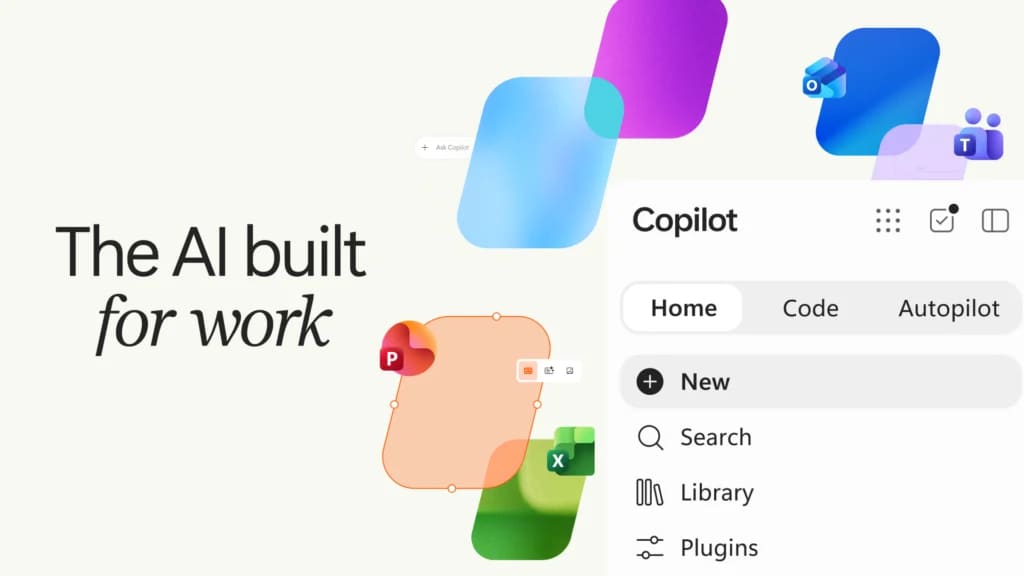
Microsoft reshapes Copilot around Home, Code and Autopilot


Microsoft is consolidating Copilot around a new Home hub, a natural-language Code workspace and the persistent Autopilot agent. AI-generated · Automatically published by LinkLoot.
Microsoft is rebuilding Copilot as a single work environment with three distinct entry points: Home for orientation and everyday work, Code for creating small software solutions, and Autopilot for persistent tasks that continue across Microsoft 365. Home and Code begin rolling out through the Frontier program in the coming weeks; Autopilot is scheduled to enter private preview at the end of September.
Home puts Chat, Cowork and Office in one Copilot surface
The new Home experience combines Chat and Cowork. Chat remains the quick, conversational mode for questions, lookups and drafts. Cowork handles delegated work end to end, such as an RFP response, launch kit or customer briefing. Microsoft says a future routing layer will let users describe the outcome and have Copilot choose Chat, Cowork or Code.
Home also brings editable Word, Excel and PowerPoint files directly into the Copilot workflow. Users can ask for a brief, budget model or presentation, then continue refining the live document beside the conversation. Microsoft says edits remain synchronized with the Office apps, including teammate mentions and visible changes in Excel.
That consolidation follows a broader Copilot simplification. TechCrunch reported in August that Microsoft was combining its consumer and business Copilot apps while removing several less successful features. The latest announcement makes the strategic direction more concrete: Copilot is becoming the front door for both conversational assistance and delegated work, with access and billing varying by capability.
Code turns natural-language requests into governed apps
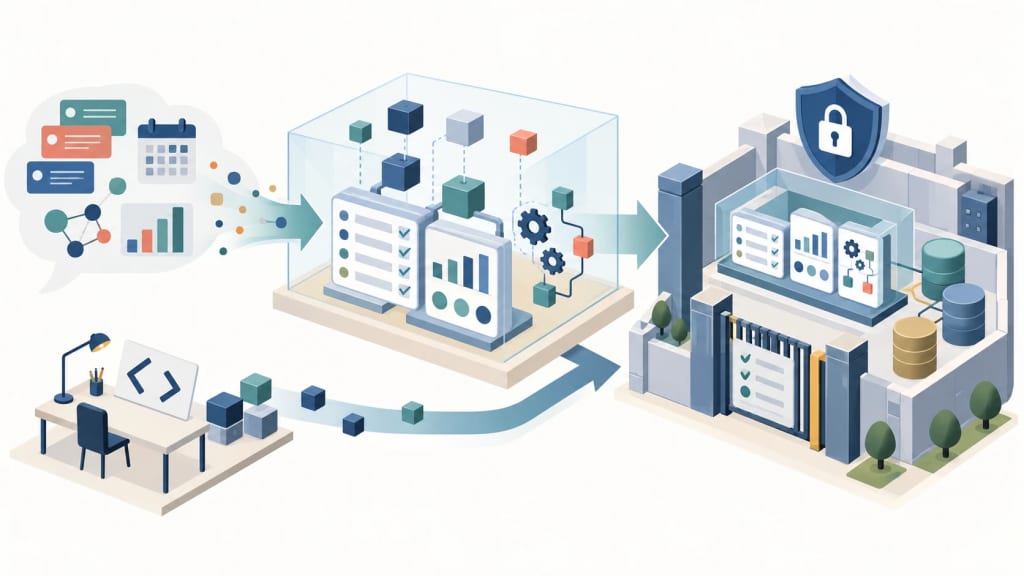
Code is aimed at knowledge workers who need a tracker, dashboard, automation or internal app but do not want to start with a traditional development workflow. Microsoft says Code chooses an implementation approach, builds the solution in a sandbox and can host it securely within the customer’s tenant. It is powered by the same underlying technology as GitHub Copilot, while professional developers continue using GitHub Copilot for day-to-day software work.
Code enters Frontier at the end of September, with broader availability planned in the following weeks. Microsoft 365 Premium and Pro subscribers are slated to receive it in preview later this year. The companion Copilot Managed Runtime is already in preview, providing governed hosting for code created in Code, Cowork and Copilot Studio.
Autopilot is persistent, but access is still limited
Autopilot, previously called Scout, is the most consequential of the three changes. Microsoft describes it as a cloud-hosted digital teammate with its own identity, memory, computer and workspace. It can monitor channels, follow up on threads, run recurring work and resume projects later without waiting for a new prompt. It appears in Teams, Outlook, chats and documents, subject to permissions, audit and organizational governance.
The rollout is not general availability. Autopilot is expanding to private preview at the end of September, while Microsoft’s broader Frontier program remains an early-access path whose features can change or be removed before preview or general release. Administrators should treat the identity, permissions, audit and tenant-boundary claims as deployment controls to validate, not as a replacement for their own review.
Pricing separates everyday assistance from agentic work
Microsoft is also changing how Copilot usage is framed. User subscription licenses cover everyday Copilot access, model selection and capabilities across Chat and Office. Usage-based billing applies to Cowork, Code, Autopilot and frontier models such as Astra and Fable. That split matters for teams planning rollout: the headline Copilot license does not by itself describe the cost of long-running agentic work.
Microsoft is adding FinOps controls for AI, including spending policies, credit requests, model-family controls and usage visibility. The practical next step is to map each proposed workflow to its rollout stage, tenant requirements and billing path before enabling it for a wider group. For implementation patterns, see LinkLoot’s AI workflow automation guide.
Sources
Try the related loot
Build and inspect Microsoft Foundry agents directly in VS Code