Run Codex, Claude, Gemini, and Grok side by side with Termic
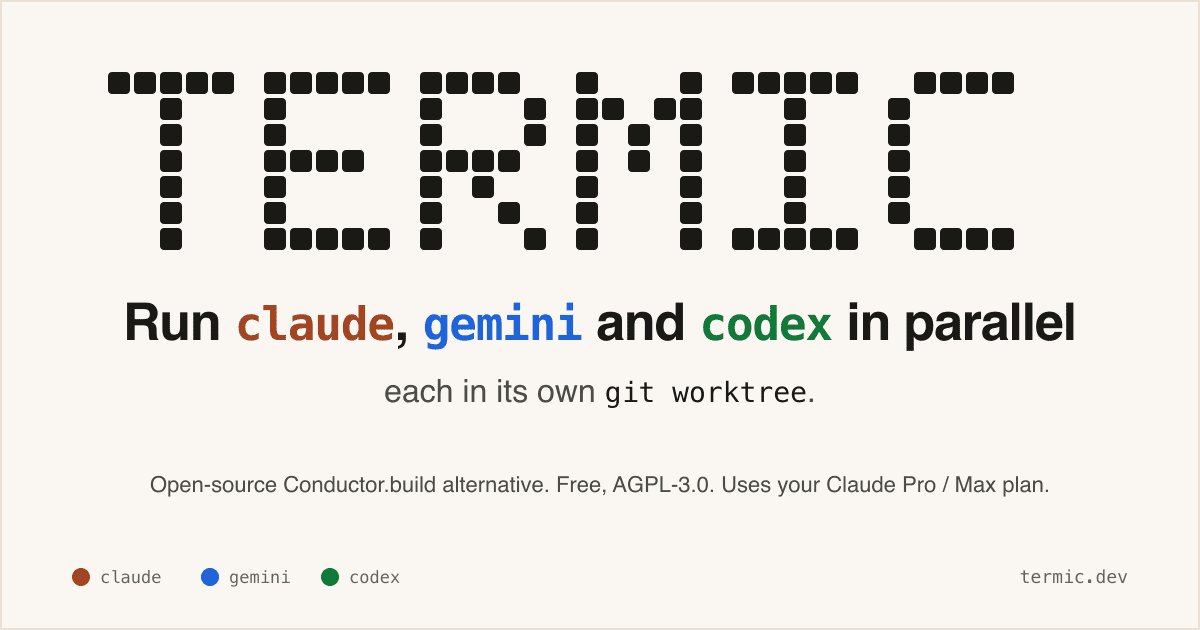
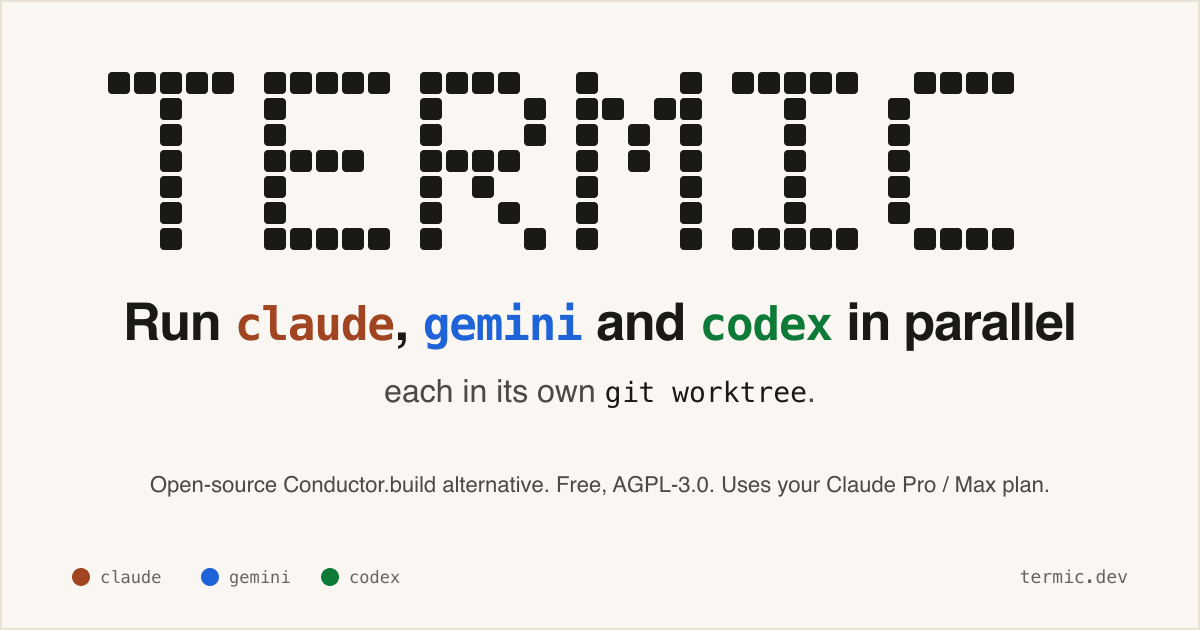
A free AGPL desktop workbench for running real coding-agent CLIs in separate terminals and git worktrees.
- LinkLoot access
- Free
- Provider costs
- Unknown
What you get from it
Practical testing not documented.
LinkLoot assessment · not a user rating.
Termic is a local desktop app for developers who already use CLI coding agents and want a cleaner control surface than a pile of terminal tabs. It launches the real claude, codex, gemini, grok, opencode, and custom PTY commands, so the model access still comes from the vendor CLI accounts you already use rather than a proxy backend.
The practical value is the workspace model: each agent can run in its own git worktree, you can broadcast one instruction to several agents, compare their output, inspect diffs, and keep reusable prompts close to the task. The project also exposes config-as-code through .termic.yaml, which is useful when a repo needs repeatable run commands, preview URLs, or sandbox allowlists.
Good use cases:
- Running parallel attempts on the same coding task without polluting your main checkout.
- Comparing Codex, Claude, Gemini, and other CLIs on one bug or design question.
- Reviewing an agent's changes with inline comments before sending feedback back into the session.
- Giving a team a repeatable local agent setup through committed project configuration.
Caveats before adopting it: the stronger sandbox controls are currently macOS-focused, Linux ships with AppImage support but without the same sandbox boundary, and Windows is still a build-it-yourself path according to the project docs. Treat it as a powerful local harness, not as a substitute for reviewing agent changes, protecting credentials, or keeping destructive commands behind your own process controls.
Discussion
Share practical experience, questions, or warnings with the community.
Sign in to join the discussion and vote on comments.
Sign in