Topic
#copilot cli
Loot, blog posts and adjacent themes connected to this topic. Follow the tag to keep it in your orbit.
1Shown loot
3Shown articles
8Linked neighbor tags
Topic paths
If you want to go deeper, the adjacent tags are the fastest way to compare and branch into related workflows.
Loot
More from this topic

Blog
Related reads
Tools & Apps
Run Copilot CLI in Actions without storing a PAT
GitHub Copilot CLI can now run in GitHub Actions with the built-in GITHUB_TOKEN, cutting long-lived PAT secrets out of organization-owned au…
Tools & Apps
Cap Copilot agent spend before long CLI and SDK runs
GitHub Copilot now lets CLI and SDK users set AI credit limits per session, giving agent automation a soft spending cap before background wo…
Tools & Apps
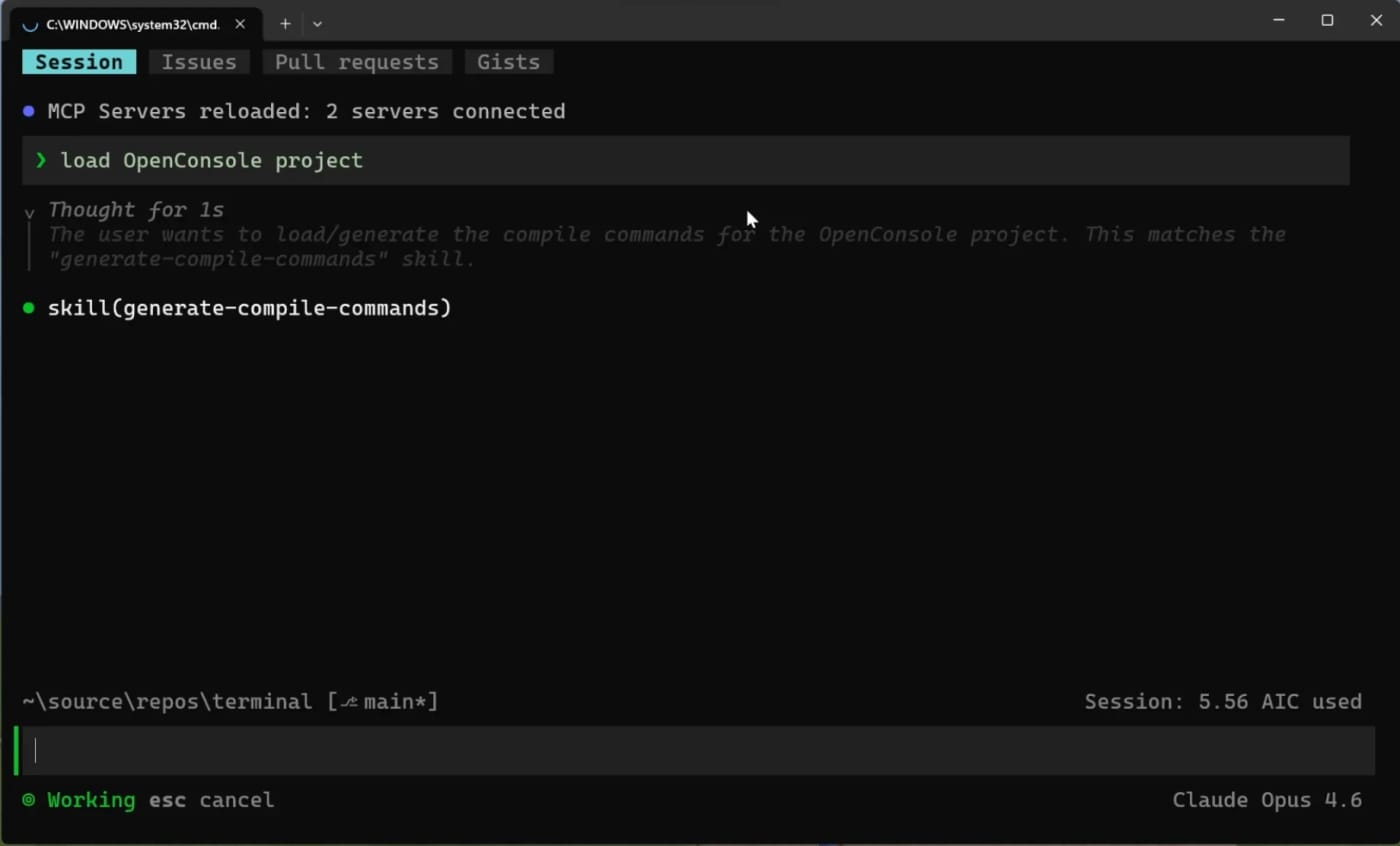
GitHub Copilot CLI makes its new terminal interface generally available
GitHub has made the redesigned Copilot CLI terminal interface generally available, adding tabs for issues, pull requests, and gists plus in-…