Give Copilot CLI Real C++ Project Context With Microsoft C++ Language Server
Microsoft's C++ Language Server is now available as a Copilot CLI plugin with a setup skill that can generate compilecommands.json for CMake and MSBuild projects.
- LinkLoot access
- Free
- Provider costs
- Unknown
What you get from it
Practical testing not documented.
LinkLoot assessment · not a user rating.
Microsoft and GitHub have made the Microsoft C++ Language Server available as a Copilot CLI plugin. The practical win is narrower than a headline AI release: C++ agents can get compiler-aware symbol navigation, diagnostics, explanations, and code changes when the project has a usable compile_commands.json file.
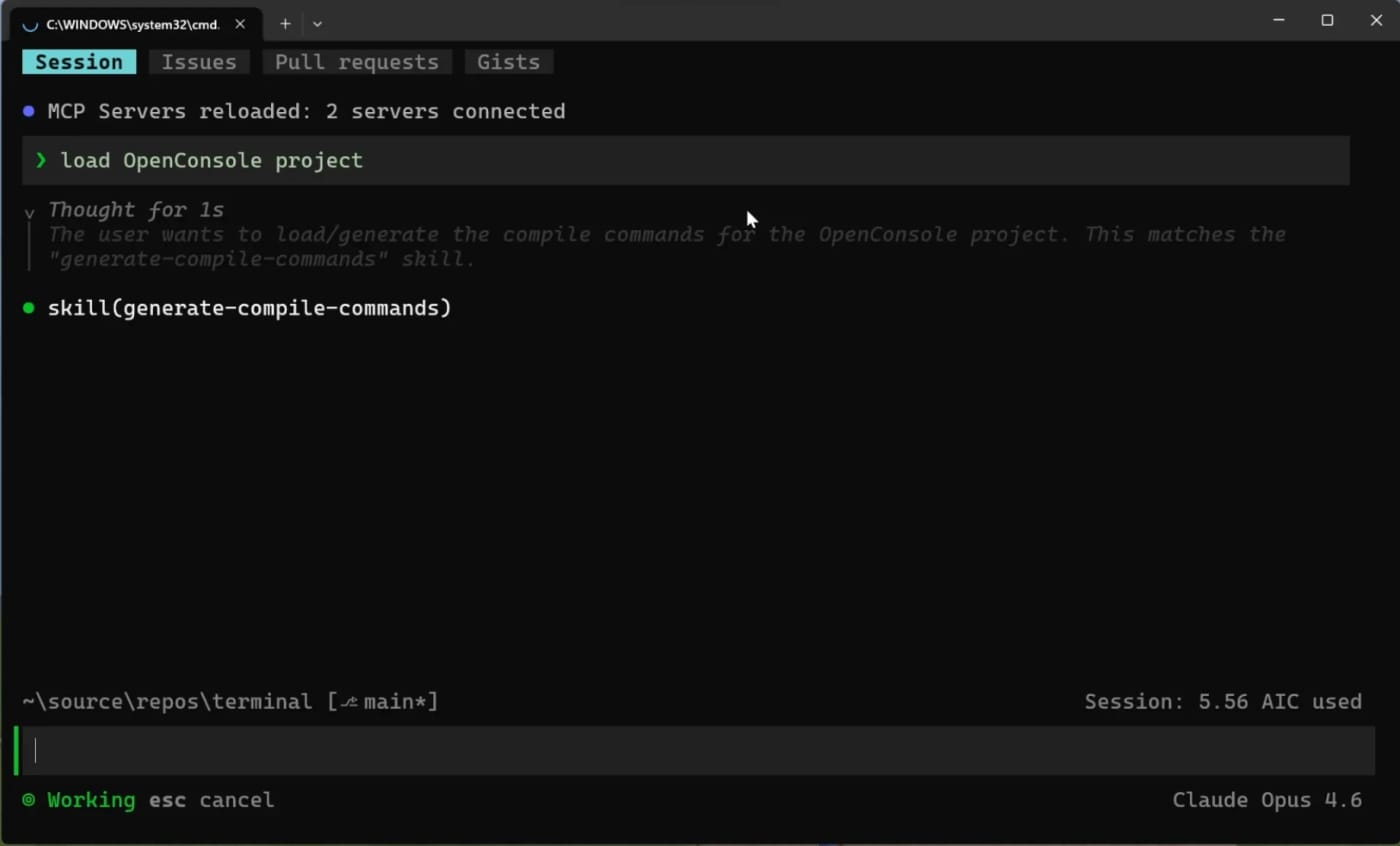
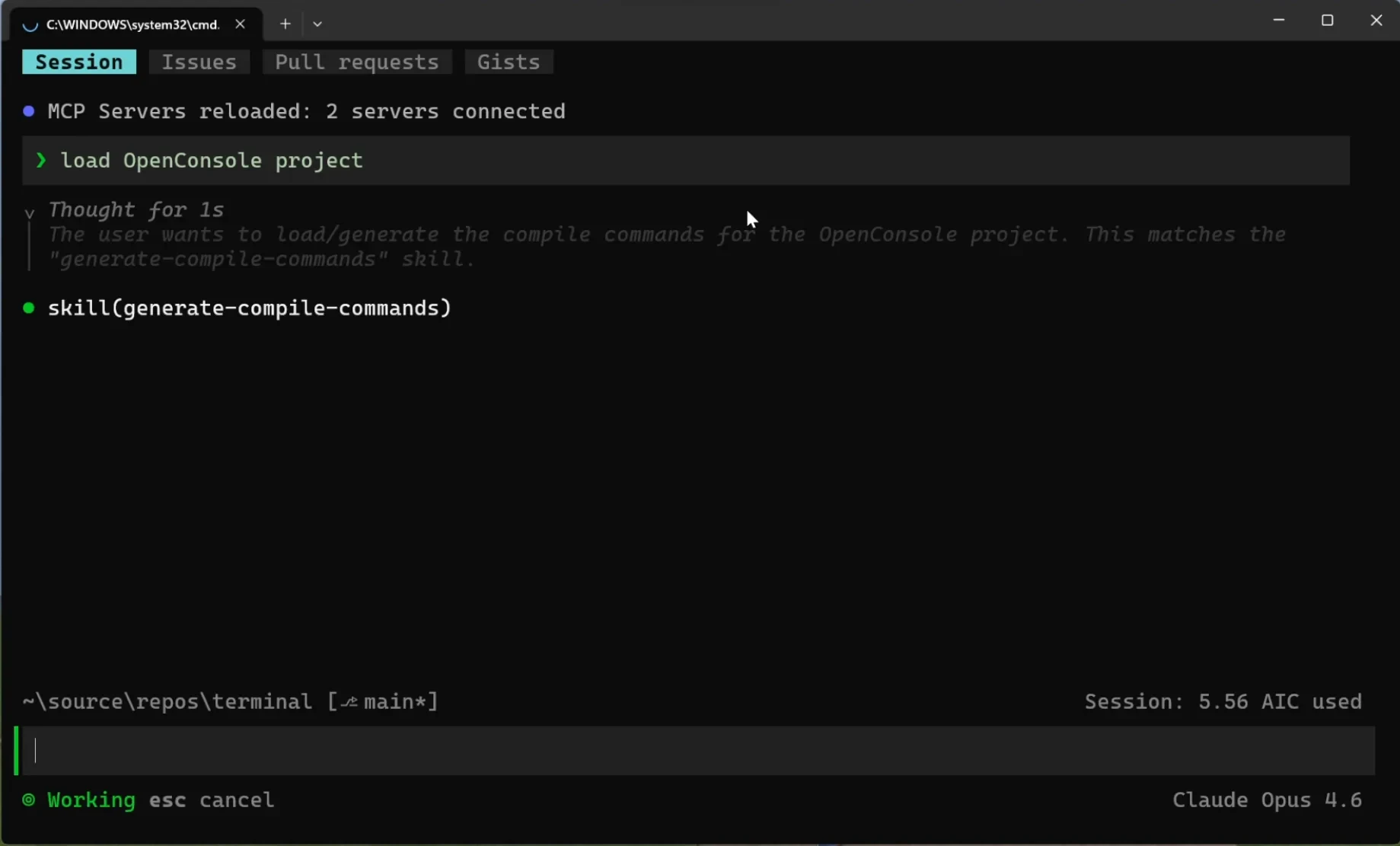
Use this if Copilot CLI struggles to understand a C++ repository outside an IDE. Install the plugin from the Copilot Plugins marketplace, accept the EULA, authenticate with an active Copilot subscription, then ask Copilot CLI to regenerate compile commands or load the project. GitHub says the setup skill can handle common CMake and MSBuild paths, while custom build systems may still need a project-specific skill or manually supplied compile_commands.json.
Caveats: the language server is still described as preview in the public repository, requires a GitHub Copilot subscription, and may write logs under a temporary workspace directory. Review log contents before sharing them in public issues, and do not treat generated compile commands as a substitute for a real build/test pass.
Discussion
Share practical experience, questions, or warnings with the community.
Sign in to join the discussion and vote on comments.
Sign in