Topic

#local development

Loot, blog posts and adjacent themes connected to this topic. Follow the tag to keep it in your orbit.

#local development
Loot

More from this topic

Explore all loot

Port Kill: Free Stuck Dev Ports Without Guessing PIDs

0
#developer tools#productivity#cli#open source#local development
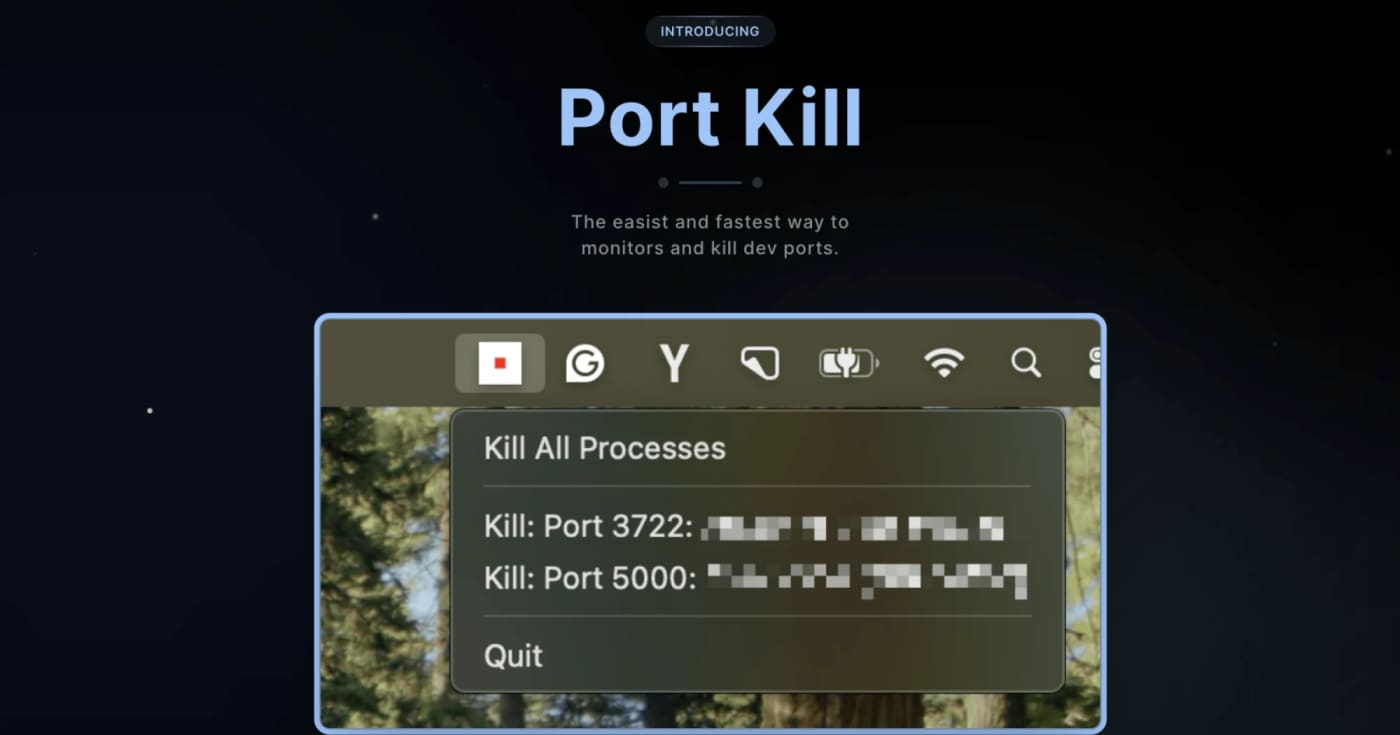
A practical cross-platform dev utility for finding, killing, restarting, and monitoring processes that block local ports. What it does Port Kill is a developer utility for the recurring local-dev problem where a process keeps holding ports like 3000, 5000, or 8000. It can list active ports, identify the process behind them, terminate blockers, restart saved services, and manage simple service orchestration from a project config. The useful bit is that it is not just another one-line lsof kill wrapper. The README documents a CLI, a macOS status-bar app, a pure console binary for all platforms, cache cleanup commands, smart restart history, service detection for npm/Docker Compose/Procfile/Python projects, and guard mode for keeping a local service alive. Best fit Use it when you frequently run multiple local services and lose time figuring out which process is holding a port. It is especially useful for frontend/backend stacks, Docker Compose projects, demos, and AI-generated app experiments where dev servers are started and stopped often. Quick evaluation checklist Primary value: list and free occupied local development ports quickly. Platform surface: macOS, Linux, and Windows according to the project README. Interface: CLI across platforms, plus a macOS status-bar app. Practical caveat: installation is via shell scripts, so inspect the script before piping it into a shell. Licensing caveat: the GitHub API did not expose a clear SPDX license at review time, so confirm licensing before bundling it into commercial tooling. Why it is worth bookmarking Most teams already know the manual commands, but Port Kill packages the workflow into repeatable commands: port-kill --list, port-kill 3000 --safe, port-kill --restart 3000, port-kill --detect, and port-kill --up for configured services. That makes it a small but useful productivity pick rather than a full blog story. Source notes The official product page describes port monitoring, process detection, termination, port ranges, ignore rules, and cache clearing. The GitHub README adds the cross-platform CLI/status-bar split, smart restart, service detection, orchestration, and cache commands. The latest GitHub release visible during review was v0.5.41 from April 3, 2026, focused on dashboard discovery and default port-range fixes.
View
Free
Open
Blog

Related reads

Browse blog
No blog posts for #local development yet

There is no published article with this tag right now. Browse the blog for adjacent themes or follow the tag for future updates.