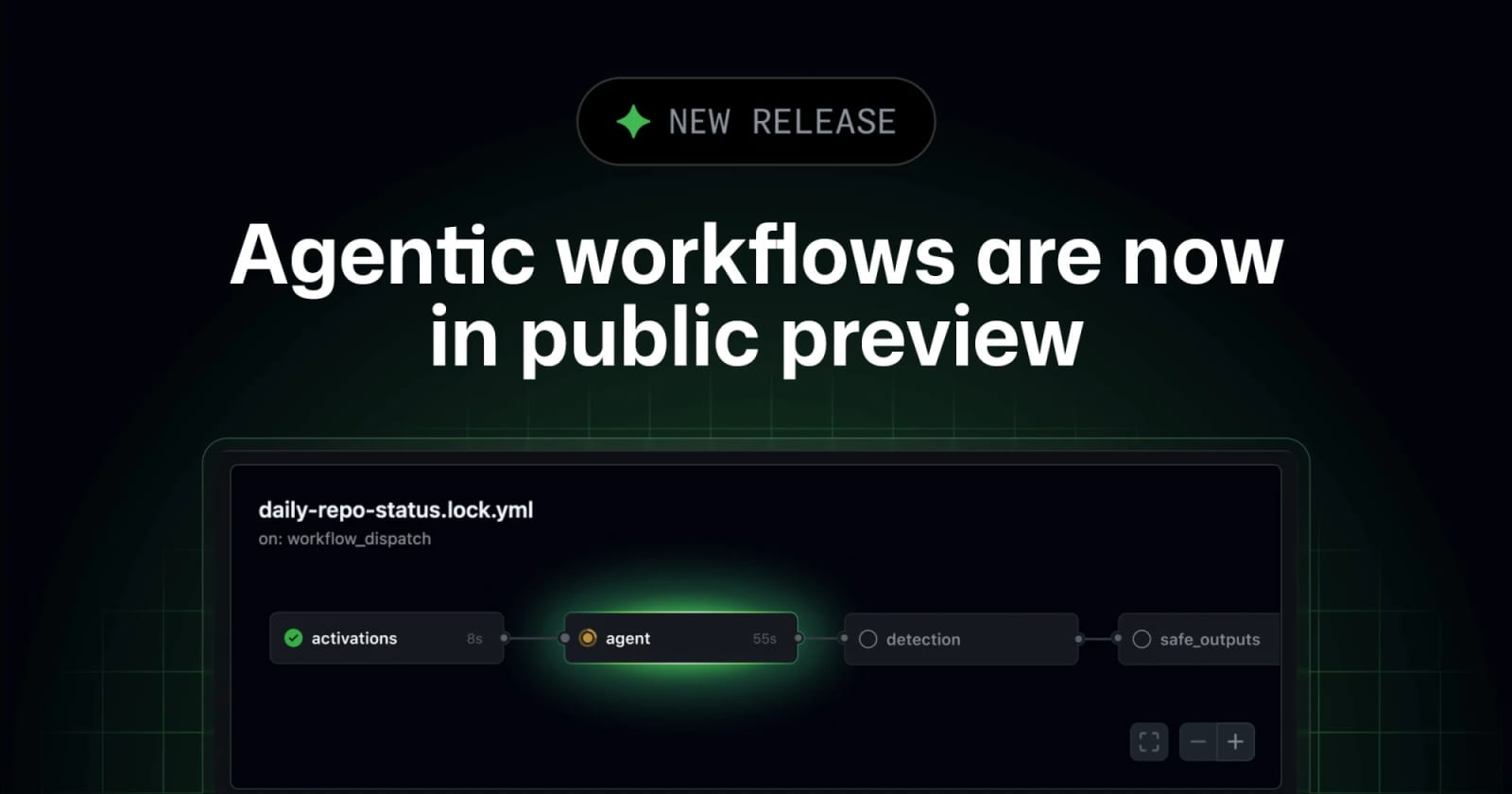
GitHub Agentic Workflows Moves Into Public Preview


GitHub Agentic Workflows is now in public preview, letting teams define AI-driven repository automation in Markdown and run it through GitHub Actions with sandboxing, firewall, and safe-output checks.
GitHub Agentic Workflows is now in public preview. The feature lets teams describe repository automations in natural-language Markdown, compile them into GitHub Actions workflows, and run coding agents against tasks such as issue triage, CI failure analysis, documentation updates, and dependency maintenance. GitHub says the workflows reuse existing runner groups and policy constraints, with read-only defaults, sandboxed execution, an Agent Workflow Firewall, safe-output validation, and threat-detection checks before changes are applied.
Key takeaways
- The public preview turns GitHub Agentic Workflows from an early technical-preview concept into a broader Actions-based automation lane.
- Teams write workflows in Markdown, then compile them into standard Actions YAML rather than hand-building every automation path.
- GitHub positions the guardrails as part of the product surface: repository integrity filters, read-only defaults, sandboxed containers, network controls, safe outputs, and threat detection.
- The best first use cases are repetitive repository tasks with reviewable outputs: triage summaries, CI investigation, dependency hygiene, docs updates, and compliance reporting.
- Human review still matters because the project documentation itself warns that agentic workflows are early and require careful supervision.
Practical LinkLoot angle
For LinkLoot readers, the useful question is not whether an agent can run inside CI. It is whether the workflow leaves a reviewable trail and has enough policy controls to fit a real engineering process.
| Workflow option | Best use | Limitation | Source |
|---|---|---|---|
| GitHub Agentic Workflows | Repository automation that should run inside Actions with existing runner and policy controls | Public preview; security review and rollout discipline are still required | GitHub Changelog |
| Classic GitHub Actions YAML | Deterministic build, test, deploy, and scheduled jobs | Weak fit for tasks that need contextual judgment across issues, logs, and docs | GitHub Actions model |
| Ad-hoc local coding agents | Interactive fixes and exploration on a developer machine | Harder to govern, schedule, audit, or apply consistently across repositories | Operational comparison |
A practical rollout starts with read-only or low-risk workflows: summarize flaky CI runs, label stale issues, draft dependency-update notes, or prepare documentation diffs. Keep outputs as pull requests or comments until the team has evidence that the prompts, allowed tools, and safe-output policy behave under messy repository conditions.
What to verify before you act
Check whether your Copilot and GitHub plan exposes the public preview in your organization, because preview access and policy controls can differ by account type. Review the compiled .lock.yml output before treating a Markdown workflow as production automation. Confirm which network destinations the Agent Workflow Firewall allows, which runner group executes the job, and whether proposed outputs are blocked or merely flagged when threat detection finds risk. If the workflow touches security, compliance, or dependencies, require a human approval step before merge or write-back.
Useful setup checks
- Start with a repository that has clean Actions permissions and branch protection.
- Add a single workflow that produces a comment, report, or draft PR rather than merging code.
- Review the generated Actions YAML and the agent's allowed tools.
- Measure token or premium-request cost before scaling to scheduled runs across many repositories.
It is a GitHub feature for defining AI-powered repository automations in Markdown and running them through GitHub Actions.
If you are comparing agent platforms, keep this beside LinkLoot's guide to AI agent tools and look for the same basics every time: execution boundary, audit trail, cost control, rollback path, and human approval.
Try the related loot
This JS Agent Turns Any Website Into an AI Copilot