Check Vercel deploy files before agents ship them


Vercel CLI now supports dry-run deployments, giving teams and coding agents a JSON manifest of what would ship before a deployment is created.
Vercel has added dry-run deployments to Vercel CLI. Confidence level: confirmed by Vercel's July 1, 2026 changelog, with the deploy command documented as the relevant CLI surface. The practical change is simple: teams can inspect the framework preset and file manifest before creating a deployment.
What changed
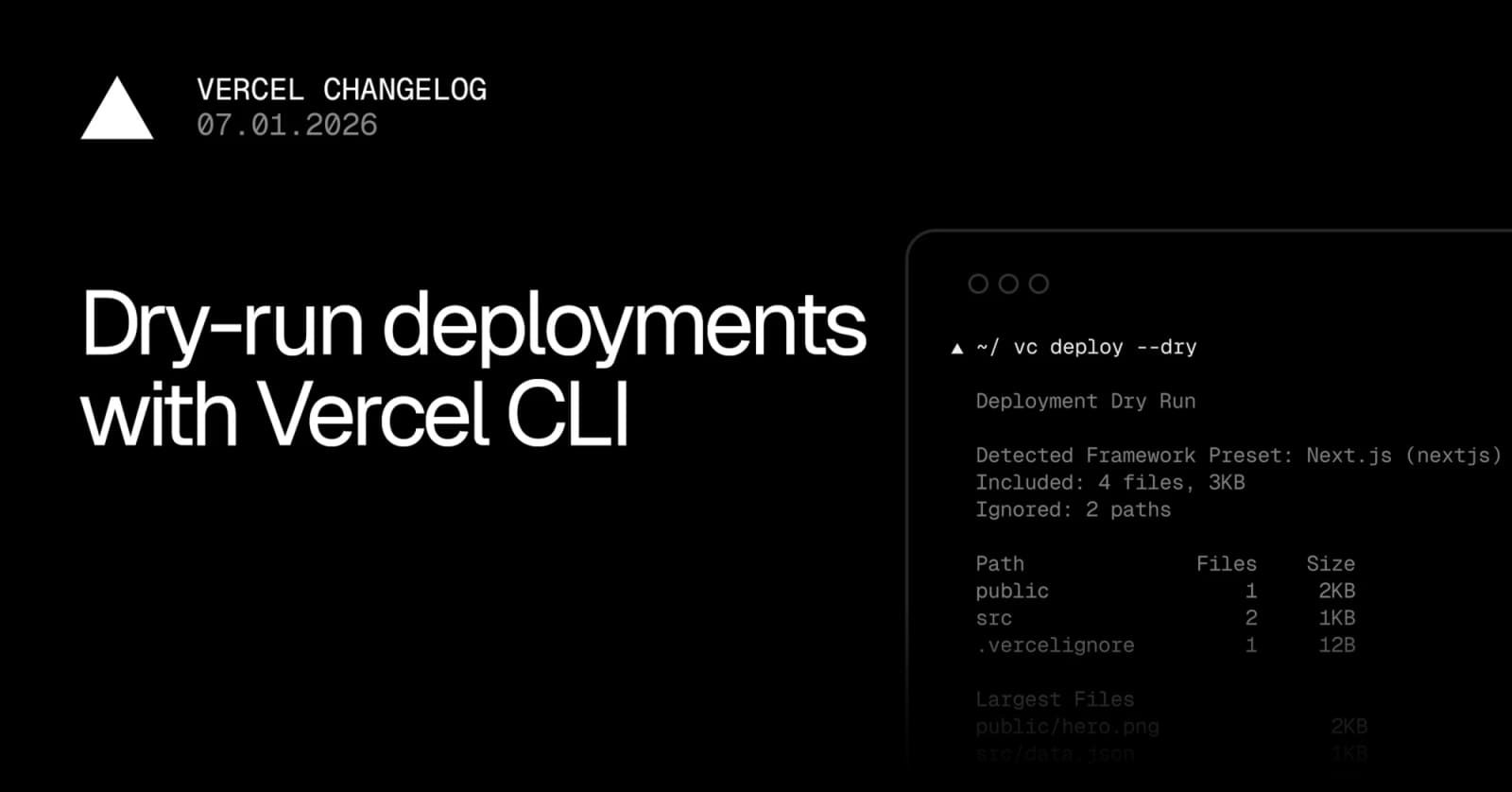
vercel deploy --dry now previews what Vercel CLI would include in a deployment from a linked project. The human-readable output shows the detected framework preset, included file count, ignored paths, size distribution, and largest files.
For automation, vercel deploy --dry --format=json returns a complete manifest. Vercel says the JSON includes the detected framework, included and ignored paths, directory size distribution, largest files, file modes, and content hashes. Piped and non-TTY output automatically uses JSON.
| Check | What dry run exposes | Why it helps |
|---|---|---|
| Framework detection | The preset Vercel CLI plans to use | Catches bad project detection before upload |
| File scope | Included and ignored paths | Spots missing build files or leaked extras |
| Size profile | Directory sizes and largest files | Flags bloated assets before deploy |
| File integrity | Modes and content hashes | Gives agents and CI something diffable |
Key takeaways
- The command is available in Vercel CLI
v54.17.2or later. - Dry runs do not upload files or create a deployment.
- JSON output makes the feature useful for CI checks and coding-agent loops.
- The strongest use case is deployment preflight: verify what would ship, update
.vercelignoreor project config, rerun, then deploy. - This is a developer workflow update, not a pricing or hosting-policy change.
Availability and access
Vercel says the feature works from a linked project using the Vercel CLI. Teams should update to v54.17.2 or later before relying on it. The changelog does not describe plan limits, region limits, or account-tier restrictions for the dry-run flag.
The deploy documentation still covers the broader vercel deploy command surface, including CI-friendly stdout and stderr behavior, --prebuilt, --prod, --target, and other deployment options. Treat the changelog as the source of truth for the new dry-run behavior until the reference page catches up in full.
Practical LinkLoot angle
This is useful because agent-built apps often fail at the last mile: wrong framework preset, missing static files, a forgotten .vercelignore, or an asset directory that should never be uploaded. A dry-run manifest gives the agent a concrete object to inspect before it creates a preview or production deployment.
A practical CI gate could run vercel deploy --dry --format=json, fail if the framework preset is unexpected, compare hashes against the previous approved manifest, and flag oversized files. That keeps deployment review focused on facts instead of guessing what Vercel will package.
For more agent workflow ideas, see LinkLoot's guide to AI workflow automation.
What to verify before you act
- Confirm your local or CI Vercel CLI version is
v54.17.2or later. - Run the command from a linked project so Vercel can resolve the correct project settings.
- Compare included and ignored paths against
.vercelignore, monorepo output folders, and build artifacts. - Check whether your CI runner treats non-TTY output as JSON and parse it accordingly.
- Keep normal deployment checks in place; dry run validates packaging, not runtime health.
Source check
Confirmed by:
- Vercel's changelog entry dated July 1, 2026, which announces
vercel deploy --dry, JSON output, manifest fields, and the minimum CLI version. - Vercel's deploy CLI documentation, which confirms the broader
vercel deploycommand context and CI output patterns.
Context:
- An independent developer writeup framed the feature as a pre-deployment inspection step for teams that want to catch file-scope and configuration mistakes before upload.
It previews the framework preset and files Vercel CLI would include in a deployment without uploading files or creating a deployment.
Try the related loot
Scrape Changing Websites with Anansi Self-Healing Selectors and MCP