Self-hosted Google search for AI agents via MCP
Give your AI agent real Google results, including AI Overview and People Also Ask, without an API key.
- LinkLoot access
- Free
- Provider costs
- Unknown
What you get from it
What it does
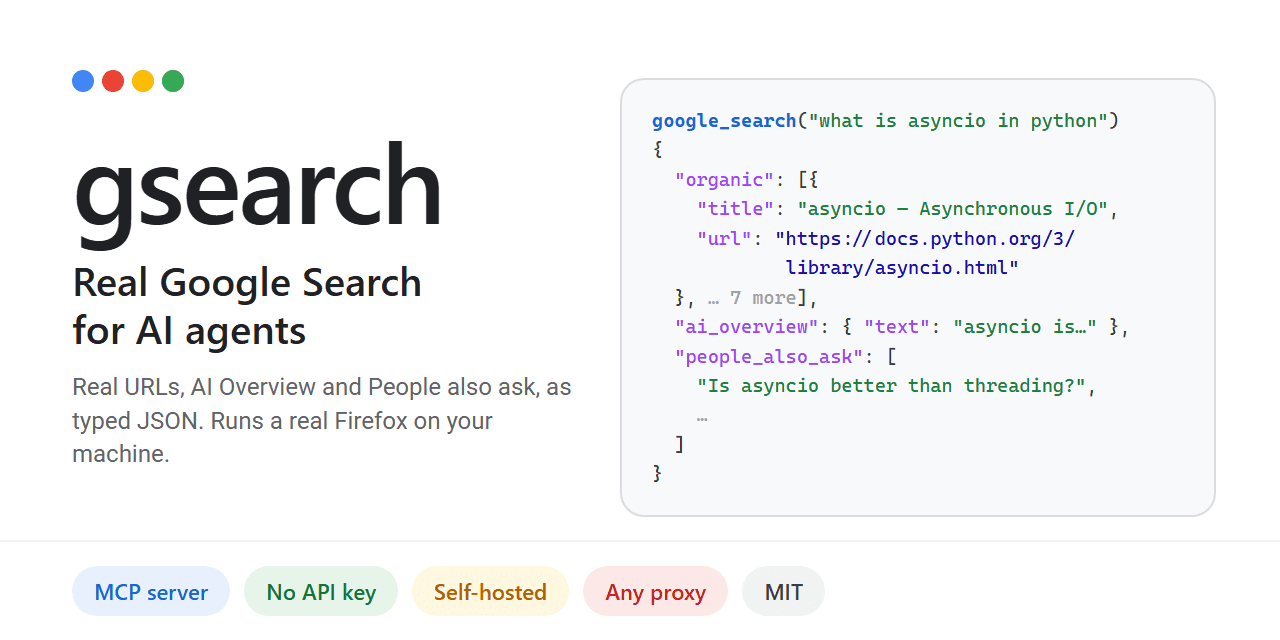
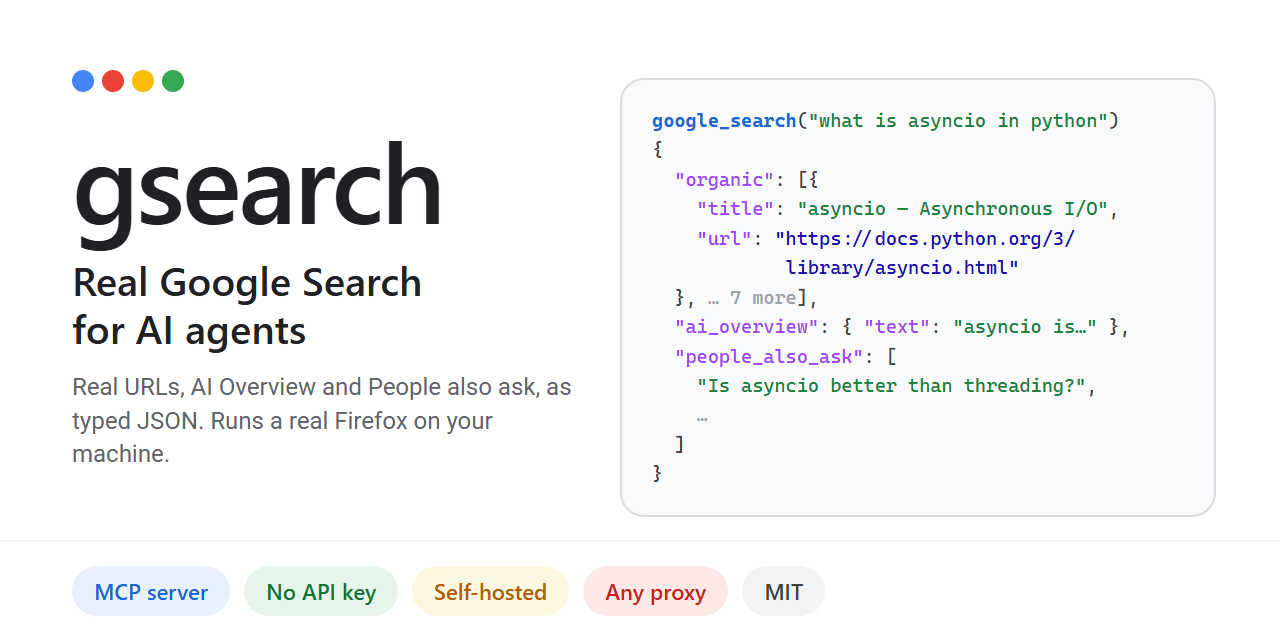
Gsearch provides a Model Context Protocol (MCP) server that allows AI agents to perform actual Google searches. Unlike other tools that use alternative indices or charge per query, gsearch renders Google's live results page using a real Firefox instance (Camoufox). It returns structured JSON containing resolved URLs, the AI Overview, "People also ask" questions, and related searches.
The project is designed to bypass common automated access blocks. Plain HTTP requests often hit JavaScript walls, and standard Chrome automation frequently triggers CAPTCHAs. By running a full browser session on your local IP or through a configured proxy, gsearch retrieves data as if a human were searching. This approach is particularly relevant given that Google's official Custom Search API is scheduled to close on January 1, 2027.
Who it helps
This tool benefits developers building autonomous agents that require up-to-date, accurate web information from Google's index. It is ideal for those who want to avoid recurring costs associated with commercial SERP APIs like SerpApi or Bright Data. Users concerned about privacy may also prefer self-hosting their search infrastructure rather than relying on third-party hosted services.
Getting started
Installation requires Python-based tooling such as uv or pipx. Run uv tool install gsearch-agent to set up the core components. Next, execute gsearch setup, which downloads the necessary Camoufox browser (~1 GB) and outputs the required MCP configuration block.
To integrate with clients like Claude Desktop or Cursor, add the generated command to their respective config files (claude_desktop_config.json or ~/.cursor/mcp.json). You can optionally configure proxies via environment variables (GSEARCH_PROXY) to increase throughput beyond the default limit of 20 searches per hour on a home IP.
Limits and costs
While the software itself is open-source under the MIT license, hosting and usage come with practical constraints. Without a proxy, you are limited to approximately 20 searches per hour on your residential IP address. Using a proxy pool increases capacity but introduces additional latency and potential blocking issues if IPs are flagged.
Crucially, automated access to Google Search may violate Google's Terms of Service. The project documentation explicitly warns users to review legal guidelines before deploying live searches. Responsibility for any ToS breaches rests entirely with the user.
Source links
Discussion
Share practical experience, questions, or warnings with the community.
Sign in to join the discussion and vote on comments.
Sign in