Repair Vercel build settings from the CLI before redeploying
Use Vercel CLI project update to fix framework presets, build commands, output directories, and auto-detection without opening the dashboard.
- LinkLoot access
- Free
- Provider costs
- Unknown
What you get from it
Practical testing not documented.
LinkLoot assessment · not a user rating.
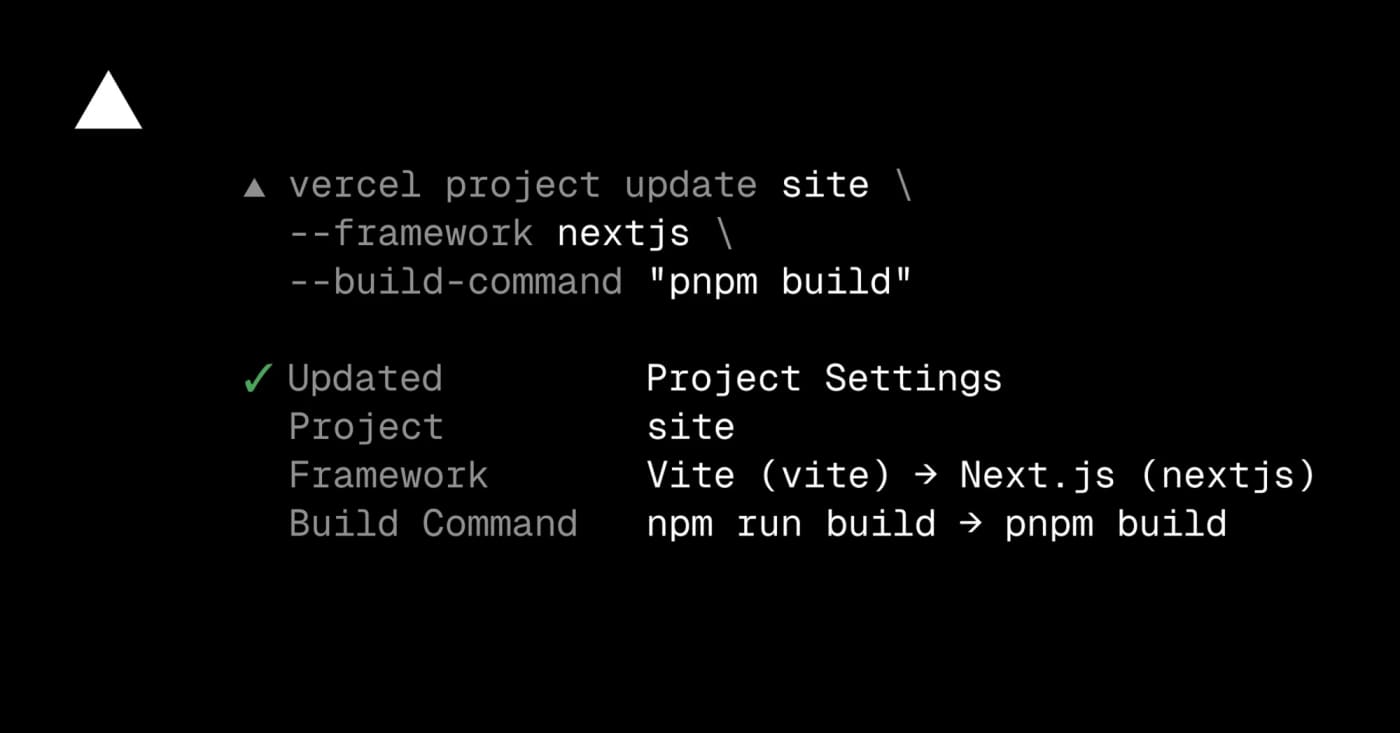
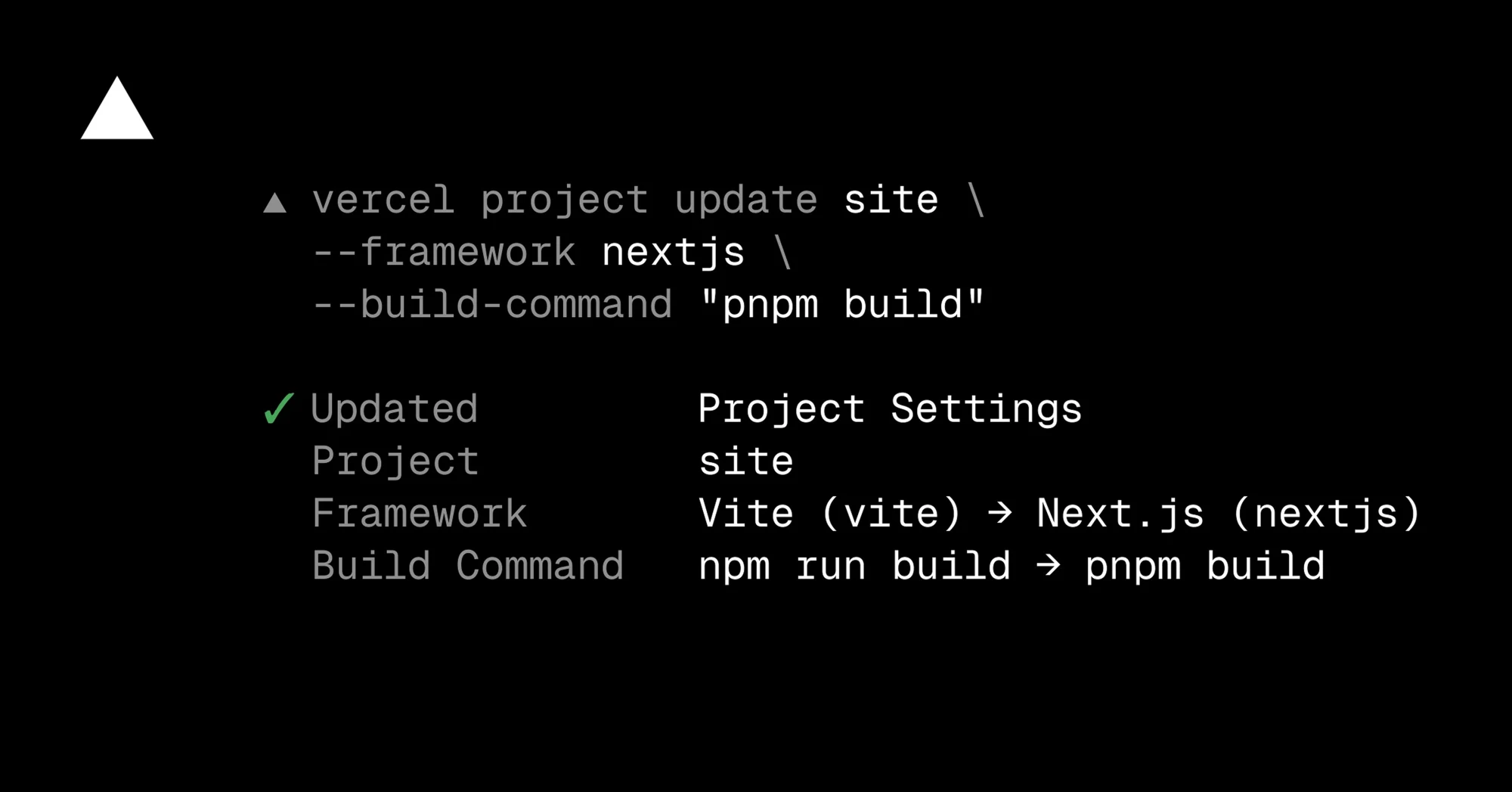
Vercel now lets teams update project framework and build settings from the terminal with vercel project update. It is most useful when an agent or CI helper has diagnosed a failed deployment and needs to correct the framework preset, build command, install command, development command, or output directory before redeploying.
Try it when a project was imported with the wrong preset, a monorepo output path changed, or a dashboard-only fix would slow down an automated recovery flow. Use --format=json when another script needs to inspect what changed, and use --auto-detect when you want Vercel to resume automatic detection for a setting.
What to check first:
- Update the Vercel CLI to v54.21.1 or later.
- Confirm the linked project or pass the project name explicitly.
- Review changed settings before redeploying production.
- Do not pipe secrets into build settings; keep secret values in environment variables.
Example use cases:
- Fix a Vite-to-Next.js preset mismatch.
- Reset a stale output directory to auto-detection.
- Let an agent repair build settings using JSON output for verification.
Discussion
Share practical experience, questions, or warnings with the community.
Sign in to join the discussion and vote on comments.
Sign in