Review large GitHub changes as stacked pull requests
GitHub's public preview for stacked pull requests helps teams split dependent code changes into ordered, reviewable layers.
- LinkLoot access
- Free
- Provider costs
- Unknown
What you get from it
Practical testing not documented.
LinkLoot assessment · not a user rating.
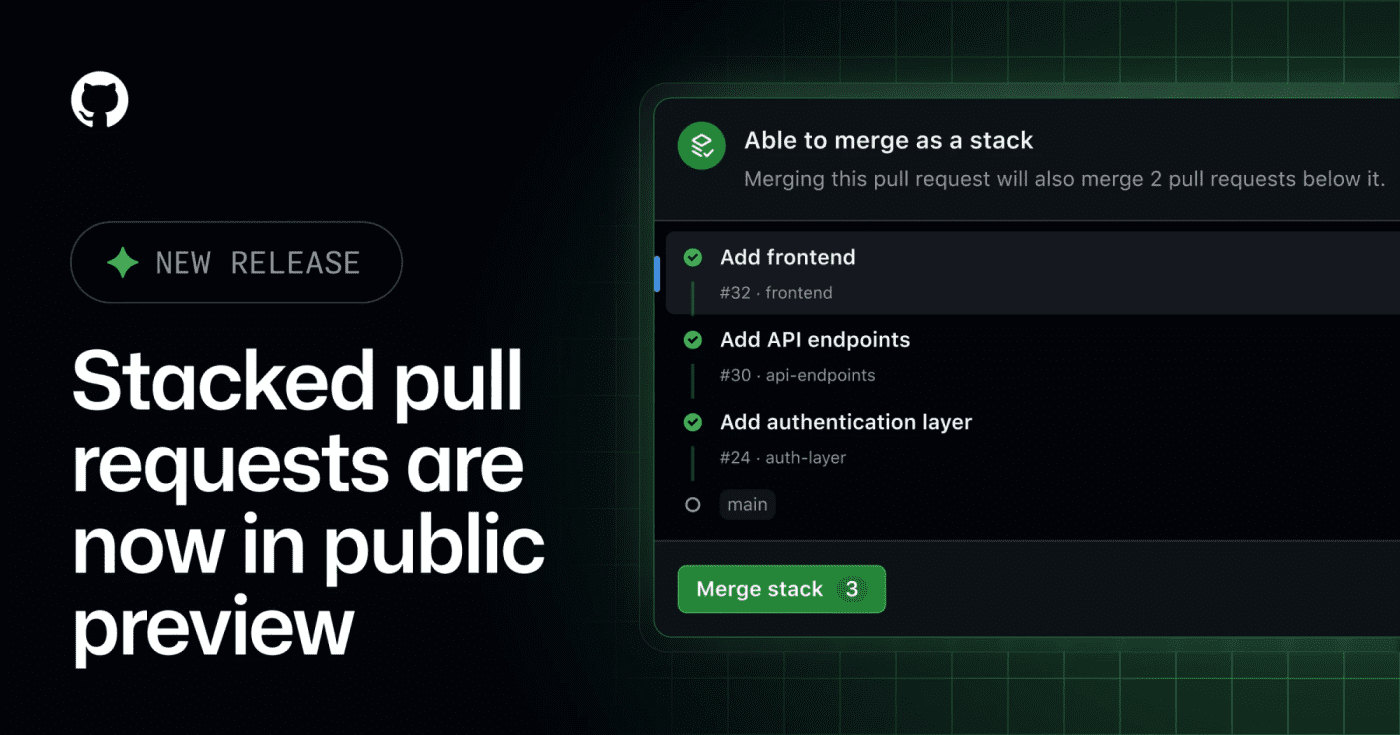
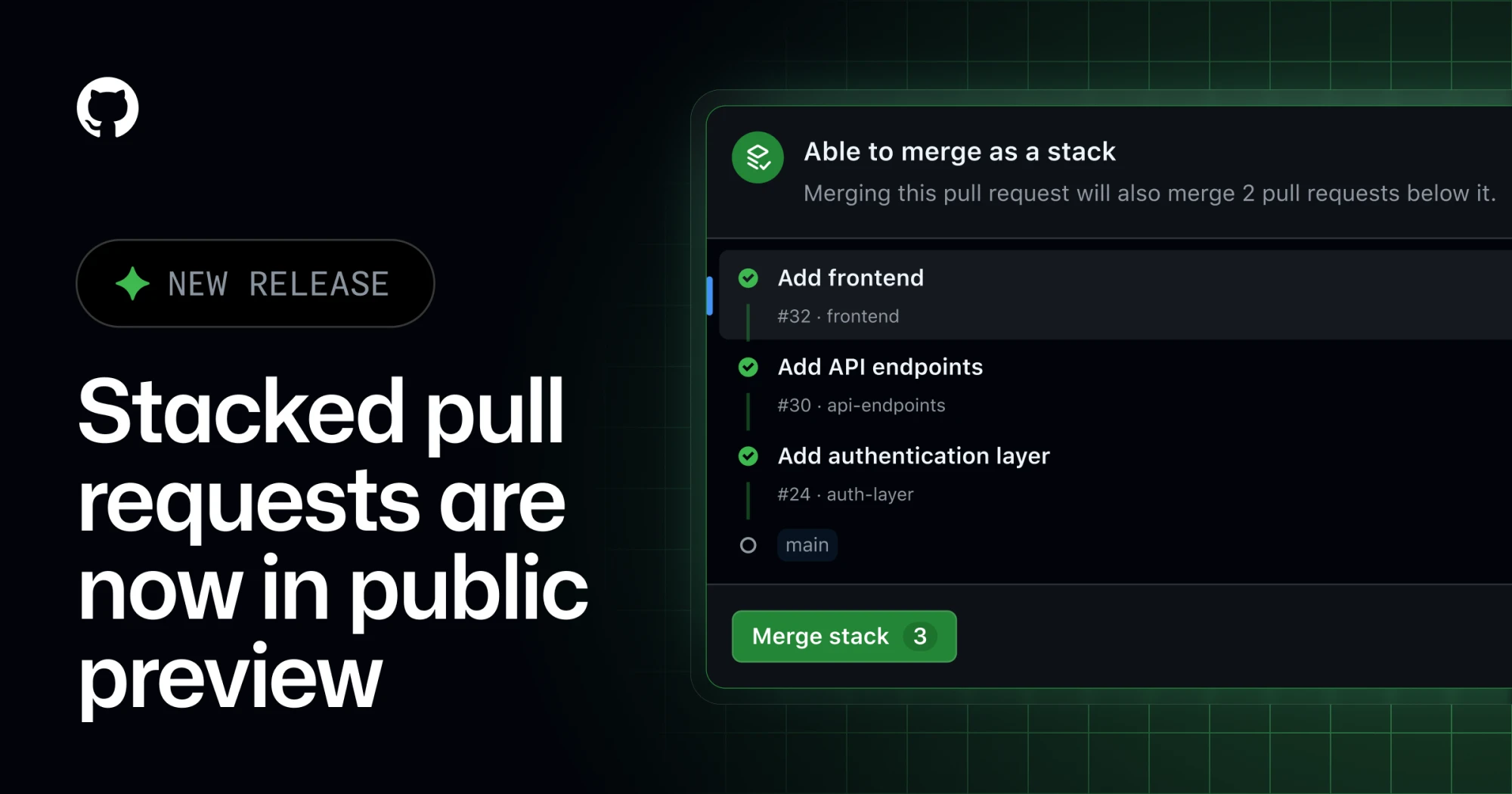
GitHub has opened stacked pull requests in public preview, giving teams a native way to split a large change into smaller dependent PRs without managing the stack entirely by hand.
What it is
Stacked pull requests are ordered PRs where each pull request represents one focused layer of a larger change. GitHub says reviewers can inspect each layer independently, then merge the stack together when the series is ready.
Who it helps
This is useful for engineering teams that regularly ship refactors, migrations, feature branches with several dependencies, or AI-assisted changes that are too large for one review. It also matters for teams using Copilot workflows, because the changelog notes Copilot using a gh-stack skill in the stacked-PR flow.
How to evaluate it
Try it first on a non-critical branch with a small three-PR stack: setup, implementation, and tests. Check how status checks, review comments, rebases, branch protection, and merge order behave in your repository before making it part of your default review workflow.
Limits and risks
This is a public preview, so workflows may still change. Teams should verify compatibility with required checks, release automation, merge queues, and any bot that assumes every PR can merge independently.
Sources
Discussion
Share practical experience, questions, or warnings with the community.
Sign in to join the discussion and vote on comments.
Sign in