Use GitHub Issue Fields to Let Agents Triage Work Without Label Sprawl
GitHub Issue Fields are now generally available, giving teams typed organization-level issue metadata that humans and MCP-connected agents can read, filter, and update.
What you get from it
What it does
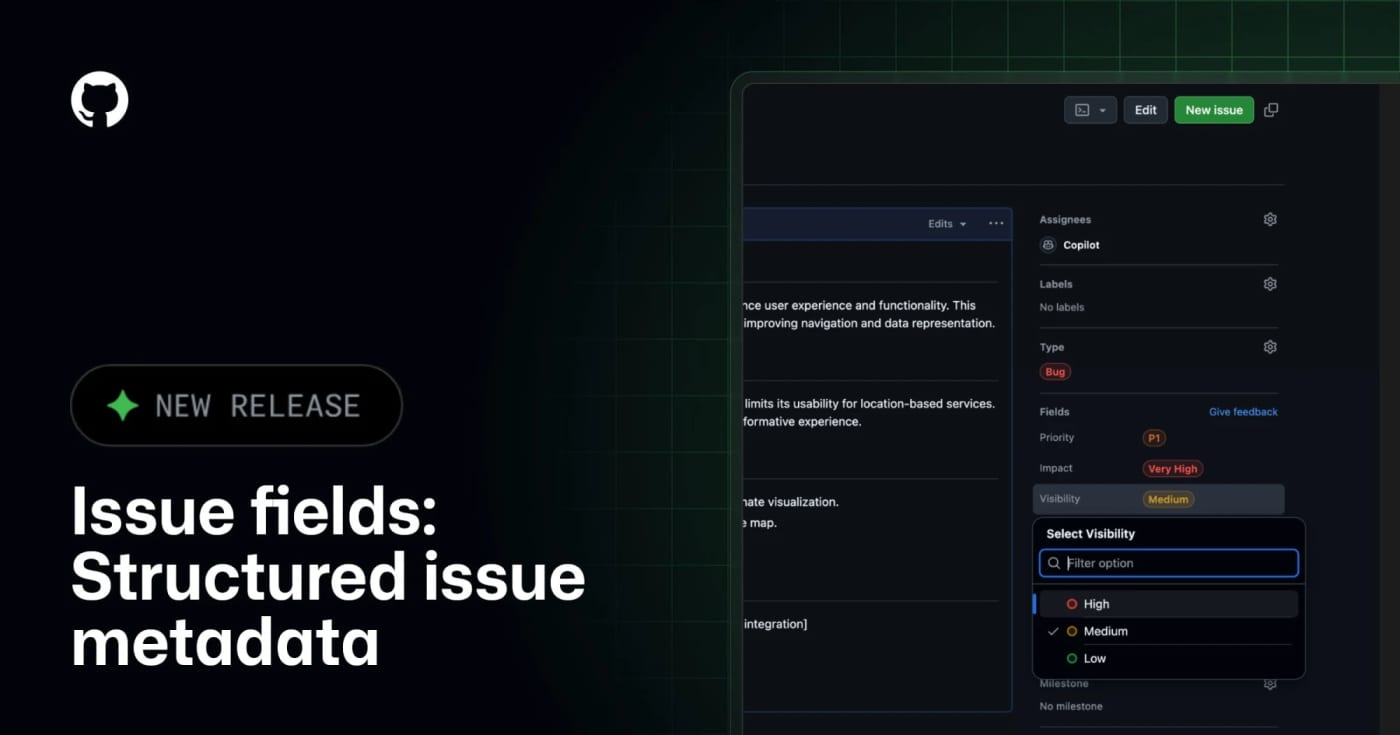
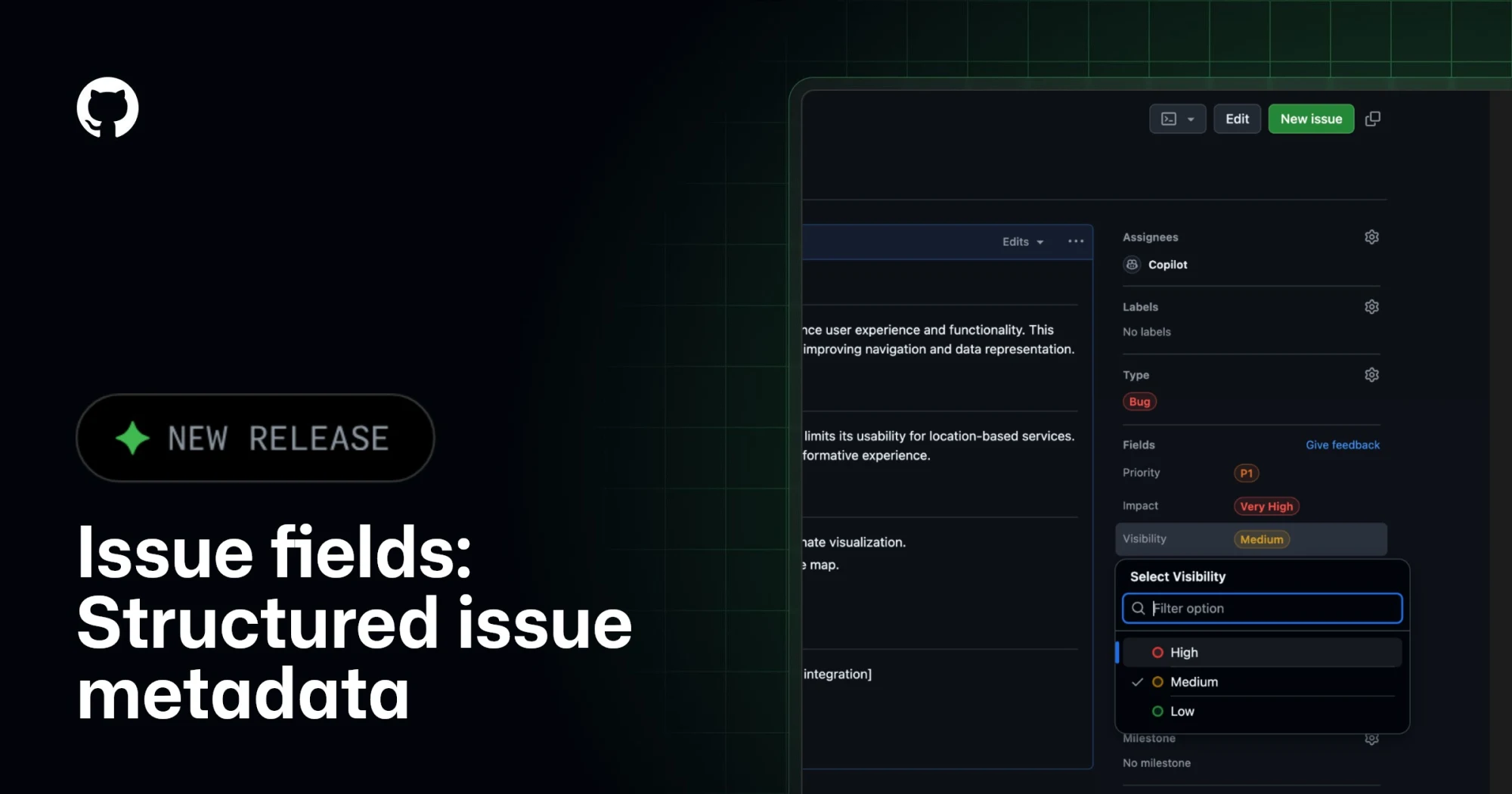
GitHub Issue Fields give an organization one shared set of typed issue metadata, such as priority, effort, start date, target date, area, or impact. Instead of encoding planning data in labels and project-only custom fields, teams can make the metadata visible on issues, project tables, boards, charts, and issue lists.
The practical agent angle is the GitHub MCP integration. GitHub says connected AI tools can read and set issue field values when creating or updating issues, which makes automated triage less dependent on brittle label naming conventions.
Best use
Use this when a repository or organization has too many labels, inconsistent bug/feature triage, or agents that create issues without enough structured planning context. A simple starting set is Priority, Effort, Area, Start date, and Target date.
Setup notes
Admins manage issue fields from organization settings under Planning > Issue fields. GitHub Docs say fields can be pinned to issue types, visibility can be public or organization-only, and public/internal projects only show fields with public visibility. Projects also have a 50-field total limit, so this should replace noisy metadata rather than add another layer.
Caveats
This is not a replacement for labels, milestones, or GitHub Projects. Treat it as the durable metadata layer for triage and planning. Before giving agents write access, decide which fields are safe to set automatically, which fields require human review, and which fields should stay organization-only.
Discussion
Share practical experience, questions, or warnings with the community.
Sign in to join the discussion and vote on comments.
Sign in