Topic
#project-management
Loot, blog posts and adjacent themes connected to this topic. Follow the tag to keep it in your orbit.
2Shown loot
1Shown articles
8Linked neighbor tags
Topic paths
If you want to go deeper, the adjacent tags are the fastest way to compare and branch into related workflows.
Loot
More from this topic
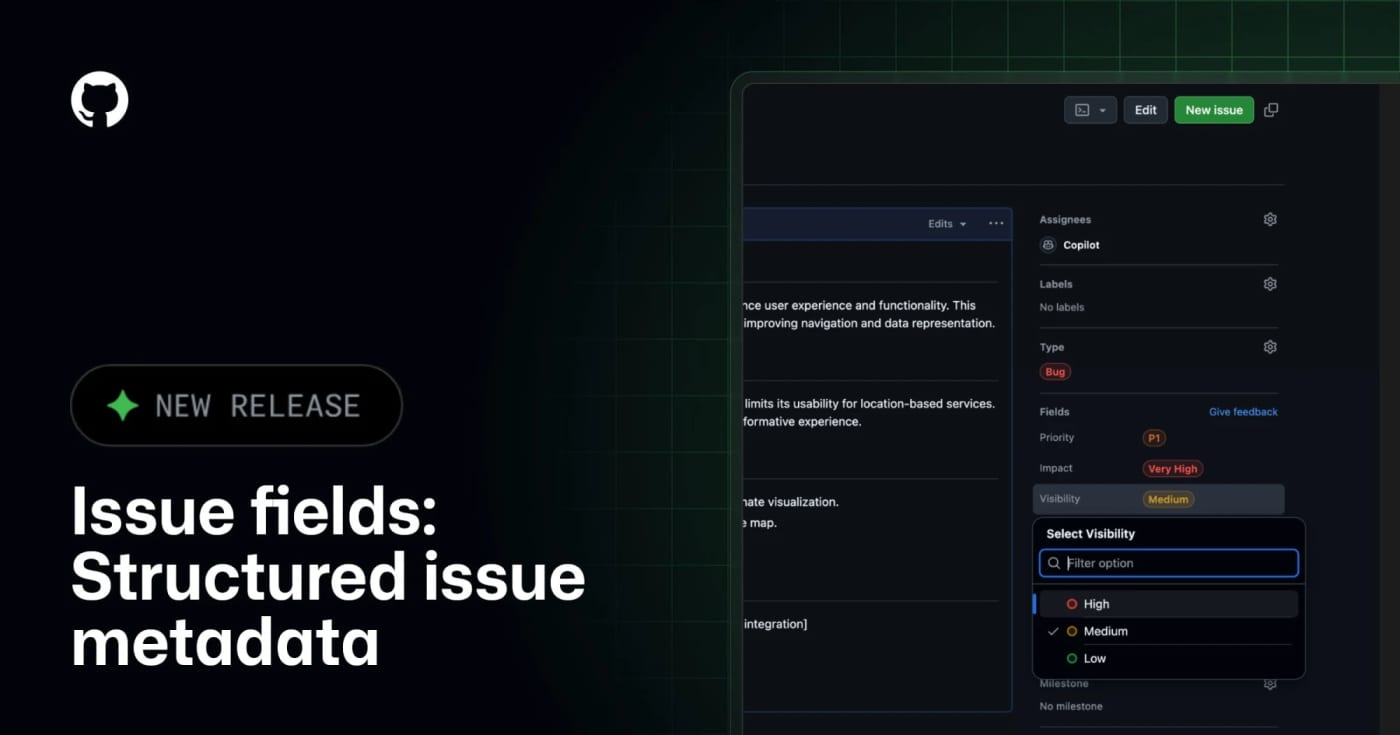
GitHub Issue Fields are now generally available, giving teams typed organization-level issue metadata that humans and MCP-connected agents can read, filter, and update. What it does GitHub Issue Fields give an organization one shared set of typed issue metadata, such as priority, effort, start date, target date, area, or impact. Instead of encoding planning data in labels and project-only custom fields, teams can make the metadata visible on issues, project tables, boards, charts, and issue lists. The practical agent angle is the GitHub MCP integration. GitHub says connected AI tools can read and set issue field values when creating or updating issues, which makes automated triage less dependent on brittle label naming conventions. Best use Use this when a repository or organization has too many labels, inconsistent bug/feature triage, or agents that create issues without enough structured planning context. A simple starting set is Priority, Effort, Area, Start date, and Target date. Setup notes Admins manage issue fields from organization settings under Planning Issue fields. GitHub Docs say fields can be pinned to issue types, visibility can be public or organization-only, and public/internal projects only show fields with public visibility. Projects also have a 50-field total limit, so this should replace noisy metadata rather than add another layer. Caveats This is not a replacement for labels, milestones, or GitHub Projects. Treat it as the durable metadata layer for triage and planning. Before giving agents write access, decide which fields are safe to set automatically, which fields require human review, and which fields should stay organization-only.
- LinkLoot access
- Free
- Provider costs
- Unknown
Review open

Paca is an open-source Jira/Trello alternative built for teams where humans and AI agents plan, pick up work, write specs, and ship from the same Scrum board. Paca is a self-hosted project management platform for teams that want AI agents to work inside the normal delivery loop instead of sitting beside it as chat widgets. It gives agents and humans the same board, sprint context, task flow, docs, and real-time updates. Why this is worth saving AI agents can be assigned to sprints and appear on the Scrumban board with human teammates. The project includes MCP support, so compatible AI tools can access projects, tasks, sprints, documents, members, comments, attachments, and plugin tools through a structured interface. Teams can customize workflows, statuses, fields, board layouts, sprint rules, and agent behavior through configuration. Plugins extend the system with WASM backend modules and frontend modules, with capability-style permissions. It is Apache-2.0, self-hosted, and currently packaged with install assets through GitHub Releases. Fast workflow Star or watch the repo so you can track the fast release pace. Spin it up in a disposable test environment first, not production. Connect one MCP-compatible assistant to a test project. Create a small sprint with low-risk tasks and ask the agent to update status through Paca instead of chat. Review the activity diff and task history before letting agents touch larger workstreams. What to test first Area What to check Why it matters :--:--:-- MCP server Project/task/sprint tool access Determines whether your agent stack can use Paca as a real operating layer Scrumban board Human and agent task movement Shows whether the workflow feels natural for mixed teams Plugin model WASM/backend and frontend extension paths Useful if your team needs custom process logic Deployment Docker Compose and release assets Confirms whether self-hosting fits your infrastructure Security posture API keys, sandboxed agents, permissions Required before bringing real company data into the system Caveat This is a young, fast-moving project. Treat it as promising infrastructure to evaluate, not a drop-in replacement for an enterprise Jira setup yet. Run a sandbox pilot, read the deployment files, and verify the MCP/API permission model against your own security requirements. Source check GitHub repo confirms Apache-2.0 licensing, self-hosted positioning, MCP support, OpenHands-powered agents, WASM plugins, and current project stats. The official website confirms the product positioning: humans and AI agents working on one Scrum team. The latest GitHub release confirms active release packaging, including Docker Compose, gateway config, and install script assets.
- LinkLoot access
- Free
- Provider costs
- Unknown
Review open
Blog