Topic
#issue-triage
Loot, blog posts and adjacent themes connected to this topic. Follow the tag to keep it in your orbit.
2Shown loot
0Shown articles
8Linked neighbor tags
Topic paths
If you want to go deeper, the adjacent tags are the fastest way to compare and branch into related workflows.
Loot
More from this topic

GitHub's new issue automation controls let teams inspect rationale, confidence, and suggested metadata changes from Copilot cloud agent and Agentic Workflows. GitHub Issues now has a practical review layer for agent-driven triage. It is useful if you let Copilot cloud agent or GitHub Agentic Workflows label, assign, type, close, or update issue fields and want fewer unexplained changes in busy repositories. What it is GitHub added rationale, confidence, and approvals for supported issue automation actions. Agents can attach a reason to a change, rate confidence as high, medium, or low, and leave lower-confidence actions as suggestions instead of applying them immediately. Who it helps Maintainers, support teams, and product squads that use issue automation can use this to keep triage fast without making every metadata change invisible. It is especially relevant for public repositories, large backlogs, and workflows where spam detection, priority labels, or owner assignment need review. How to evaluate it Start with one workflow that touches low-risk fields such as labels or issue type. In GitHub Agentic Workflows, GitHub says issue intents are optional and enabled by default, and can be required per safe output. For Copilot cloud agent, GitHub says no update is needed; test from the Automations pane in the repository Agents tab. Use has:suggestions in issue search to find pending review items, then compare agent rationale against your existing triage rules. Limits and risks GitHub explicitly says approvals are a workflow convenience, not a security control. They do not create a server-side permission boundary, and an agent with permission to change issues can still apply changes directly if configured to do so. Treat this as observability and review UX, not a substitute for least-privilege access. Sources GitHub changelog GitHub Docs: rationale, confidence, and approvals
- LinkLoot access
- Free
- Provider costs
- Unknown
Review open

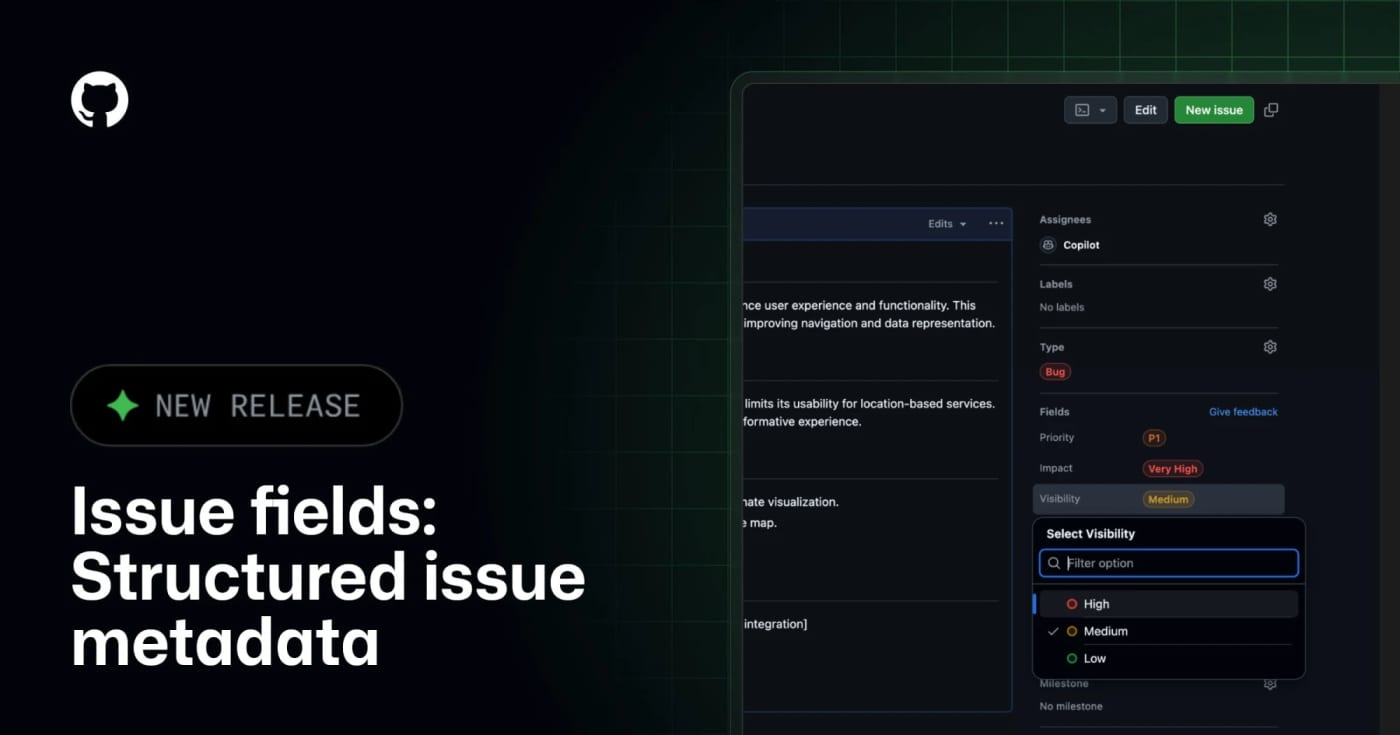
GitHub Issue Fields are now generally available, giving teams typed organization-level issue metadata that humans and MCP-connected agents can read, filter, and update. What it does GitHub Issue Fields give an organization one shared set of typed issue metadata, such as priority, effort, start date, target date, area, or impact. Instead of encoding planning data in labels and project-only custom fields, teams can make the metadata visible on issues, project tables, boards, charts, and issue lists. The practical agent angle is the GitHub MCP integration. GitHub says connected AI tools can read and set issue field values when creating or updating issues, which makes automated triage less dependent on brittle label naming conventions. Best use Use this when a repository or organization has too many labels, inconsistent bug/feature triage, or agents that create issues without enough structured planning context. A simple starting set is Priority, Effort, Area, Start date, and Target date. Setup notes Admins manage issue fields from organization settings under Planning Issue fields. GitHub Docs say fields can be pinned to issue types, visibility can be public or organization-only, and public/internal projects only show fields with public visibility. Projects also have a 50-field total limit, so this should replace noisy metadata rather than add another layer. Caveats This is not a replacement for labels, milestones, or GitHub Projects. Treat it as the durable metadata layer for triage and planning. Before giving agents write access, decide which fields are safe to set automatically, which fields require human review, and which fields should stay organization-only.
- LinkLoot access
- Free
- Provider costs
- Unknown
Review open
Blog
Related reads
No blog posts for #issue-triage yet
There is no published article with this tag right now. Browse the blog for adjacent themes or follow the tag for future updates.