Run longer agent jobs with DeerFlow before handoffs lose context
An open-source super-agent harness for research, coding, sub-agents, memory, sandboxes, and skills.
- LinkLoot access
- Free
- Provider costs
- Unknown
What you get from it
Practical testing not documented.
LinkLoot assessment · not a user rating.
What it is
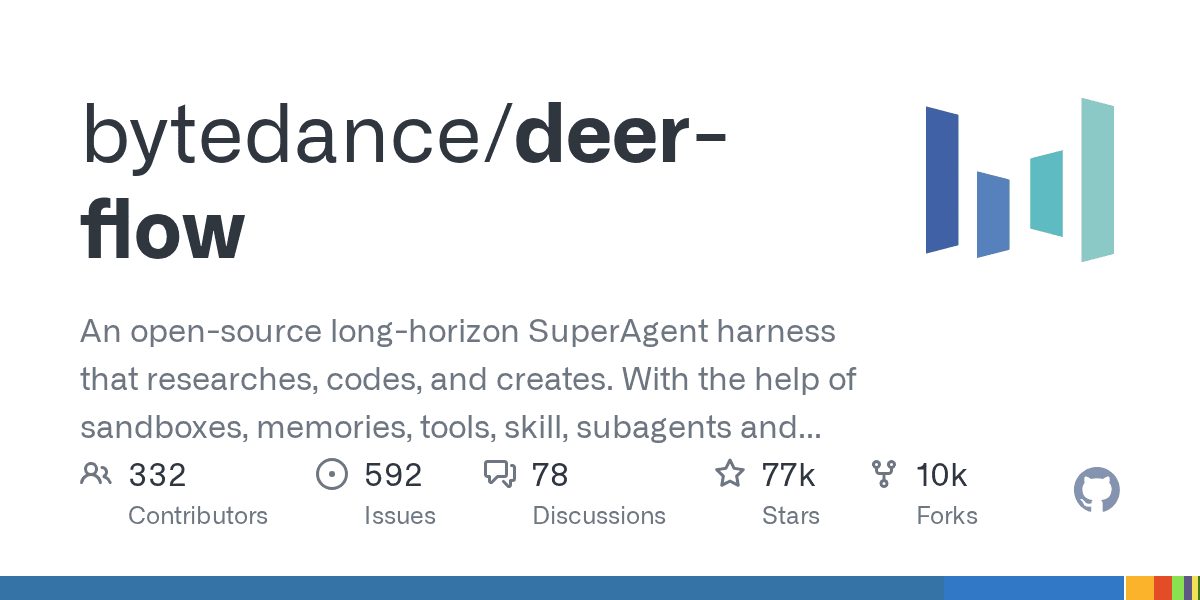
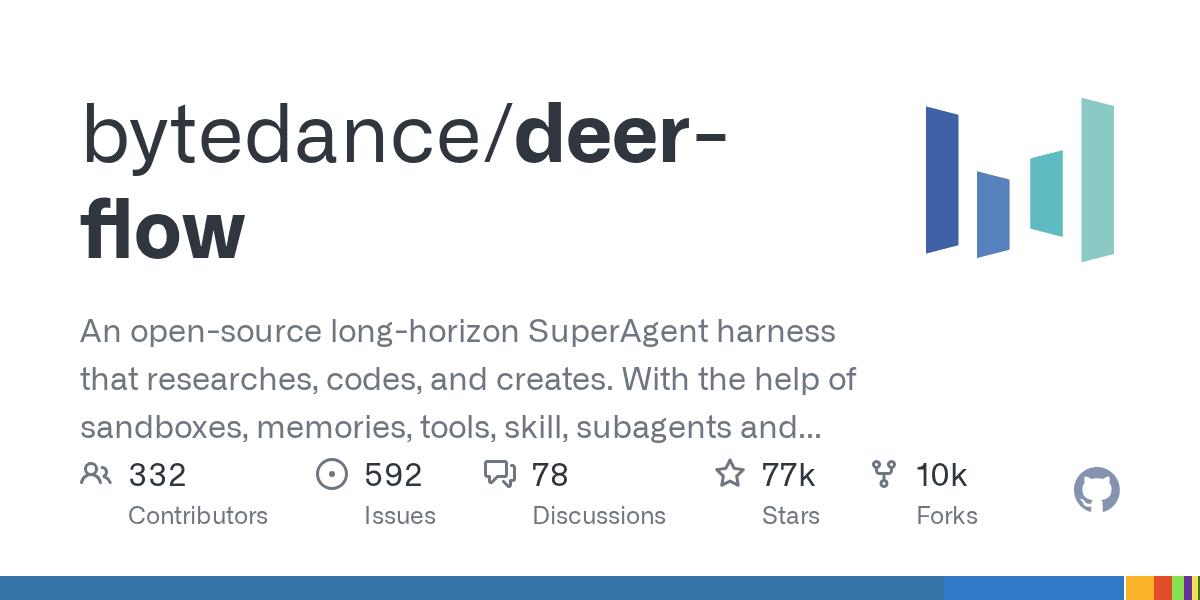
DeerFlow is ByteDance's open-source super-agent harness for longer jobs that need more than a single chat turn. It combines sub-agents, memory, sandboxes, skills, and a message gateway so an agent can research, code, create artifacts, and continue work across multi-step sessions.
Who should use it
Use it if you are evaluating agent infrastructure for deep research, coding workflows, report generation, or multi-agent task execution. It is most relevant for builders who already understand the cost and risk of letting agents use tools, files, shells, or browser/search providers.
How to evaluate it
- Start with the official repository and installation guide.
- Run it locally or in Docker before exposing it to shared users.
- Use
make setupandmake doctorto generate config and catch setup problems. - Test one contained workflow first: research summary, codebase inspection, or document generation.
- Keep sandbox mode and provider limits tight until you understand the execution path.
Limits and risks
DeerFlow is powerful because it can coordinate tools, models, files, and sub-agents. That also means misconfiguration can create security risk. Review the .env, model-provider config, shell/file-write permissions, sandbox settings, and any skill code before running it on sensitive projects.
The repo also notes that DeerFlow 2.0 is a ground-up rewrite, so teams using older DeerFlow material should check whether guidance applies to the current branch.
Source links
- Primary source: https://github.com/bytedance/deer-flow
- Discovery/context: https://github.com/topics/ai-agents
Discussion
Share practical experience, questions, or warnings with the community.
Sign in to join the discussion and vote on comments.
Sign in